06/02/2020 Vers. 0.0 65
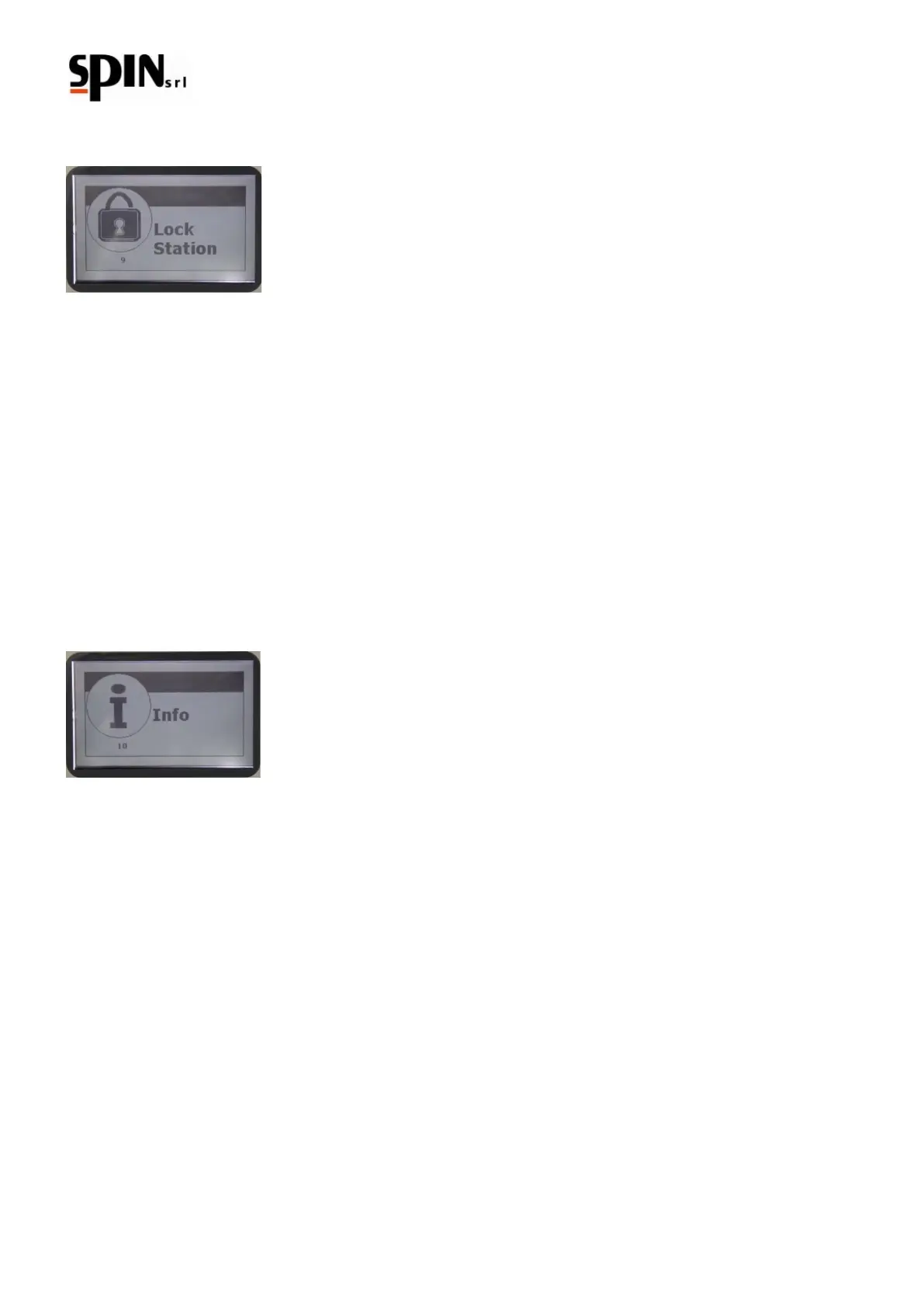
10.10 Lock Station
By default this option is off, to put it on ask for information at your seller.
10.11 Info
In the Info menu it is possible to find some useful information aboutDUAL PLUS. Pressing the "Enter" key will show
on the display a page reporting the following information:
Setting - Version FW - Capacity of the internal bottle - Service Date
Pressing the right arrow key, the last operation run will be shown.
Date and Time –Result –Details of the function.
Pressing again the right arrow key, tha gas report will appear:
Date and Time - Total amount of gas recovered - Total amount of standard oil recharged - Total amount of hybrid
oil recharged - Total amount of additive recharged - Total amount of oil discharged - Total amount of time
of work of the vacuum pump.



 To Next Page