06/02/2020 Vers. 0.0 56
After changing the parameters, navigate with the arrow keys until the “START” symbol on the left, open “High
pressure” and “Low pressure” taps, then press “Enter” to confirm.
It will run automatically the whole cycle.
For the recovery phase, the automatic cycle provides 2 recoveries with a 2 minutes pause in stand-by mode.
Once the cycle is finished the display will show a “Automatic Cycled finished Press ENTER” message.
The current gas inside the DUAL PLUS hoses can be recovered by removing the quick fittings from the AC system
and selecting the Recovery (see paragraph 10.3.1 manual recovery function).
At the end of the cycle it will be possible to print the operation by pressing the “Print” key (only Printer version).
The display will show a “Individual printing” message. Press “Enter” to start the operation.
Take notice: do not pull the paper while printing.
If leakage is detected, the display will show a "leak system" message (only if the leaking test was previously
programmed), in that case it will be necessary to find the leakage with thehelp of a leak detector lamp or a leak
detector (accessories upon request).
Take notice: if a function standard is positioned on zero that function will not be executed.
Take notice: If the current amount of gas in the internal bottle before starting the stage is less than 1 Kg, the
display will show a “insufficient gas” message. Run an internal bottle recharge.
10.5 Data Base
At first select the desired refrigerant (R134 or HFO1234YF) from the page Home.
ATTENTION! Before selecting the system type make sure that the two HP and LP rapid couplings present at the
end of the hoses are connected to the two male couplings present on the station!
Ensure that in the internal bottle there is a sufficient amount of gas before proceeding.
If the current amount of gas in the internal bottle before starting the stage is less than 1 Kg, the display will show a
“insufficient gas” message. Run an internal bottle recharge (see the paragraph Charging Internal Bottle)
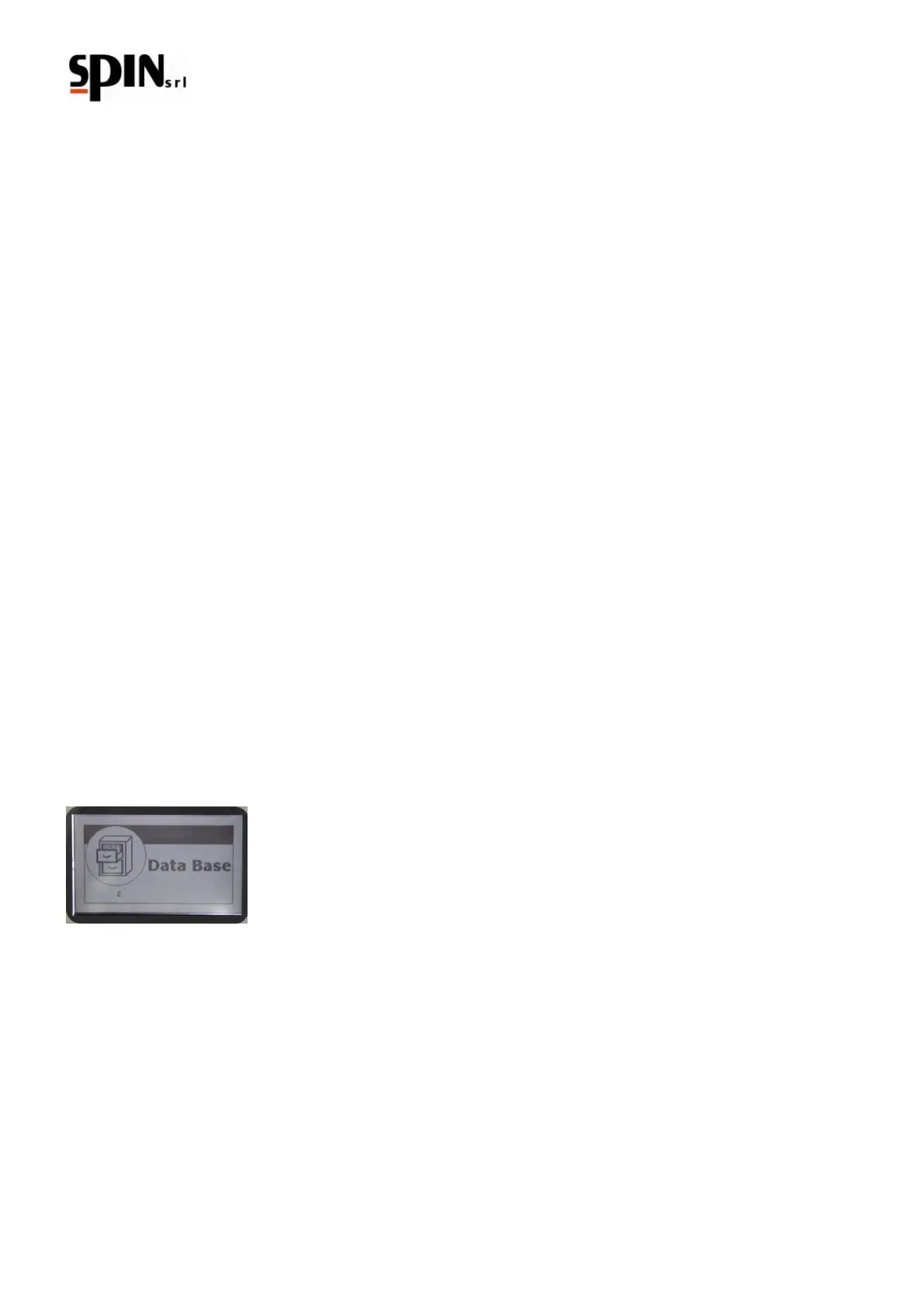
From the main page use the arrow “right/left” keys to navigate through the menu and select the “Data Base”
symbol.
Press the “Enter” key to enter in the Data Base menu.
Take Notice: It is possible to use the “Data Base” key on the keyboard to access directly the Data Base menu.
Use the arrow “right/left” keys to search the desired category (CAR/TRUCK/TRACTOR/ PERSONAL DATABASE)
confirm by pressing the “Enter” key.



 To Next Page