06/02/2020 Vers. 0.0 61
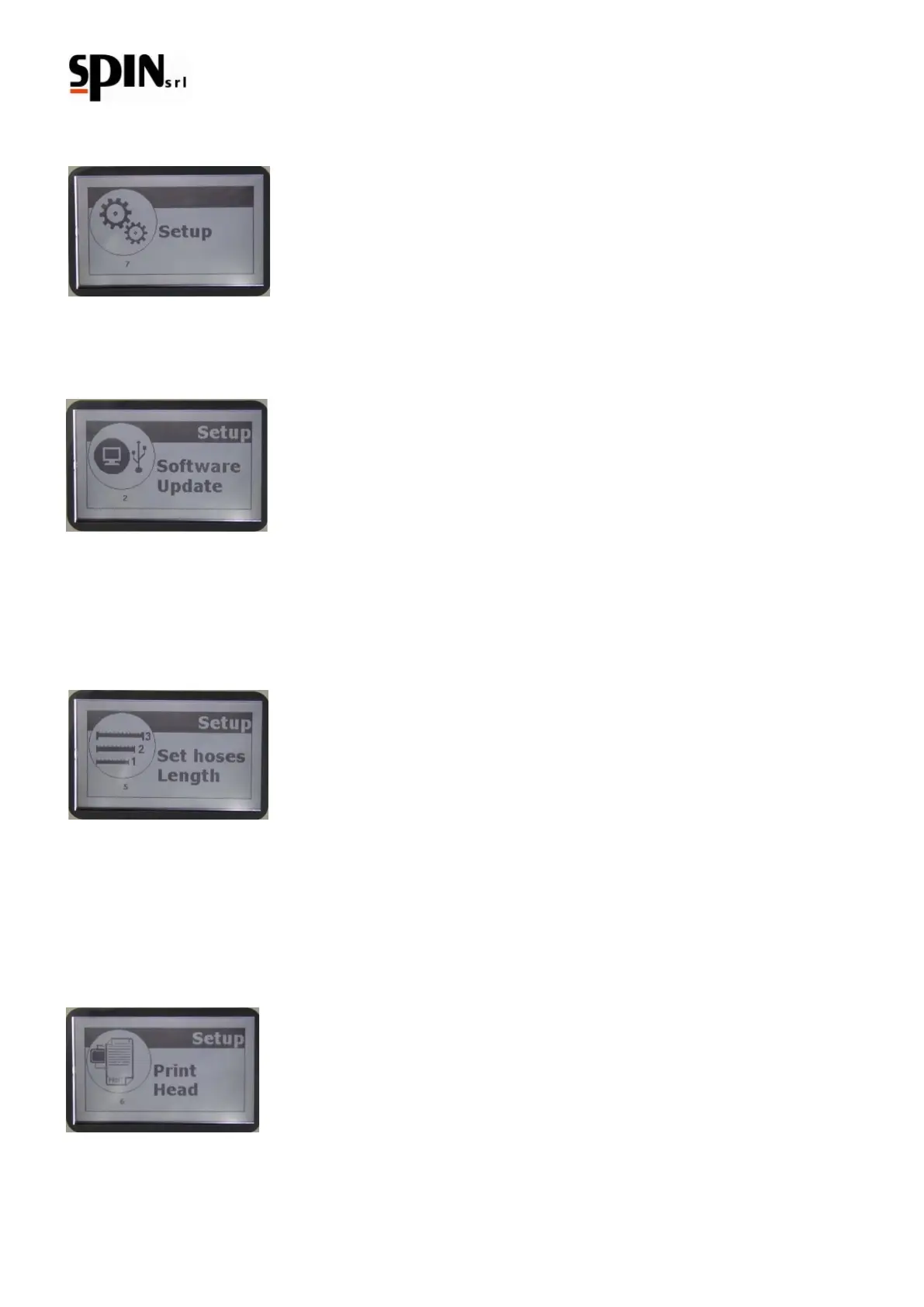
10.8 Setup
It is possible to change some settings of “DUAL PLUS” by pressing the "Setup" symbol.
10.8.1 Software Update
This function allows the update of the AC station's software and Data Base
10.8.2 Hose length setting
Use the up/down arrow keys to set the length of the hoses. The station will automatically compensate the amount
of gas contained inside the hoses during the recharging phase.
To confirm press the "Enter" key
10.8.3 Head printing
Use this function to set the head printing.
Nr. 10 rows of 21 letters are available.
Use the right/left arrow keys to move on the grid.
Pressing the "F" key at the same time of the right/left arrow key, it is possible to move vertically on the grid.
Use the up/down arrow keys to select a letter.
Press the "Enter" key to confirm
10.8.4 Sensor Control
Use this function to control the machine's status (for Service)



 To Next Page