06/02/2020 Vers. 0.0 58
ATTENTION ! Before selecting the system type make sure that the two HP and LP rapid couplings present at the
end of the hoses are connected to the two male couplings present on the station!
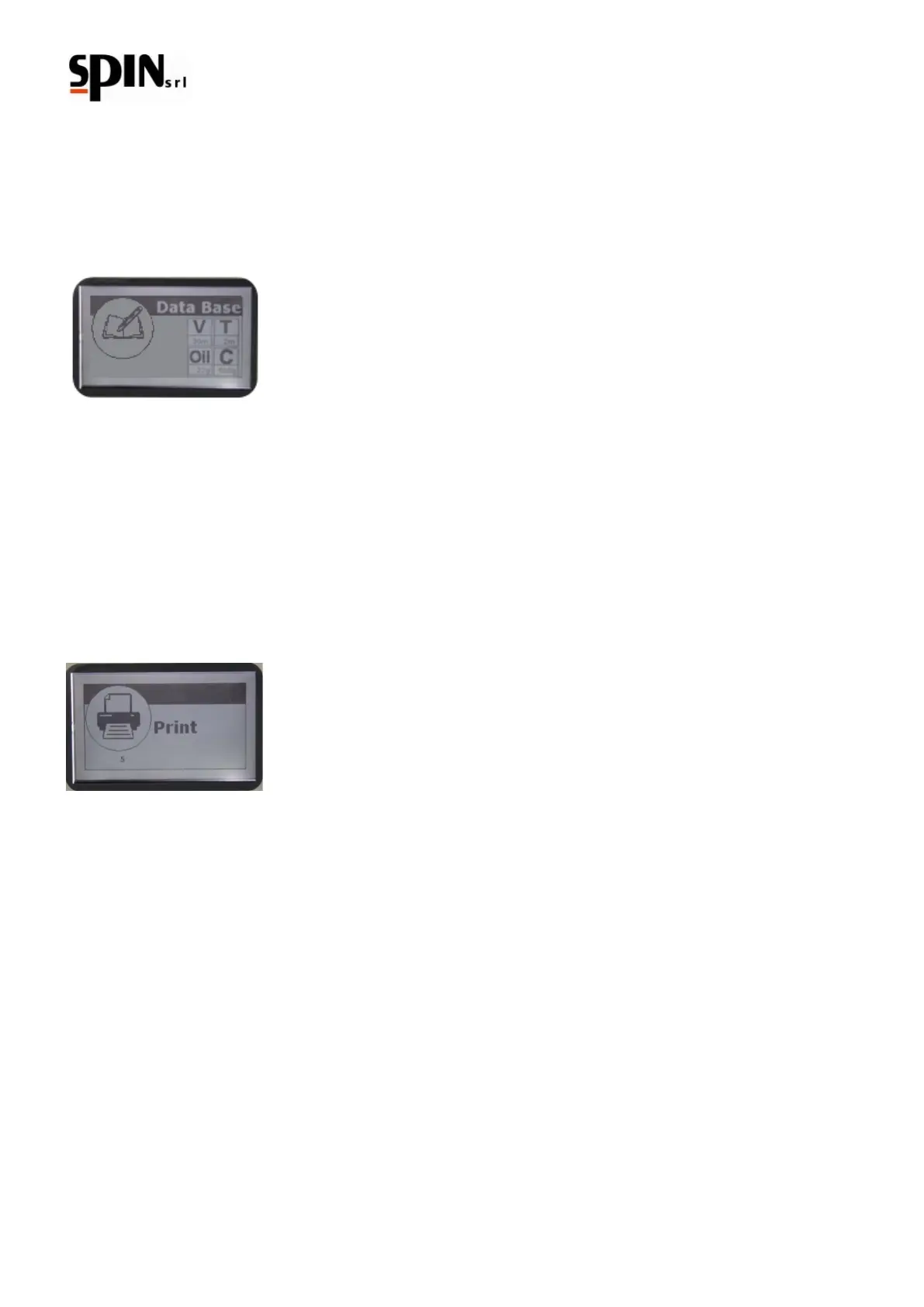
To use the stored data you have to enter in the menu DataBase and choose the category Personal DB.
Select the position where the data have been yet stored.
It will appear the following screen with the previous stored data:
Press “Enter” to pass on the screen Manual/Automatic, from which you can start the automatic cycle or the single
functions in manual.
10.6 Printing (only Printer version)
10.6.1 Individual printing
The printing function provides the printing of the last operation executed.
To access this function select “print” from the main menu and confirm by pressing the “Enter” key or press the
“Print” key on the keyboard.
Depending on the last operation run, the following operations are possible:
1) Printing of the last operation run (from the manual cycle)
2) Printing with the option of inserting the vehicle's plate, brand and kilometres (from the automatic cycle)
3) Printing with automatic visualization of the vehicle (from the Data Base) with plate and kilometres
10.6.2 Total Printing
To enter the function "Total Printing" select "Print" from the main menu and confirm with "Enter". Use the right/left
arrow keys to enter the menu "Total Printing". It is possible to have the reports concerning gas and oil for the
considered period of time and for a specific User.



 To Next Page