06/02/2020 Vers. 0.0 51
10.3.1 Operation description menu “Manual/Automatic”.
Recovery function:
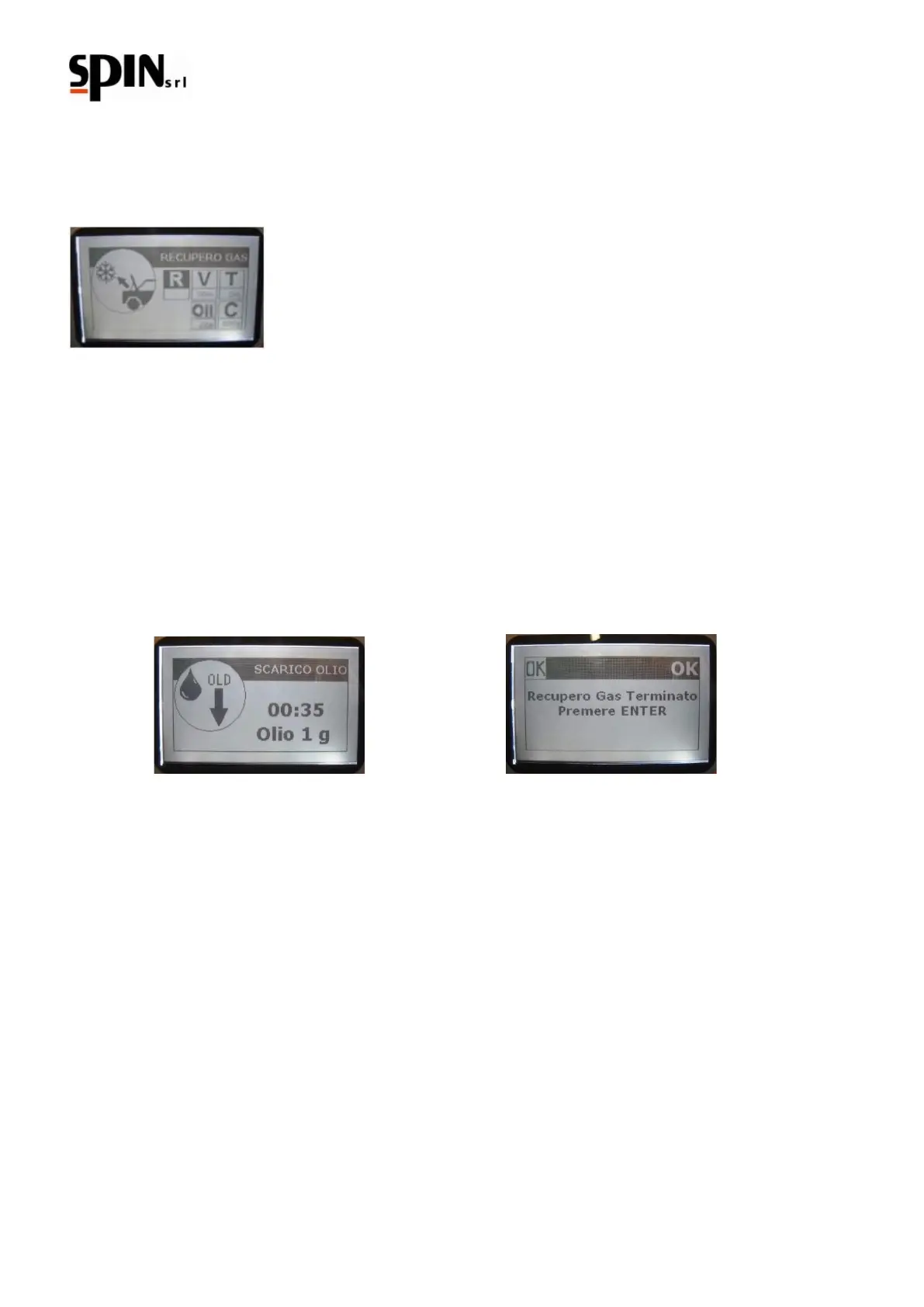
Use the arrow “right/left” keys to navigate through the menu and select the “R” gas recovery symbol;.
Open the high and low pressure taps
Confirm by pressing the “Enter” key to recover the refrigerant from the AC system.
The station will try to perform a recovery.
Take notice: when the gauge pressure on the LP and HP is less than 0 bar (absence of pressure) it will start
the oil draining.
The recovery will end automatically once the AC system does not contain any gas (pressure <0 bar). You can
interrupt the recovery function at any time by pressing the "C" key.
At the end of the recovery, the station will automatically move to the oil draining function;
If during the oil draining occurs a pressure increase, it is automatically activated the recovery function.
Note: The machine is equipped with a safety device that controls the current gas amount in the internal
bottle; trying to perform a recovery with the bottle filled over the alarm threshold (> 80%) the display will
show a “full bottle” message. In this case it is necessary to drain extra gas in a rechargeable external
bottle.
Vacuum function:
Use the arrow “right/left” keys to navigate through the menu and select the “V” Vacuum symbol;
Use the arrow “up/down” keys to set up the vacuum desired duration (the recommended duration is 20 minutes at
least).
Open the high and low pressure taps
To confirm the programmed duration time set and run the vacuum function press the “Enter” key.



 To Next Page