06/02/2020 Vers. 0.0 62
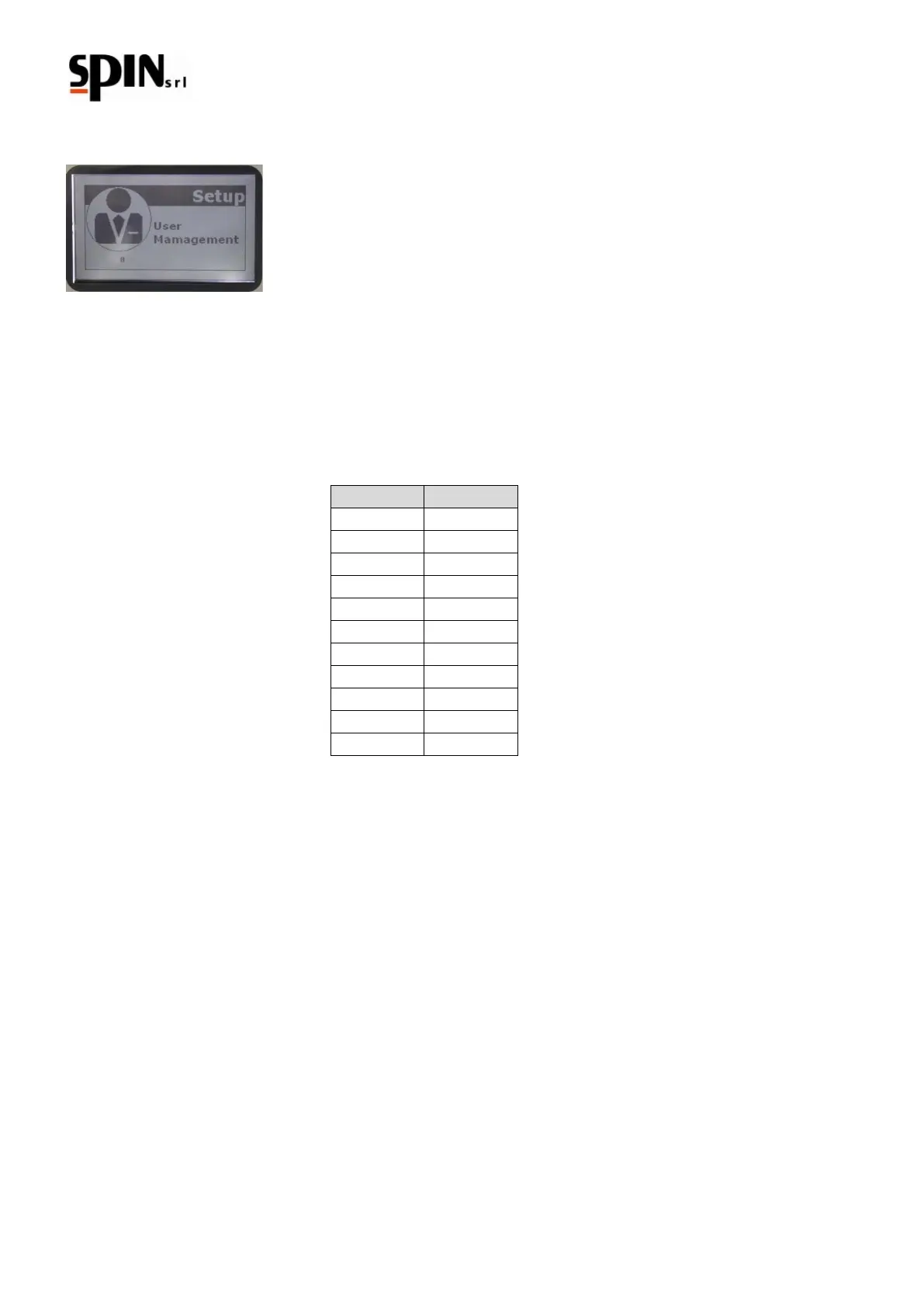
10.8.5 User Management
Use this function to modify user and password. Nr. 10 user's accounts are available.
Once inside the "User Management" menu, the user (00; 01; 02;…;10) with its password will be shown.
The administrator is user "00" and the default password is "0000".
Take notice: Only the administrator may create or modify other users’ passwords.
The default passwords are:
To modify the password of the user administrator "00"
Select User "00"
Move with the arrow keys on "password"
To confirm press the "Enter" key
Insert the new password and the old password
To confirm press the "Enter" key
To modify other users’ passwords (00 – 10)
Only by entering as user administrator "00" you will be allowed to modify other users’ passwords.
Enter in the dedicated page
Insert the number of the user "XX"
Turn it on with on/off
Insert the new password
Insert in the proper square the old password



 To Next Page