06/02/2020 Vers. 0.0 64
10.9 Setting
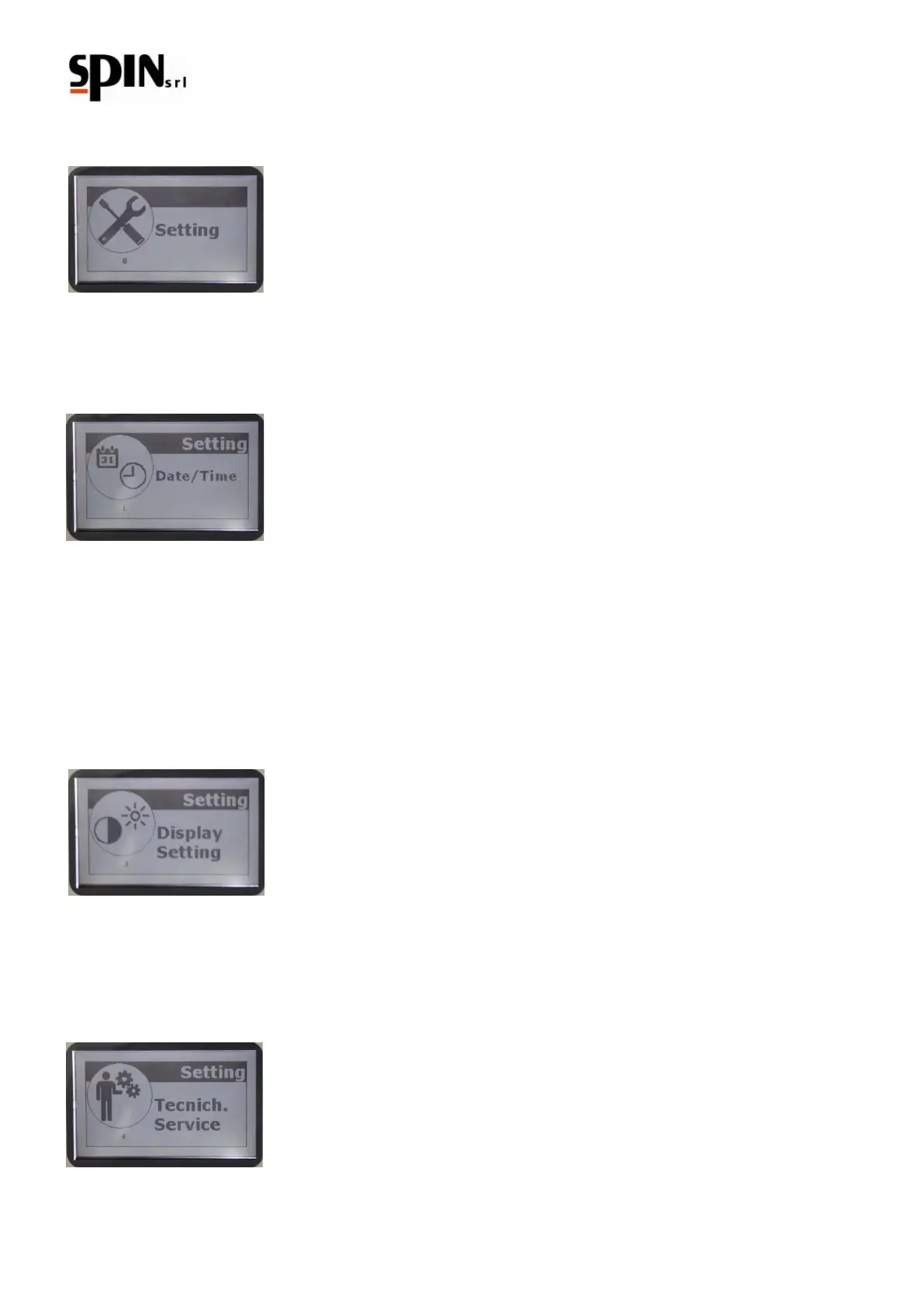
In the Setting menu it is possible to change some settings of “DUAL PLUS”.
10.9.1 Date/Time
Use the "Enter" key to modify date and time. Use the arrow keys to change the datas shown and the "Enter" key to
confirm. Confirming the minutes you leave the Date/Time Setting.
10.9.2 Language
Use this function to select the desired language.
10.9.3 Display Setting
It is possible to control the contrast of the display. Use the arrow keys to modify the values shown. Use the "Enter"
key to confirm.
10.9.4 Technical Service
For technical assistance only.



 To Next Page