06/02/2020 Vers. 0.0 52
Take notice: during the vacuum function it is possible to press the arrow “up/down” keys to modify the
vacuum duration (operating duration).
Take notice: if trying to run a vacuum with the system under pressure (>0.2 bar) the display will show a
“warning system under pressure” message. In this case it is necessary to run a recovery first.
Take notice: if during the vacuum function occurs a pressure increase, the display will show a “warning
system under pressure”. In this case it is necessary to run a recovery first.
NOTE: after the vacuum function it will be run a “vacuum test” if programmed with a different value from 0
to the test vacuum parameters.
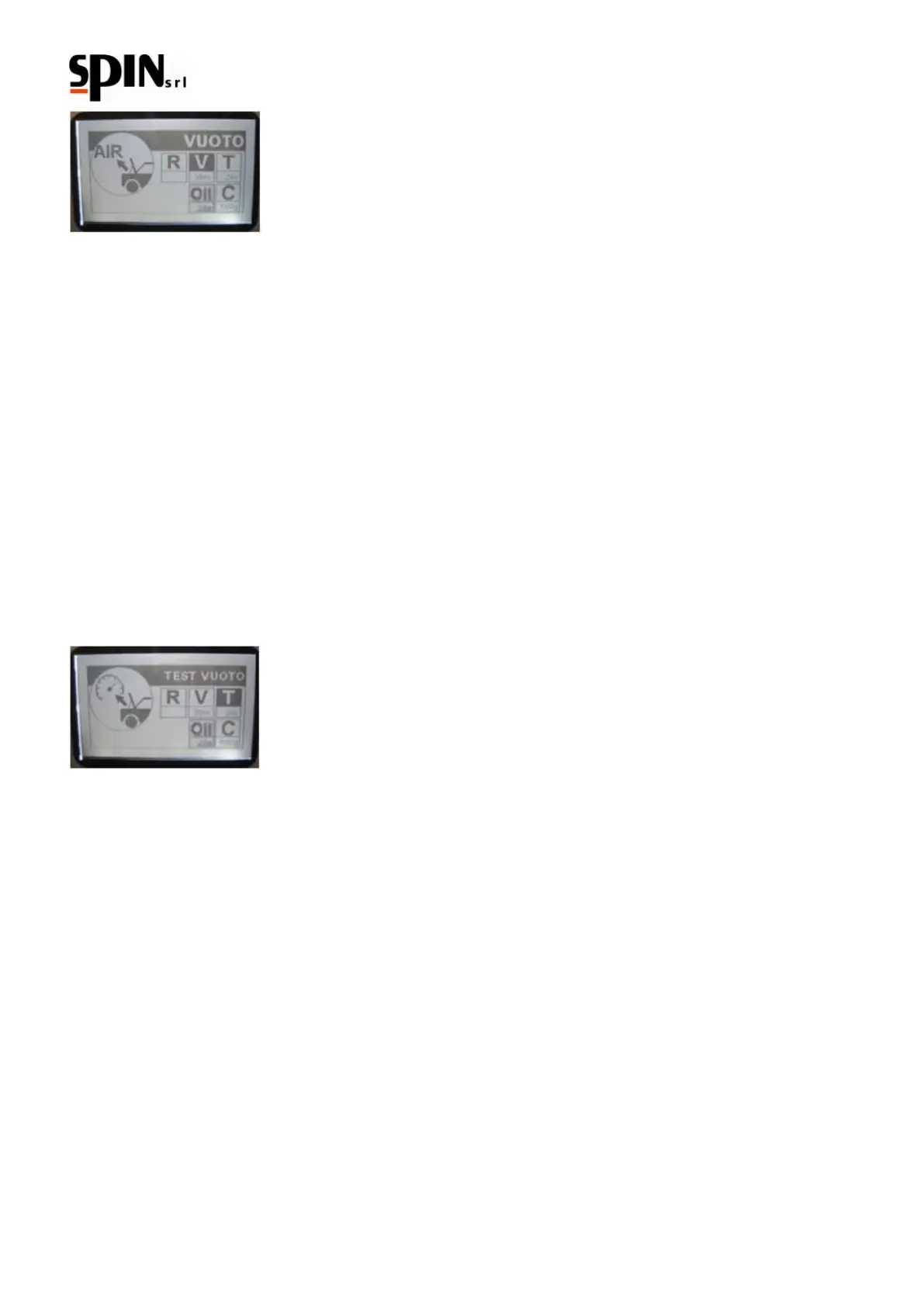
Test vacuum function:
Use the arrow “right/left” keys to navigate through the menu and select the “T” Vacuum Test symbol;
Use the arrow “up/down” keys to set up the vacuum desired duration (the recommended is 2 minutes at least).
To confirm the programmed duration and run the vacuum function press the “Enter” key.
If a vacuum test is set up (> 0), at the end of the vacuum function it will start automatically a vacuum test with the
programmed duration. After the programmed duration, if it is not detected any leaks in the AC system the display
will show the "Vacuum and Vacuum Test finished, press Enter" message.
If a leak is detected in the station, the display will show a “system leak” message(only if the leak test was previously
programmed);
in that case it will be necessary to find the leakage with the help of a leak detector lamp or a elettronic leak detector
(accessories upon request).
Oil charging function:
Use the arrow “right/left” keys to navigate through the menu and select the “Oil Charge” symbol (Smix / Hmix)
depending on system type selected.
Use the arrows “up/down” to programme the amount of charging oil.



 To Next Page