06/02/2020 Vers. 0.0 54
Use the arrow “right/left” keys to navigate through the menu and select the “Oil Charge” symbol (Hmix).
Use the arrows “up/down” to programme the amount of charging oil.
Open the high and low pressure taps.
Press the “Enter” key to run the oil charging.
Take notice: To inject the oil, the system has to be vacuumed (run a vacuum function in the AC system). With
system under pressure it will be visualizes an error “system under pressure” message.
NOTE for AUTOMATIC CYCLE: by selecting "A" using the down arrow key (below zero) it will be charged the
same amount of oil drained during the "Recovery" function.
Take notice: if select “A” in manual mode the station will not charge oil in the system
Gas charging function:
Ensure that in the internal bottle has a sufficient amount of gas before proceeding.
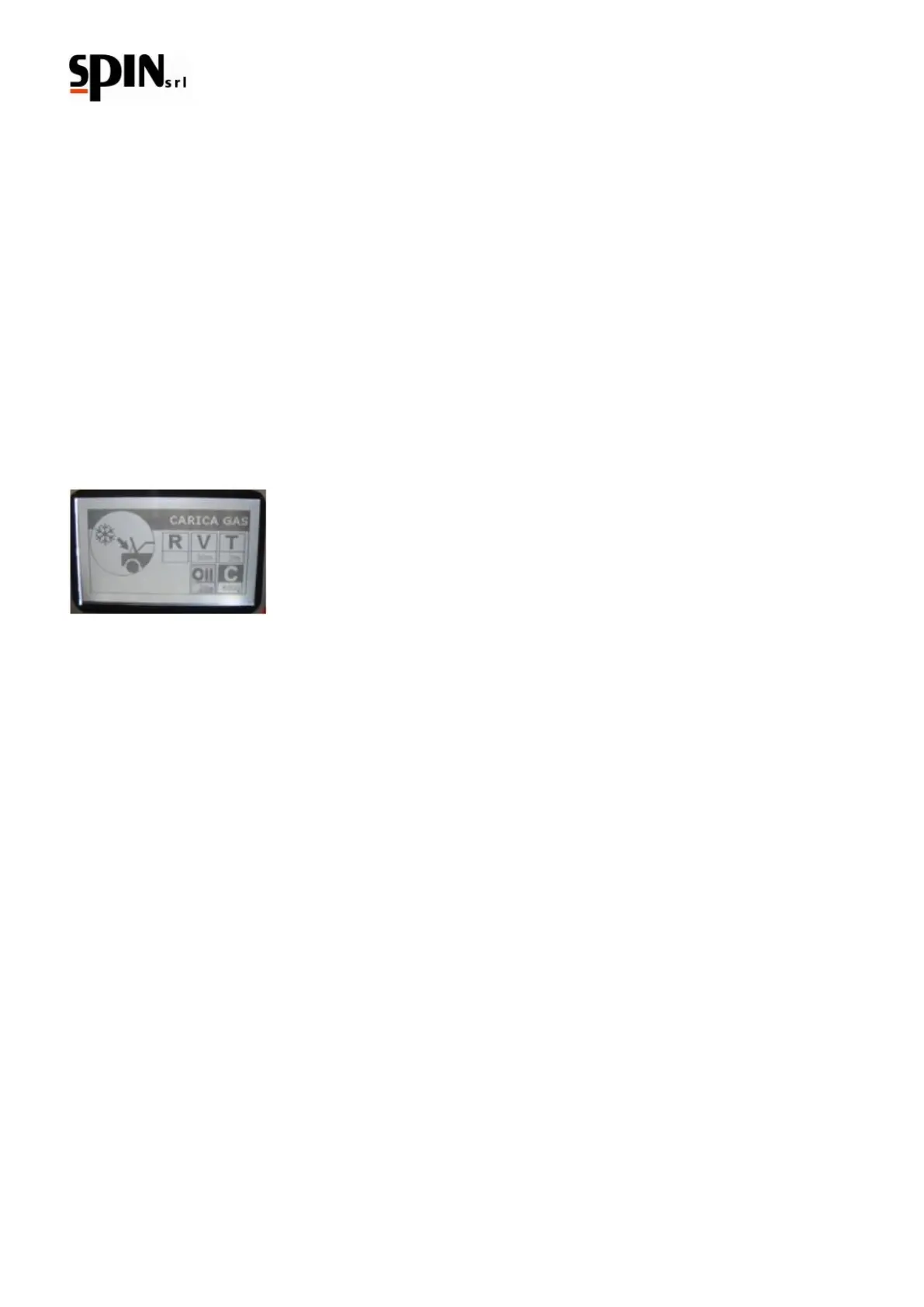
Use the arrow “right/left” keys to navigate through the menu and select the “C” Gas Charge symbol;
Use the arrows “up/down” to programme the amount of gas to charge in the AC system.
Open the high and low pressure taps.
Press the “Enter” key to run the procedure.
When the recharge is done the display will show a “Charge cylce finished press Enter” message.
Take notice: if it is not possible to complete the recharge (bottle pressure < = to the AC machinery pressure) close
the tap of high pressure and start the engine of the vehicle with the air conditioning on. The remaining part of gas
will be aspirated.
Individual stages printing (only Printer version)
At the end of each stage it will possible to print the current procedure by pressing the “Print” key.
The display will show the “Individual Print” message.
Press “Enter” to start the operation.
Take notice: do not pull the paper while printing.



 To Next Page