54
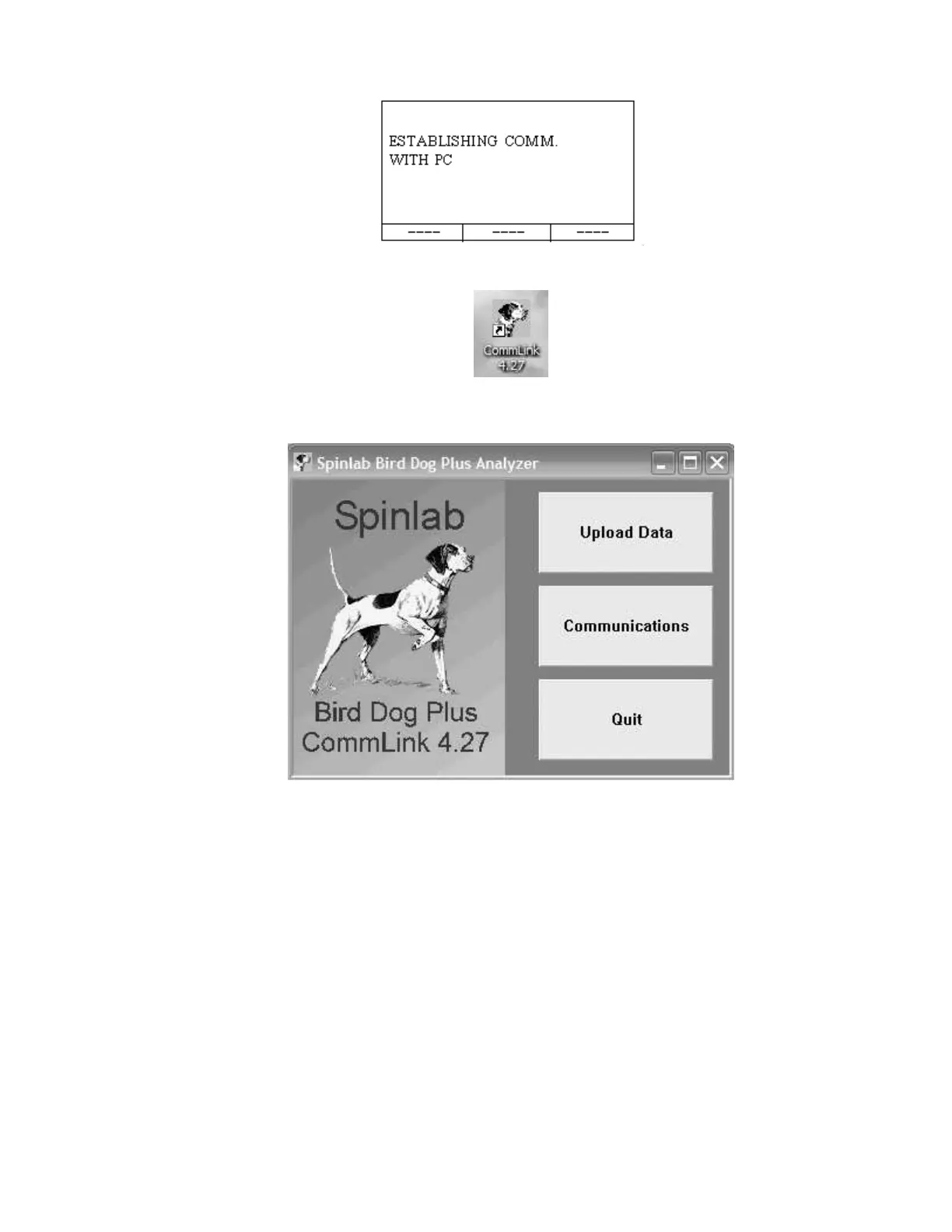
Step 1.8—The next screen you will see will be the following:
Step 2.1—Double click on the Bird Dog Plus icon.
Step 2.2—Click on Communications.
Step 2.3—Make sure the Com Port selected is the one you are plugged into on your PC.
Also make sure the Baud Rate is set to the same baud rate at the Bird Dog Plus.
Note: If not, go to the Setup Menu off of the Main Menu on the Bird Dog Plus
analyzer to change the baud rate.
Press Finish. (Perform this only once when you initially set up communications.)



 To Next Page