107
F.3.3 Meter Sensor Hookup Procedure (5000-MV-SR1 & 6000-SR1)
(For 6000 Bird Dog Plus users, the sensors are already connected to the unit)
The automatic sensors for the meter allow you to automate the meter verification process. There
are 2 separate sensors (laser & infrared) that areused, depending on whether you are testing a
mechanical meter or an electronic meter. Both sensors are attached to the same sensor mount as
shown in the 2 pictures below. They are easily strapped onto the meter with a Velcro band. The
sensors reside on the end of a Loc-Line hose, which allow you to position them to reach to any
point on the meter to detect pulses or rotations. For the 5000 MV attach the end of the sensor cable
to the wye connector provided by Spinlab that attaches to the P3 port on the front of the Bird Dog
Plus. There is a switch on the black box that joins the sensors together. You will need to have the
switch either in Laser or Infrared mode, depending upon which sensor you are using. The
sensors will only have power if the Bird Dog Plus is on and you are in the meter verify family of
screens. Three other sensors/detector are optionally available from Spinlab:
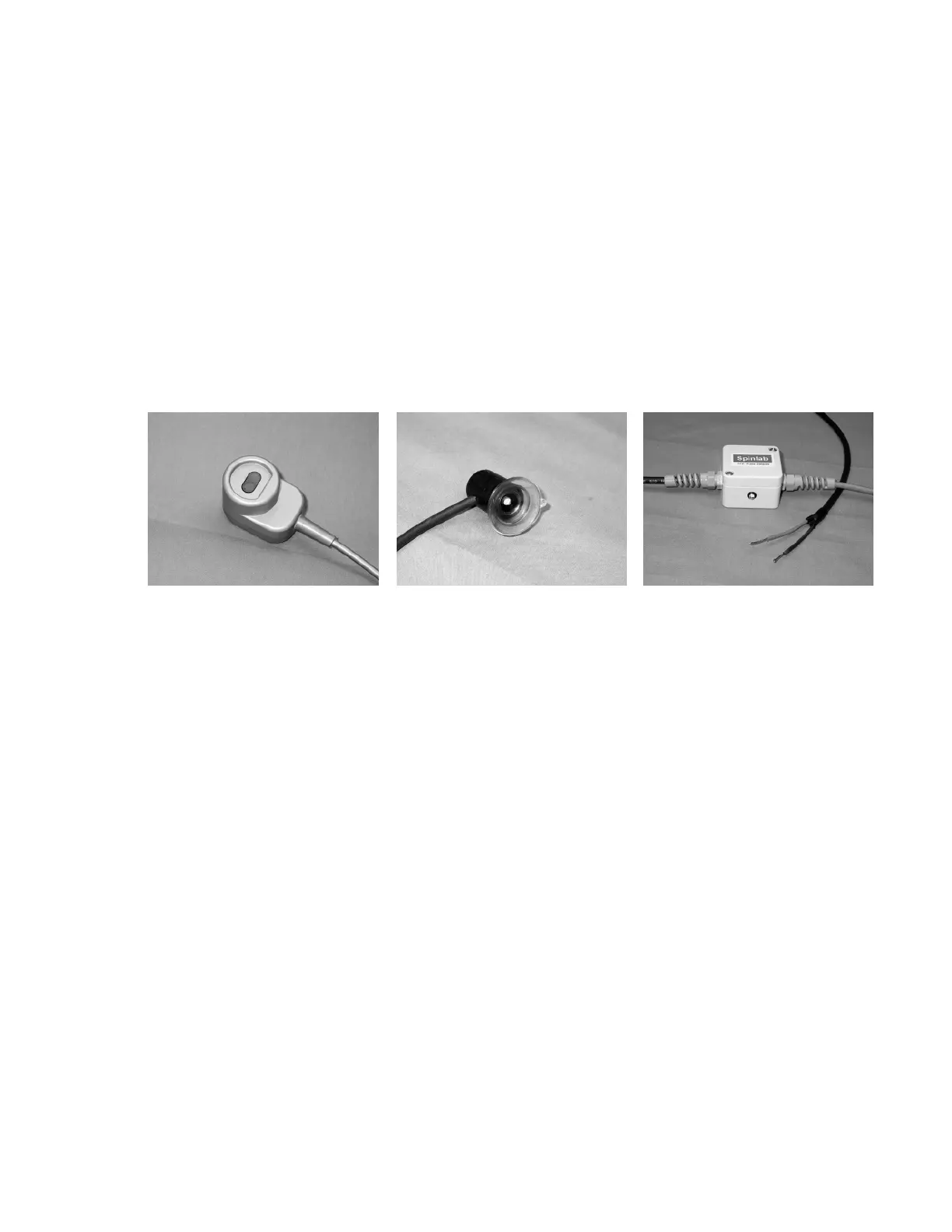
OPTOCOM Port Sensor Suction Cup Sensor KYZ Pulse Detector
Call Spinlab for pricing and availability.
F.3.3.1 Laser Sensor for Mechanical Meters
The Spinlab Laser Sensor is a photoelectric sensor with a modulated visible read, 670
nanometer wavelength, Class II laser diode emitter. The unit has an adjustable intensity
control. The collimated laser beam is small in diameter [approx. 2mm @ 12 in.]. This
sensor detects the number of revolutions of the meter disk by detecting the black spot on
the disk. The power on green light is illuminated when the Bird Dog Plus power is on and
the Bird Dog Plus is on a meter verification screen. With a mechanical meter you can
manually count the rotations and use the button on the front of the Bird Dog Plus or the
remote switch to tell the Bird Dog Plus when to start and stop the test, but the laser sensor
will allow you to get the best accuracy as well as start and stop the test automatically. Be
sure when using this sensor to plug it into the sensor box as illustrated next:



 To Next Page