IM-P736-02 EMM Issue 3
85
VLM30 In-Line Vortex Flowmeter
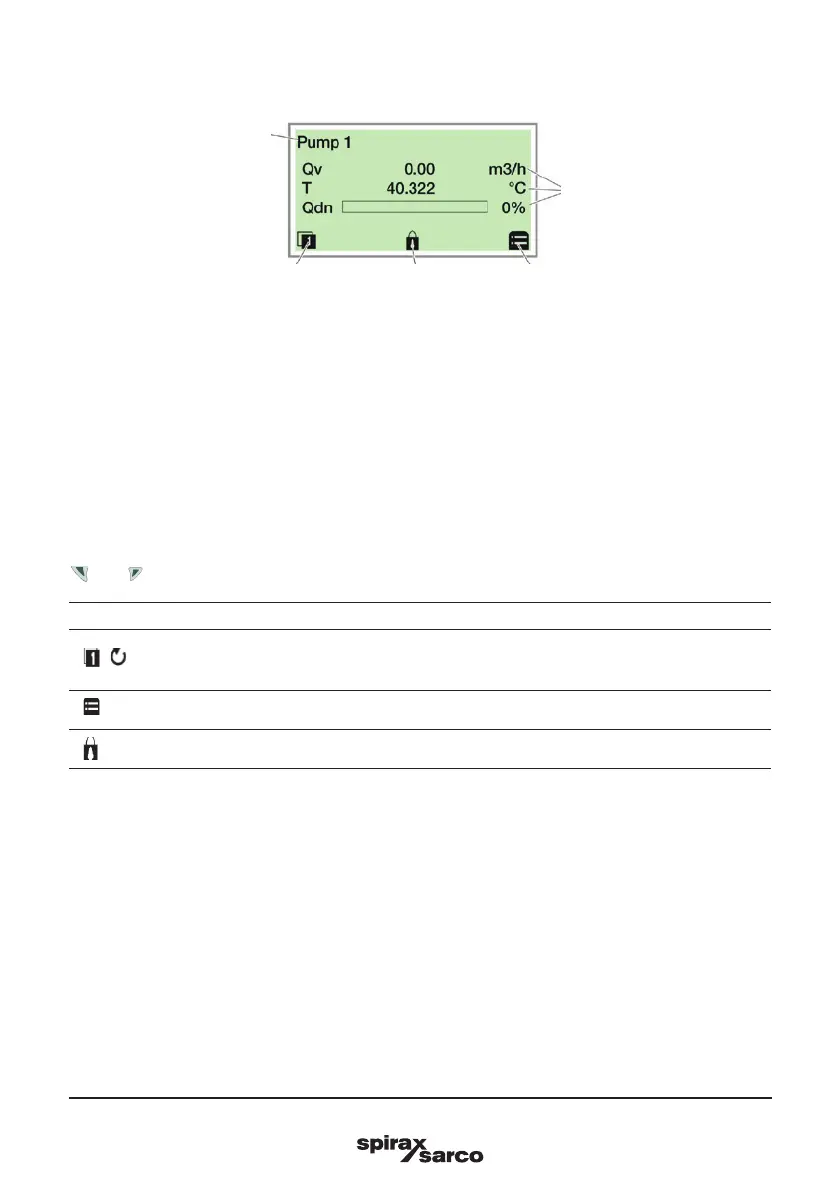
1 Measuring point tagging
2 Current process values
3 ‘Button function’ symbol
4 ‘Parameterisation protected’ symbol
Fig. 43 Process display (example)
The process display appears on the LCD display when the device is powered on. It shows information about
the device and current process values.
The way in which the current process values are shown can be adjusted on the configuration level.
The symbols at the bottom of the process display are used to indicate the functions of the operating buttons
and , in addition to other information.
Symbol Description
/
Call up information level.
When Autoscroll mode is activated, the icon appears here and the operator
pages are automatically displayed one after the other.
Call up configuration level.
The device is protected against changes in the parametrization.
5.6 Process display
1
2
3 4 3



 To Next Page