IM-P736-02 EMM Issue 3
86
VLM30 In-Line Vortex Flowmeter
Menu Description
…/Operator Menu
Diagnostics
Selection of sub-menu ‘Diagnostics’; see also Section 5.8 Error
messages on the LCD display.
Operator Page 1 to n Selection of operator page to be displayed.
Autoscroll
When ‘Autoscroll‘ is activated, automatic switching of the operator pages
is initiated on the process screen.
Signal view Selection of submenu ‘Signal view’ (only for service purposes).
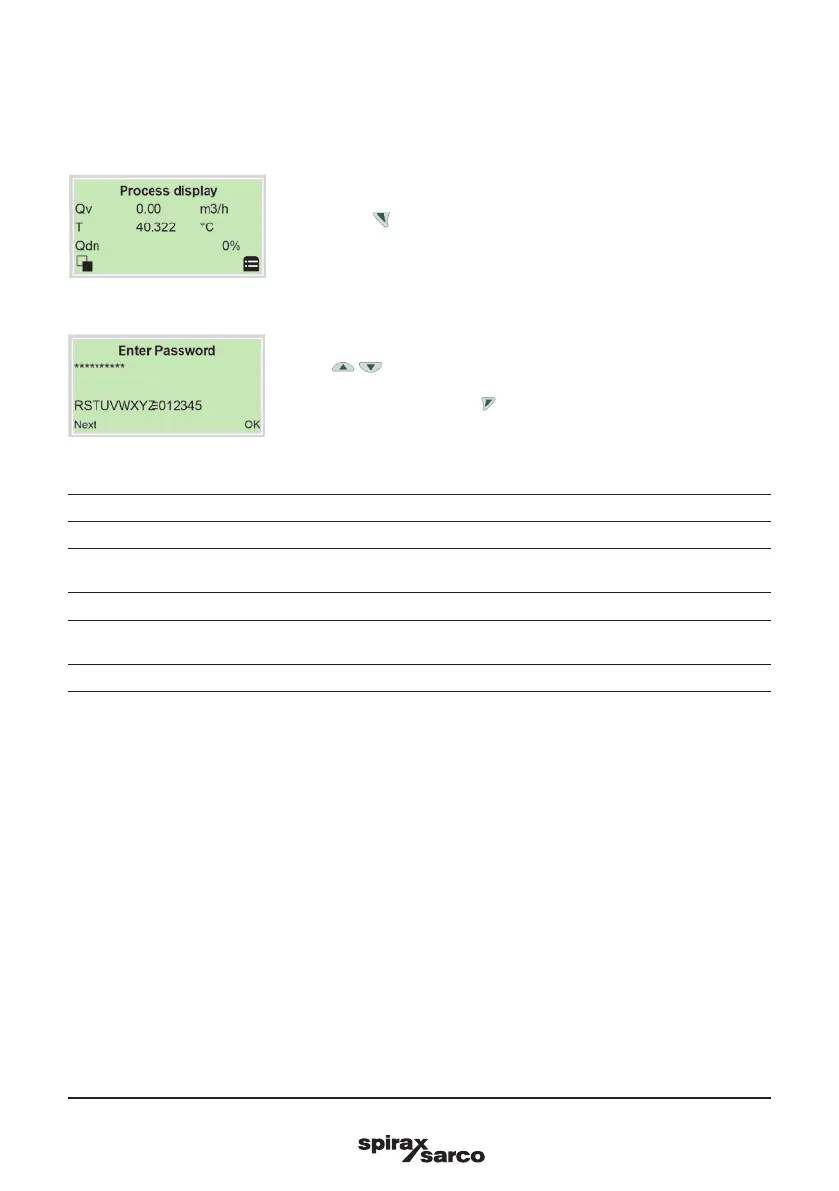
1. Open the using Operator Menu.
2. Use / 'Standard' to make the selection.
3. Confirm the selection with .
Switching to the information level (operator menu)
On the information level, the operator menu can be used to display diagnostic information and choose which
operator pages to display.



 To Next Page