for tuning. When the user changes the maps, the processor will immediately start working with the
new data changed in the RAM.
FLASH
Permanent
Storage
Memory
RAM
Tempory
Working
Memory
RAM
Tempory
Working
Memory
Hard Disk
Permanent
Storage
Memory
RS232
TITAN ECU
Laptop
Write to ECU
button
Power On
Processor
Maps in Use
Outputs & Inputs
Save
Load
Changes
Read from
ECU
6.4.1 Saving data in the ECU
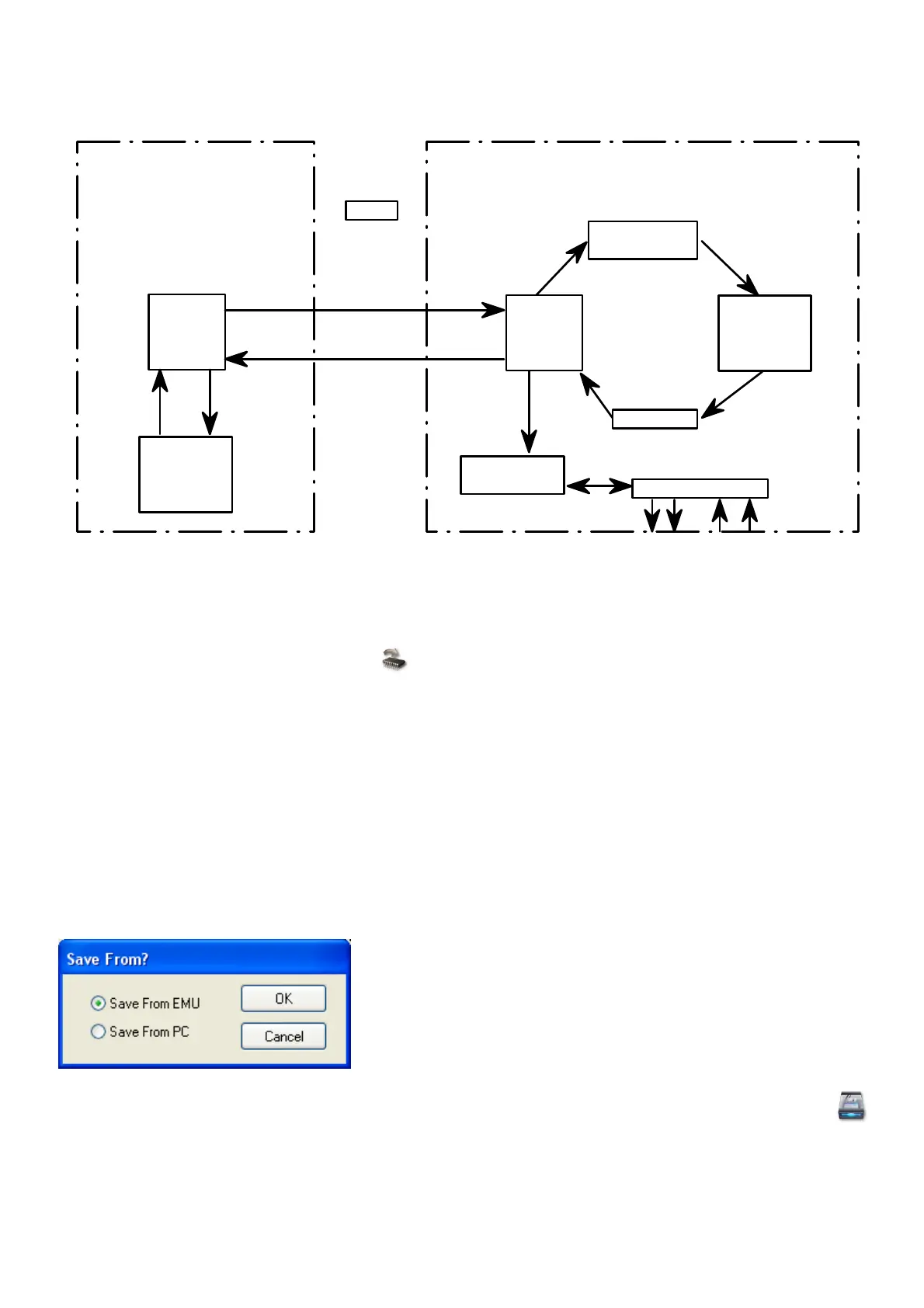
Once the user is satisfied with his changes he must save his changes in the FLASH memory in the
ECU, by pressing the Write to ECU button. Now the data is stored permanently and the
ignition can be switched off. If he does not save this data in flash, all his changes will be lost when
the ECU power is switched off. When data is written to the ECU flash, the processor will cut-out for
about half a second causing the engine to lose power. This will not happen during normal tuning.
This is done so that the user knows his data is saved.
The laptop memory will have the same information in its RAM when the maps are uploaded after
the PC software is started. If the car is switched off without saving, the operator may switch the
ECU on and press the Write to ECU button. This will save the copy of the data in the Laptop RAM
into the ECU FLASH memory. This is also how you can save your map in another ECU if you don’t
want to save to hard disk first.
6.4.2 Saving a Map to the PC
The user may also save the Laptop RAM or ECU data to the hard disk so that the maps maybe
recalled later or if different settings are desired. This is done by pressing the Save Settings
button.
The user has the option of saving the Ram data on the PC or the real-time ECU data. This feature
is useful if you want to change Map data offline. Simply open a Map file, edit it and save it back to
the hard disk.



 To Next Page