Then click on the Write to ECU button. When you switch the ECU off and on again, the TPS
bar should indicate 0% when pedal is released and 100% when pedal is pressed. Remember that
idle control will only take place when the TPS is less than the value set in the Fuel cutoff TPS
block.
The water and air temperature sensors can be calibrated by giving at a percentage offset. Normal
is 100%. If the sensor reads 15% too low at normal operating temperature, a value of 115% may
be entered in the block. Then the sensor value will be multiplied by 115% lifting the value to the
desired display value. These sensors are not very accurate but are consistent. Then the graph
value rather than the real-time value is used for tuning and GP limits.
The MAP sensor can be calibrated to accommodate all the different types and to expand the
working range to make full use of the tuning maps. To calibrate the sensor, first set the Map
Sensor Value under Engine Configuration. If you have a turbo with a 2.5 Bar. map sensor and you
are only going to boost 0.8 Bar, set the scale to 2 Bar and calibrate the map sensor for it. Then
you can make full use of the tuning load sites. Then click on the Write to ECU button. When
you close the ECU software and open again, the vacuum range should be set on the graph on the
fuel maps page. Now calibrate the sensor according to the height above sea level to
accommodate the pressure of your location. If you are at sea level, calibrate it at 1.0 Bar. Gauteng
Region is around 0.85 Bar. If you increase the calibration value the measured map sensor value
will decrease. When you have the desired value, press Write to ECU to save it. The Filter
block will average the current reading with the previous reading. This will create a dampening
effect for throttle bodies where the map signal is erratic. Do not use it if it is not necessary. It will
make a flat spot which must then be tuned out with accelerator pump.
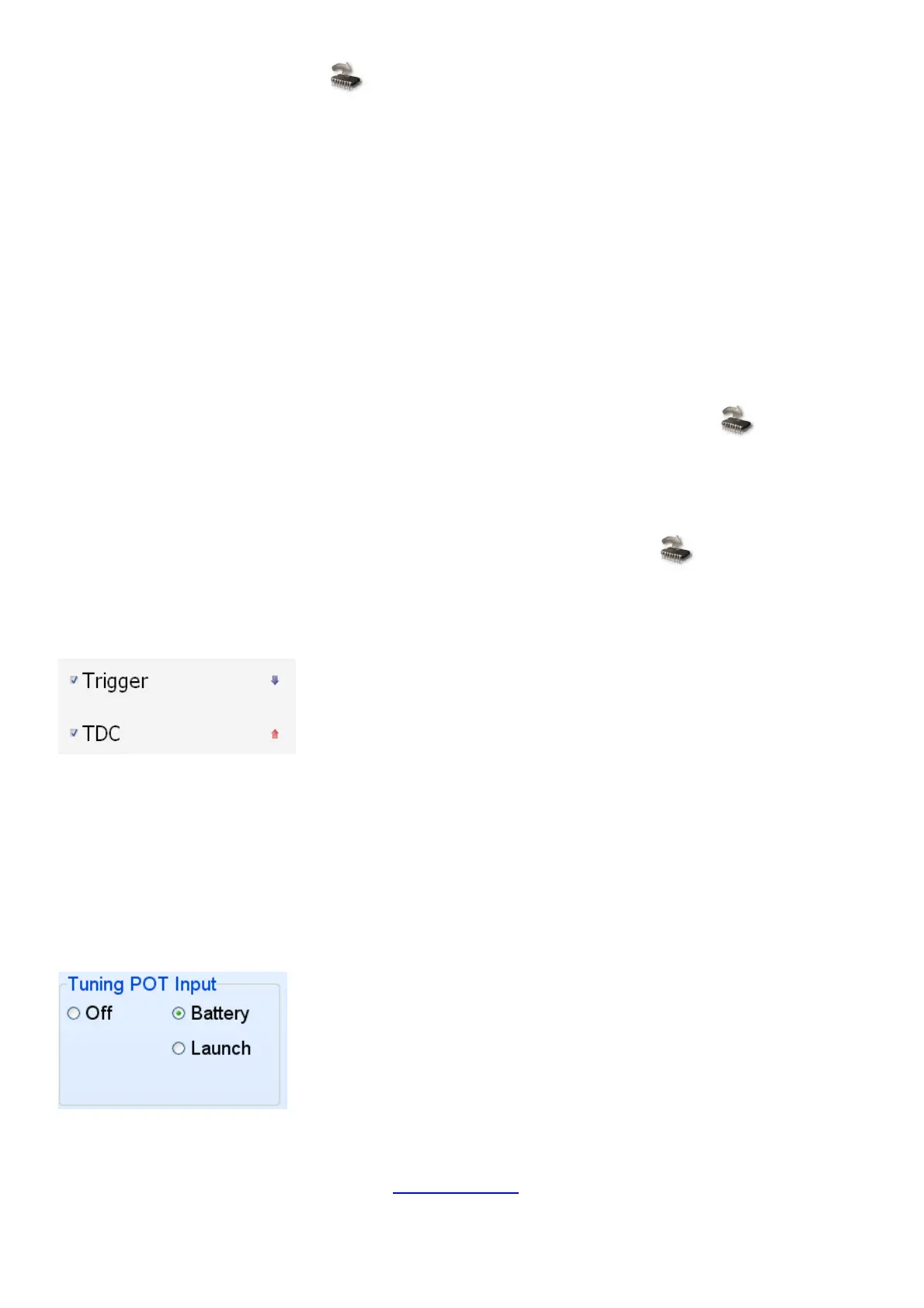
The Trigger and TDC inputs can be selected on or off. You always require at least the Trigger on.
Then you can click on the arrow next to it to select leading edge (arrow up) or trailing edge (arrow
down). Most triggers are trailing edge but triggers like the optics of Nissan and a few others are
leading edge. On magnetic pickups this setting is useful if the positive and negative is swopped
around. Then you can click the arrow and the ECU will swop it with software. Note however that if
you load a new map, this setting must be changed afterwards. Some programs will force these
sittings on a certain pattern and even if you change it, it will keep changing back when you restart
the program.
6.7.4.2 Pot Input
The Pot Input can be used for one of the following. Battery input or use as a launce control. For a
normal car, set it to battery so that battery voltage compensation can be adjusted. If any other
function is selected, a fixed battery voltage of 12.7 volt is forced into the ECU. For racing cars you
can use the launce control function. See Launch Control on how to use the launce buttons.



 To Next Page