6.8.2.2 Idle Jet Setting
The Idle jet setting adjusts global idling fuel supply to the injectors much like the idle jet in a
carburetor would. Calculations at idle uses a part of the main jet setting, and gradually fade away
as the vacuum signal decreases under load. It is important to set the main jet first then the idle jet.
Start from a lean mix and increasing till hunting fades. Use the Lambda slide bar for accurate
setting. Remember that idling mix are normally richer than cruising mix. You can adjust the slider
to achieve the maximum vacuum when the engine is at normal running conditions.
To adjust this slider you can click on the slider button with the mouse and use the up and down
arrow to adjust one increment at a time. The page up and page down can be used to adjust 10
increments up or down. Alternatively you can use the hot keys D and C for one increment
adjustments and F and V for 10 increments at a time.
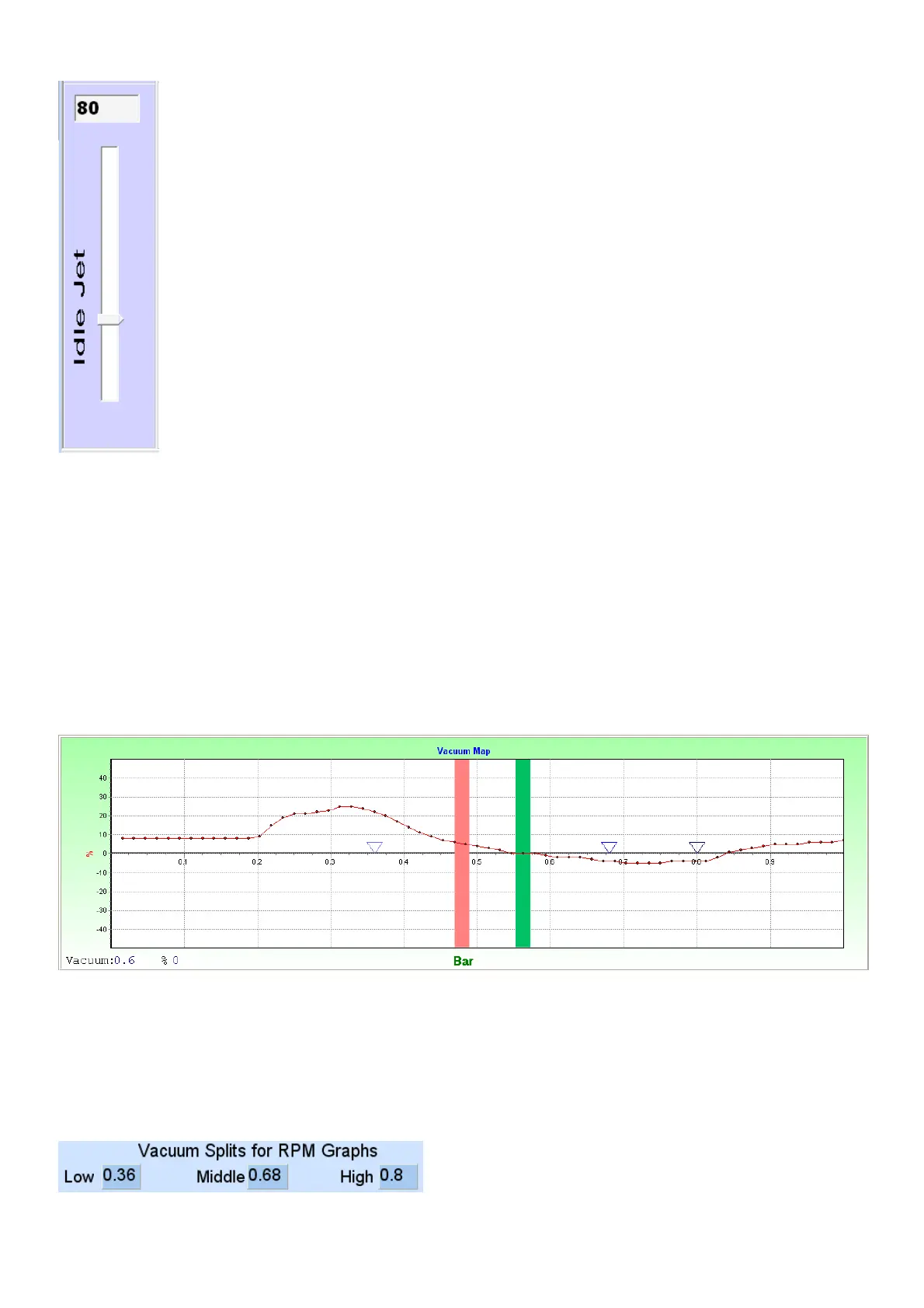
6.8.2.3 Vacuum Fuel Map
This is the main vacuum correction map. Use this map to adjust enrichment deviations for the
specific engine. Also use this map on the left side to adjust idle mixtures for an automatic gearbox
when selecting drive.
The vacuum bar will move slightly to the right and then the graph can be increased to get the right
mixtures at this vacuum. The green bar is where your cursor is and where you can change the
values. Pink bar is where your engines current vacuum is.
The 3 Blue arrows indicate the low, middle and high vacuum settings which select between the 4
different RPM maps underneath. These limits are adjustable on the Fuel Setup page.



 To Next Page