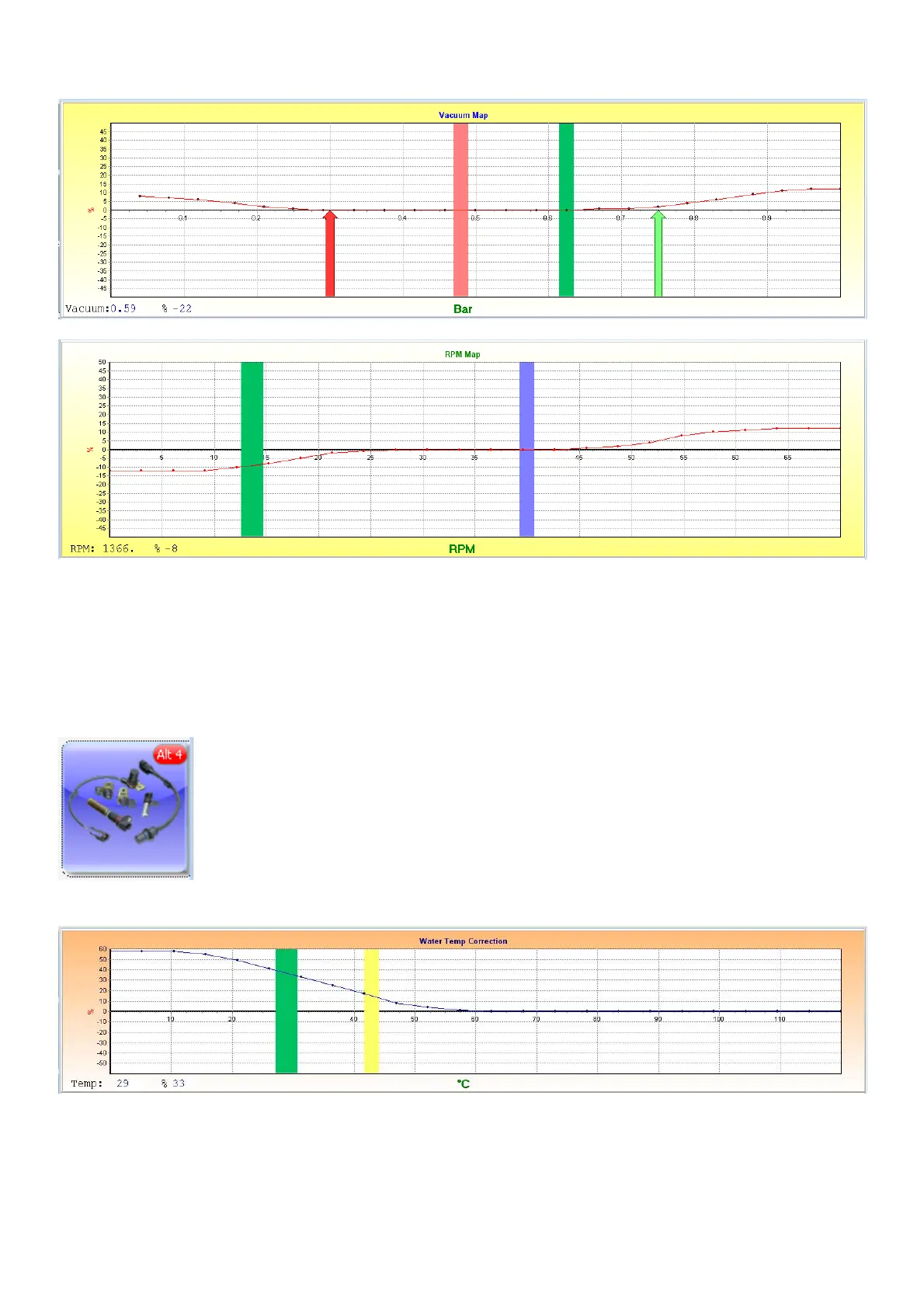
These two graphs will manipulate the target voltage with a certain percentage. As we use a narrow
band sensor it is not recommended using this feature. It is ideal for a wideband sensor with a
linear voltage output. Then you can activate the sensor to control over all load conditions.
6.8.4 Correction Maps (Alt 4)
6.8.4.1 Temperature Correction map
This map is to set the water temperature correction mostly for cold starting. The colder the engine
is, the richer the mixture should be. Try and start your engine on a cold morning. Set the correction
factor in the positive region of the map, by increasing fuel until the car starts. As the engine
temperature increase, keep reducing the mix until it idles smoothly. Always adjust the setting on
the right of the yellow bar. The hotter the engine becomes the less the factor will become, so your
percentage at 70 degrees will be around 0% while at 20 it could be as high as 50%. A tip is to kick



 To Next Page