2. Getting Started STACK Dash-2 Kart Logger
6 Users Guide
Connecting the Components
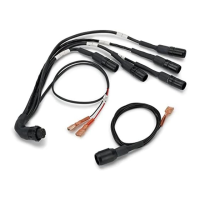
1. Connect each of the sensors that you have purchased to the appropriate wire in the wiring harness, as listed above.
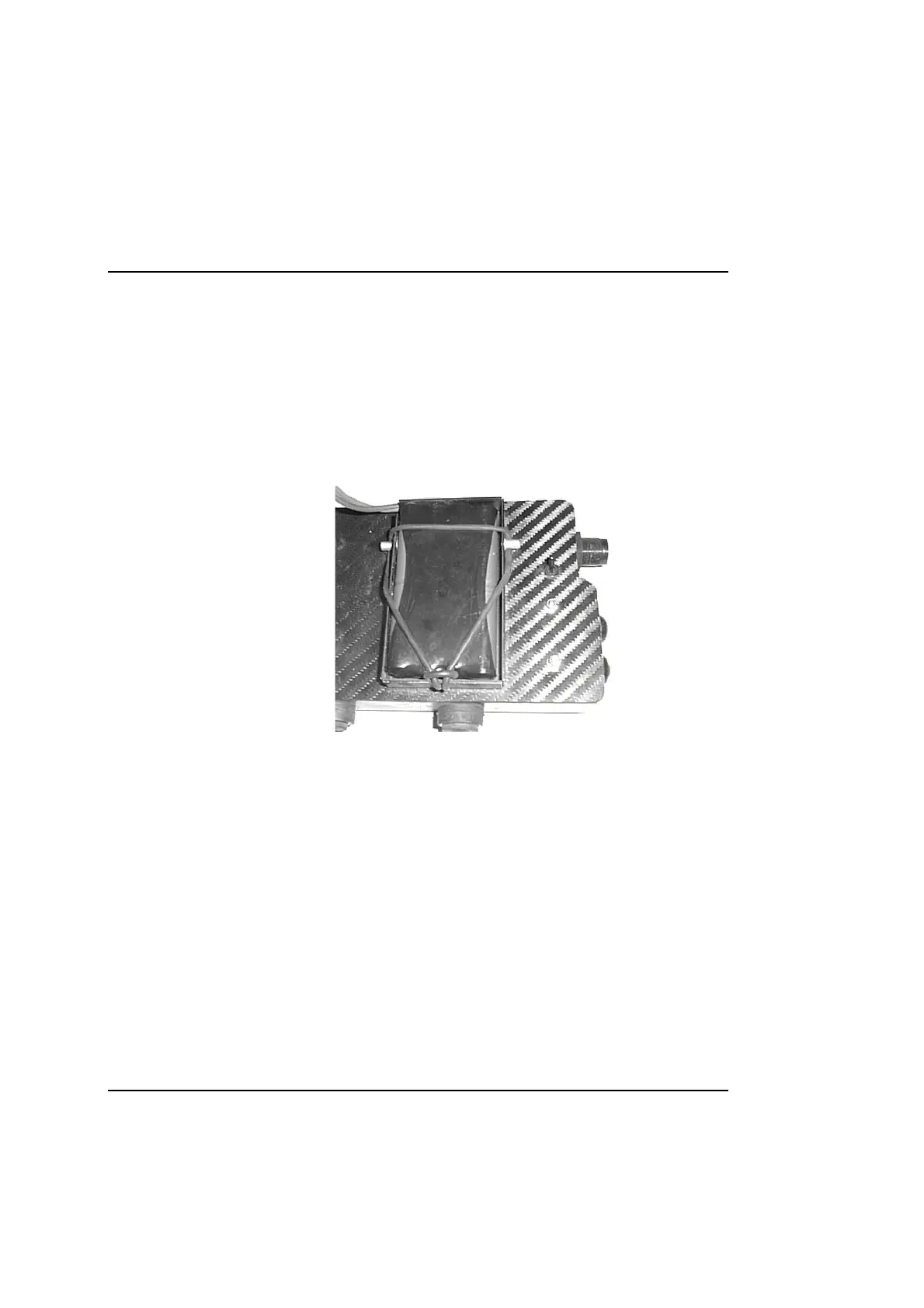
2. Insert a charged 9.6v battery pack into the battery tray on the rear of the Dash-2 Kart Logger and connect the
white power connections..
3. Switch the unit on by means of the switch on the rear .
You can now proceed to familiarise yourself with operating the Display Module.
Picture of rear showing battery fitting and power switch.



 To Next Page