STACK Dash-2 Kart Logger 5. Using the Dash-2 Charts
20 Users Guide
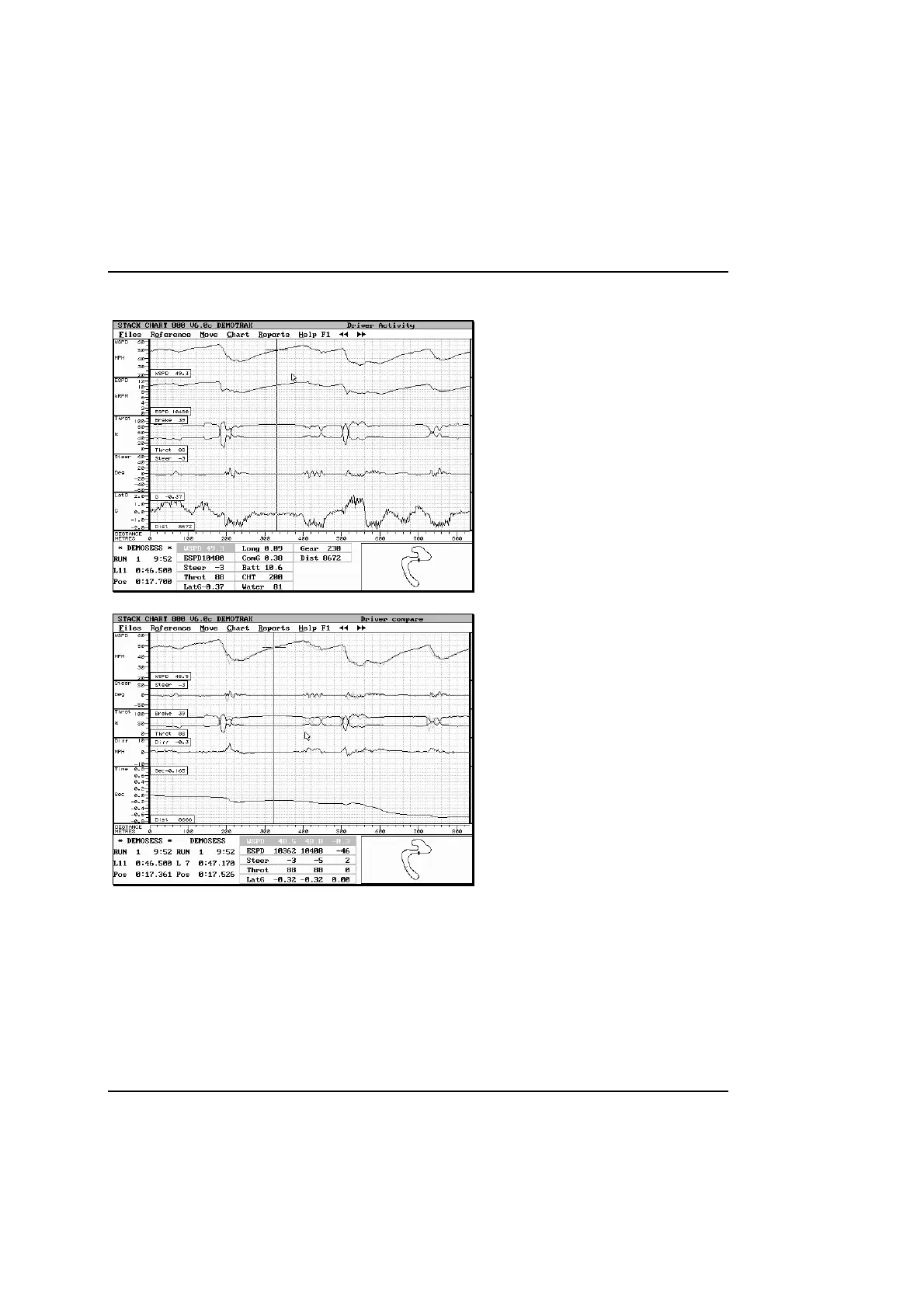
Driver Activity
This chart shows the actions of the driver on
steering, brake, and throttle.
Important things to look for are:
• Gaps between coming off the throttle and
getting on the brake.
• Feathering the throttle in flat out corners.
Often the driver will honestly not realise it is
happening.
• Dragging the brake.
Driver Compare
This chart displays wheel speed, steering, throttle,
brake, speed difference and timeline.
With two laps overlaid, you can see what the driver
did to gain time.
• Later braking
• Better corner exit speed gains time all the way
up the straight
• In wet conditions slow in-fast out is frequently
quickest



 To Next Page