4. Configuring Dash-2 Kart Logger STACK Dash-2 Kart Logger
16 Users Guide
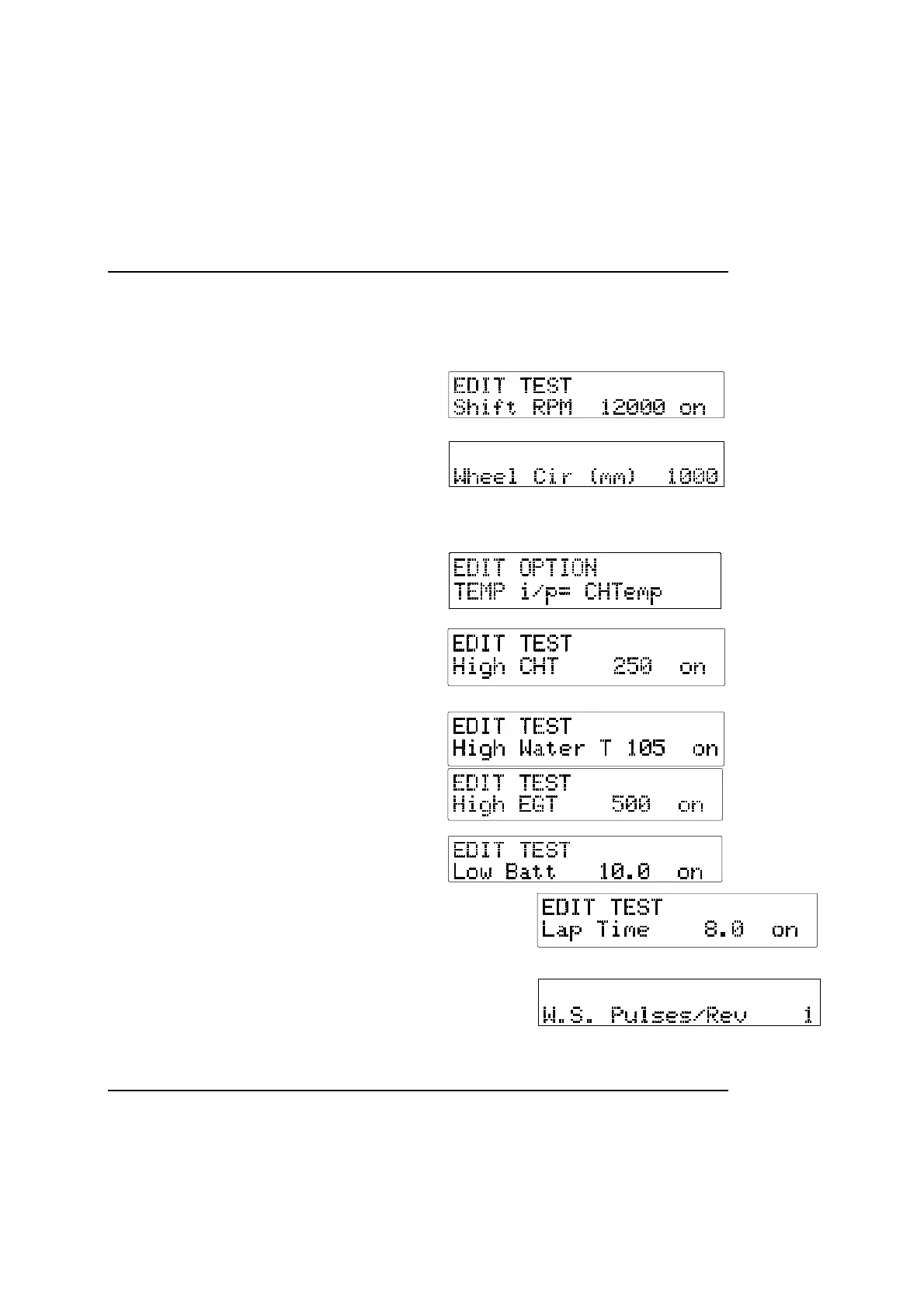
Setting or resetting configuration values
Use Switch 1 to decrease the value being configured and Switch 2 to increase it. The rate at which the value increases or decreases
itself increases while the switch is being held down. Examples of the displays for each of the configuration items are shown below.
Shift RPM:
The RPM at which the shift light will come on.
Wheel circumference:
The circumference of the wheel on which the wheel speed sensor is
fitted. If the sensor is fitted on the rear axle, use the size of the left
wheel for clockwise tracks, and the right wheel for anti-clockwise
tracks.
Sensor Selection
Once the option window appears use switches 1 and 2 to select the
sensor type you have fitted.
CHT alarm:
The cylinder head temperature at which the alarm message will
appear.
Water temperature alarm:
The water temperature at which the alarm message will appear.
Exhaust temperature alarm:
The exhaust gas temperature at which the alarm message will appear.
Low battery voltage
The voltage at which the alarm message will appear.
Laptime Popup
The duration that laptimes will stay on the display after the kart has passed the infrared
beacon
Wheel speed pulses:
The number of magnets fitted to the wheel.



 To Next Page