STACK Dash-2 Kart Logger 3. Operating the Dash-2 Kart Logger
Users Guide 11
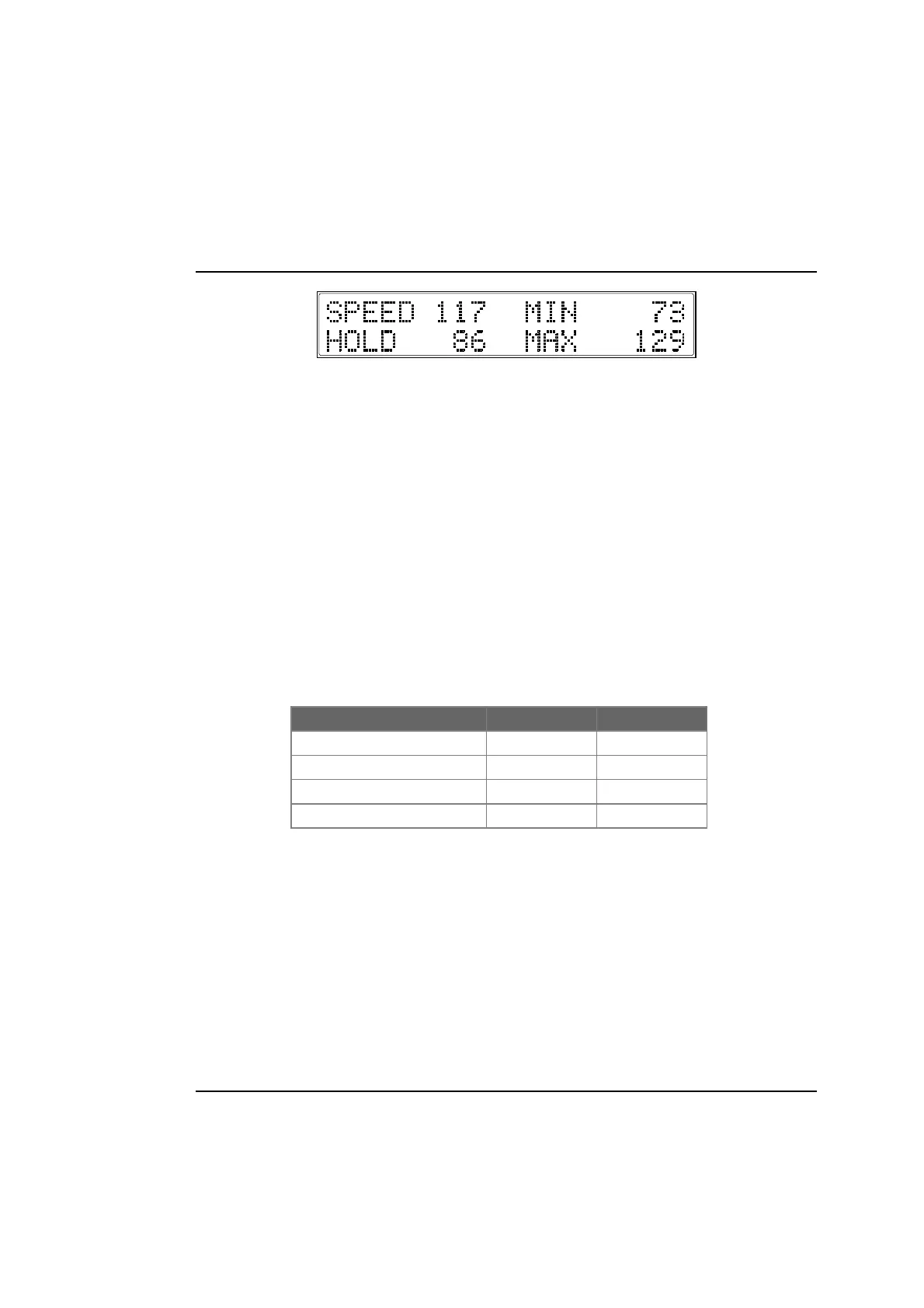
• Current speed (SPEED 117)
• Maximum speed on the last straight (MAX 129)
• Actual speed when Switch 1 was last pressed (HOLD 86)
• Lowest speed in the last corner (MIN 73)
Press Switch 2 to display layer 1 again.
Peak Values (Tell Tales)
The system can display the peak values (sometimes called ‘tell-tales’) that have been recorded during a run for most of the monitored
parameters.
Peak values are updated only when the engine speed has exceeded its "gate value" for RPM for at least one second. This allows the
values to stabilise. Blipping the engine may not be enough to update the peak values. The gate value is a predefined RPM value that is
used to control when the system updates the peak values. This is to prevent abnormal peak values from being recorded when, for
example, the engine is either not running, is idling, or is being warmed up.
The system stores either a maximum or a minimum value as the peak value, depending on the parameter.
Displaying the Peak Values
Press and hold Switch 1 to show the peak values for the parameters currently being displayed. Release the switch to return to the
normal display.
Resetting the Display
You can reset all of the peak values, including the fastest lap time and Lap Count manually. All peak values are reset at the same time. If
the engine is running at or above its gate value when the peak values are reset, they are set to the current value of each
performance parameter.
To reset the peak values:
• Press and hold Switch 1 to display the peak values.
Parameter Type of Peak Gated to RPM
Engine Speed (RPM) Maximum Yes
Temperature Maximum Yes
Battery Voltage Minimum Yes



 To Next Page