Page 51
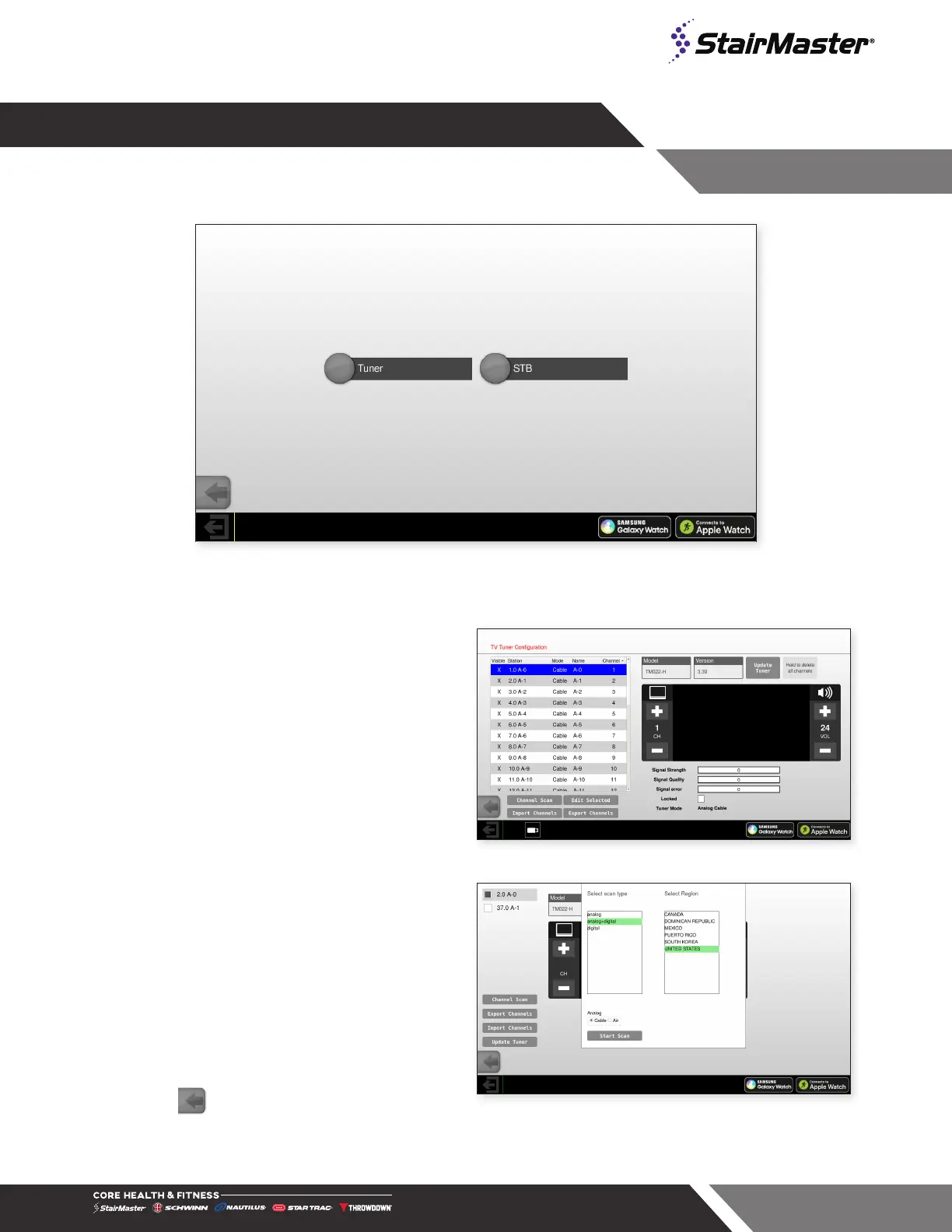
Fig. 68
- Tuner Main Screen
TUNER
Select entertainment input. Selecting Tuner will open up the channel dialog:
Channel Scan Procedure
1. Select Channel Scan on the Tuner
Configuration screen.
Fig. 69
Select Tuner
2. Select the signal type from the Scan Mode
option (Both, Analog or Digital).
3. Select the region.
4. Select Cable Standard (depends on the
country of installation).
5. Press Start to begin the scan.
6. After the channel scan is completed, press
Exit. The Calibration and Setup screen
appears.
7. Press to exit and go back to the Home
Screen.
Fig. 70
Channel Scan




 To Next Page