Display
Windows
(large
and
small):
Show
information
on
your workout.
The
informa-
tion consists of:
~
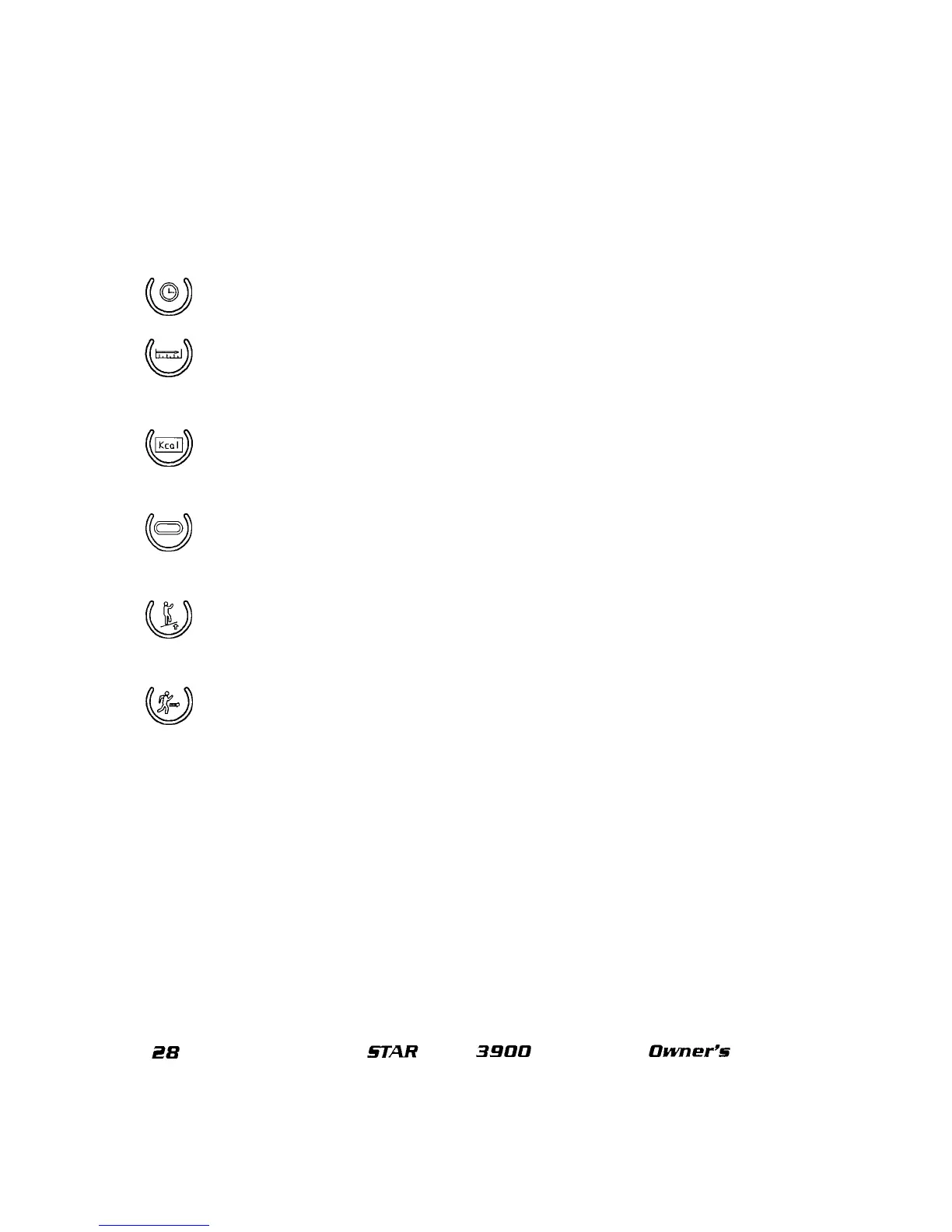
TIME
Display
Key:
Upon
activating this key, the display windows will
show
the
elapsed time
of
your workout thus far.
DISTANCE
Display
Key:
Upon
activating this key, the display windows will
show
the total number
of
miles you have walked or ran thus far. The display windows will then
toggle between your distance and elapsed time.
CALORIES
Display
Key:
Upon
activating this key, the display windows will
show
your
calories expenditure thus far. The display windows will then toggle
between
your
calorie expenditure and your elapsed time.
~
TRACK
Display
Key:
Upon
activating this key, the display windows will
show
your
counter-clockwise progress around a 114-mile (400 meter) track. The display windows
will then toggle between the track and
your
elapse time.
~
INCLINE
Display
Key:
Upon
activating this key, the display windows will
show
the
current incline %
of
your workout. The display windows will then toggle between the
incline % and your elapsed time.
~
SPEED
Display
Key:
Upon
activating this key, the display windows will
show
your
current speed in
mph
or km/hr. The display windows will then toggle between
your
cur-
rent speed
and
time.
MAINTENANCE LED: Indicates when it is time to rewax the beltand deck. SEE PREVENTA-
TIVE MAINTENANCE.
i!B
§TAR
TRAC
3900
TREADMILL
Owner's
Manual















 To Next Page