Contacts
Contacts
About contacts
Contacts are the people you want to call. Their contact details are available either
because they are in the company directory or because you have added them as
personal contacts. You decide who your favorites are by creating a favorite from the
company directory (or from your personal contacts). Favorites appear on your home
screen as speed dials. You can see the 'presence' of your favorites (described below in
Presence and other speed dial icons (p21)).
To access contacts, go to home screen > contacts.
About personal contacts
In addition to the global directory (to which everyone in your company has access), you
can add your own, personal contacts.
Adding personal contacts
For each contact that you want to add:
1.
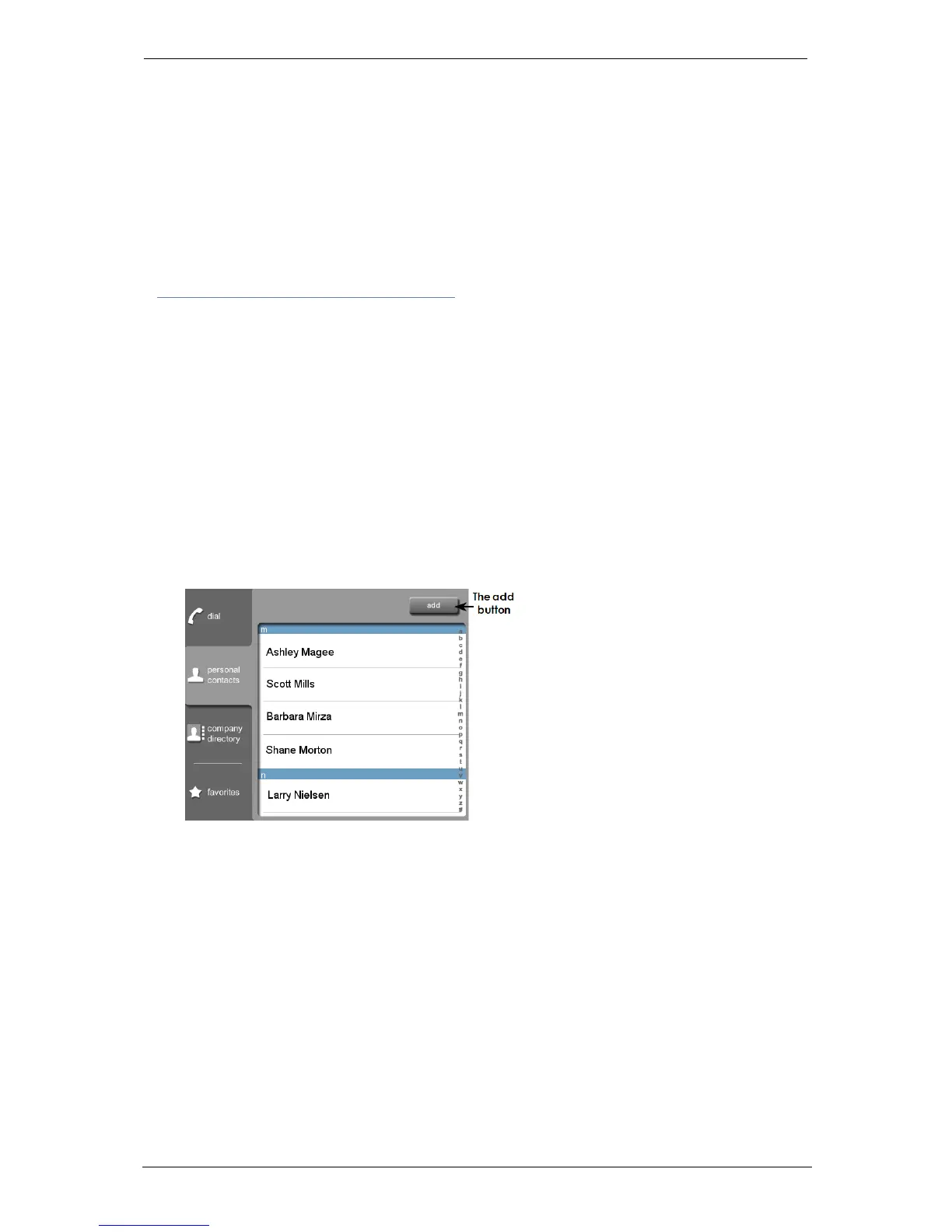
Go to home screen > contacts > personal contacts.
2.
Select add and enter your contact's details (shown below).
Deleting personal contacts
To delete a personal contact:
1.
Go to home screen > contacts > personal contacts.
2.
Select the contact you want to delete and select edit.
Group Telepresence, 27 September 2017 Page 18 of 38



 To Next Page