Conference layouts
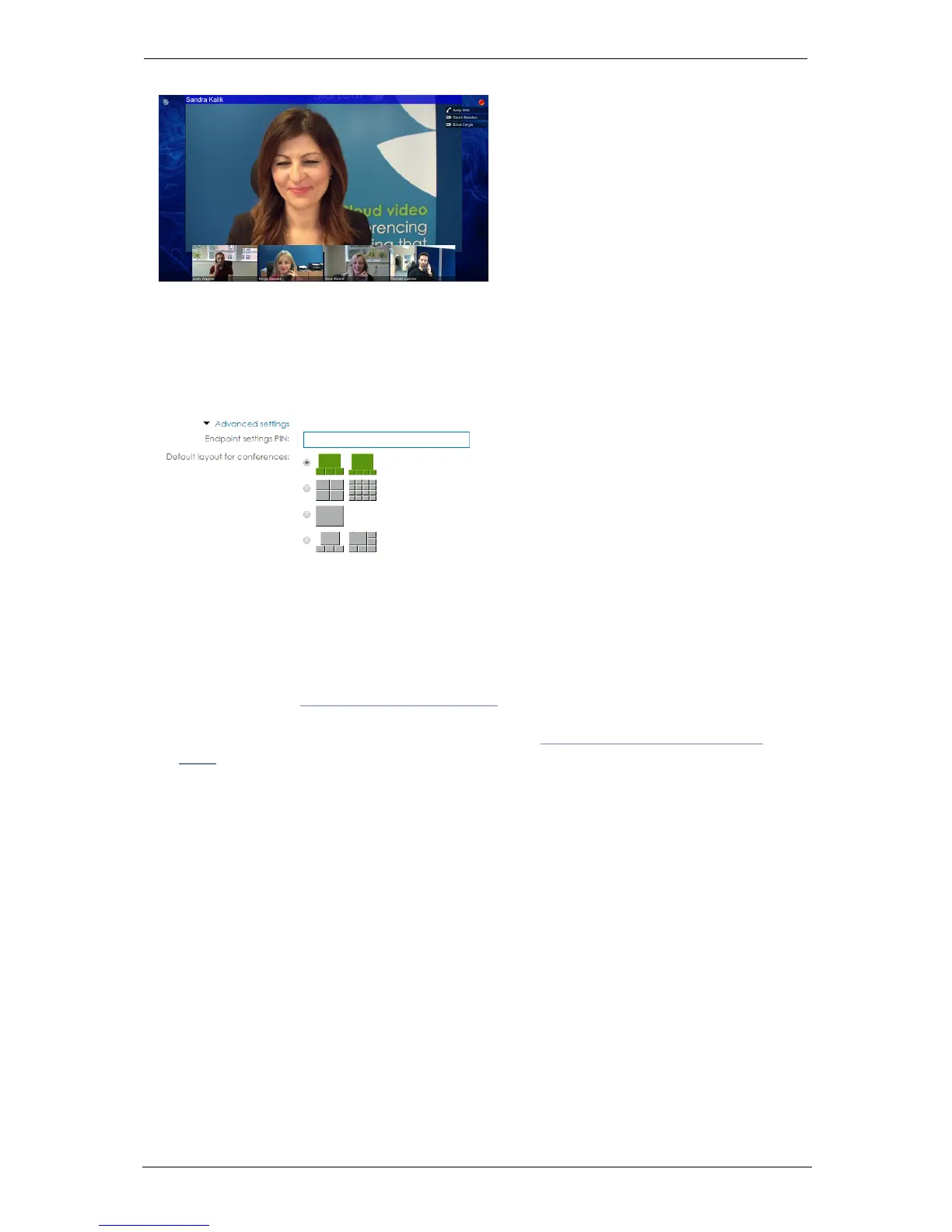
The image below shows the speaker with strip layout:
Default layouts
Every organization has a default video layout for meetings. This is set in the StarLeaf Portal
in My organization > Edit organization > Advanced settings:
This is the default video layout for new ad hoc and scheduled meetings. However,
individual users can override this:
n For ad hoc meetings, users can choose a different layout for all their ad hoc meetings in
the StarLeaf Portal > My profile
n For scheduled meetings, user can choose a different layout when they schedule a
meeting(refer to How to schedule a meeting)
n During a meeting, StarLeaf endpoint users can override the video layout and choose a
different layout just for their own view (described in In-call conference control and
icons)
Group Telepresence, 27 September 2017 Page 29 of 38



 To Next Page