Making a call
Making a call
You can make a call in a few different ways:
n
You can dial a number: Simply dial the number
n
You can call one of your favorites: Press the speed dial for the favorite that you want to
call
n
You can return a call: Go to home screen > recents and select the call you want to
return
n
You can call someone in the company's directory: Go to home screen > contacts >
company directory and choose someone to call
n
You can call someone from your own personal contact list: Go to home screen >
contacts > personal contacts
n
You can dial a video address that might be a series of letters, numbers or symbols
Dialing a number
You can simply dial a number as you would with any phone.
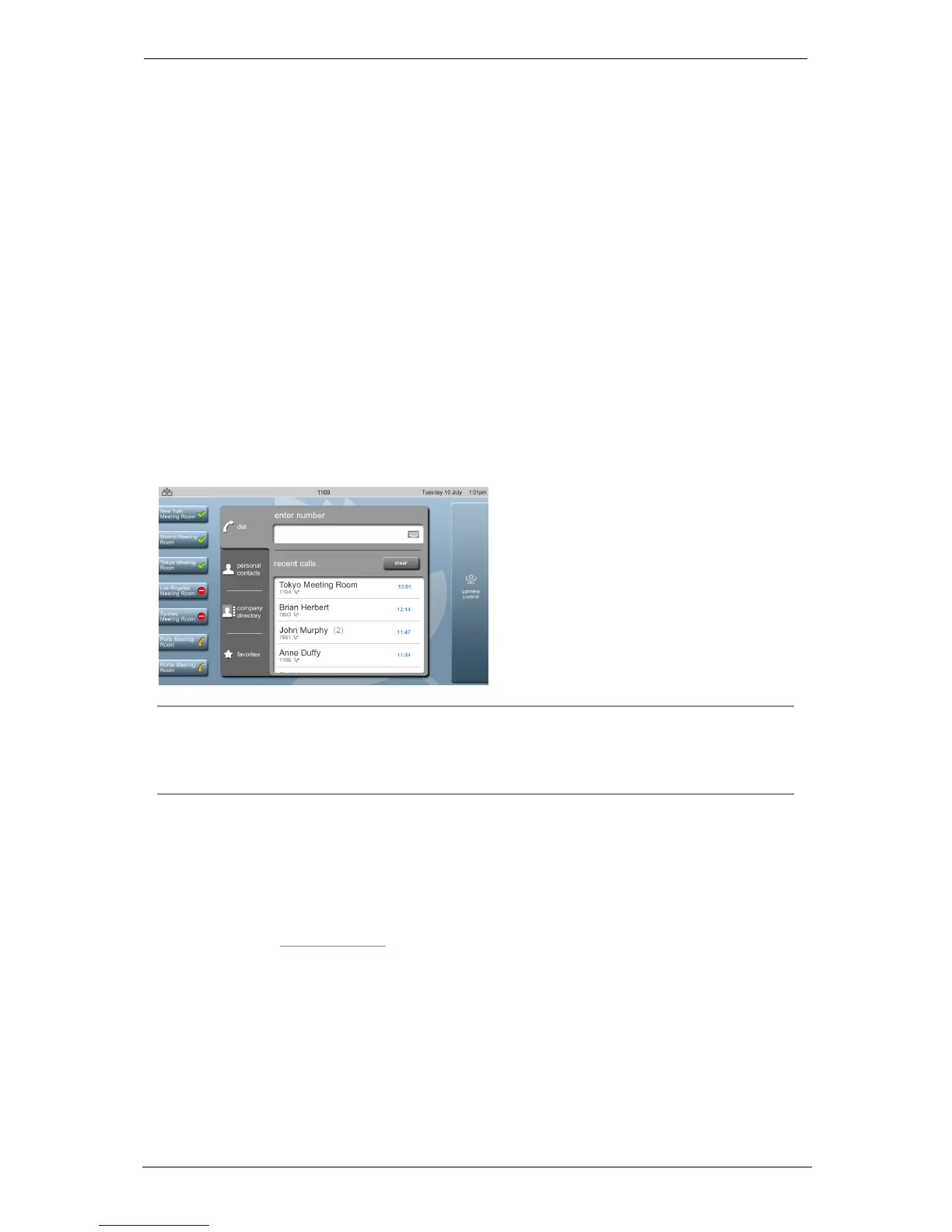
When you start to dial a number, your screen looks something like this:
Note: You might have been given a prefix to use when you want to dial out onto the
public telephone network. For example, in some companies you are told to "dial 9 for an
outside line". Connection from your StarLeaf endpoints to the public telephone network is
an optional extra. For more information, contact your StarLeaf representative.
Dialing a favorite
Favorites are the contacts that you call most often. You decide who your favorites are by
creating a favorite from the company directory (or from your personal contacts).
Favorites appear on your home screen as speed dials. For more information on calling
favorites, refer to Contacts (p18).
Redialing a recent call
To redial a call that you received recently:
1.
Select recent calls. The screen displays the recent calls' list.
2. Select the name of the person whom you want to call.
Group Telepresence, 27 September 2017 Page 8 of 38



 To Next Page