About conferencing
About conferencing
There are three types of meeting:
n
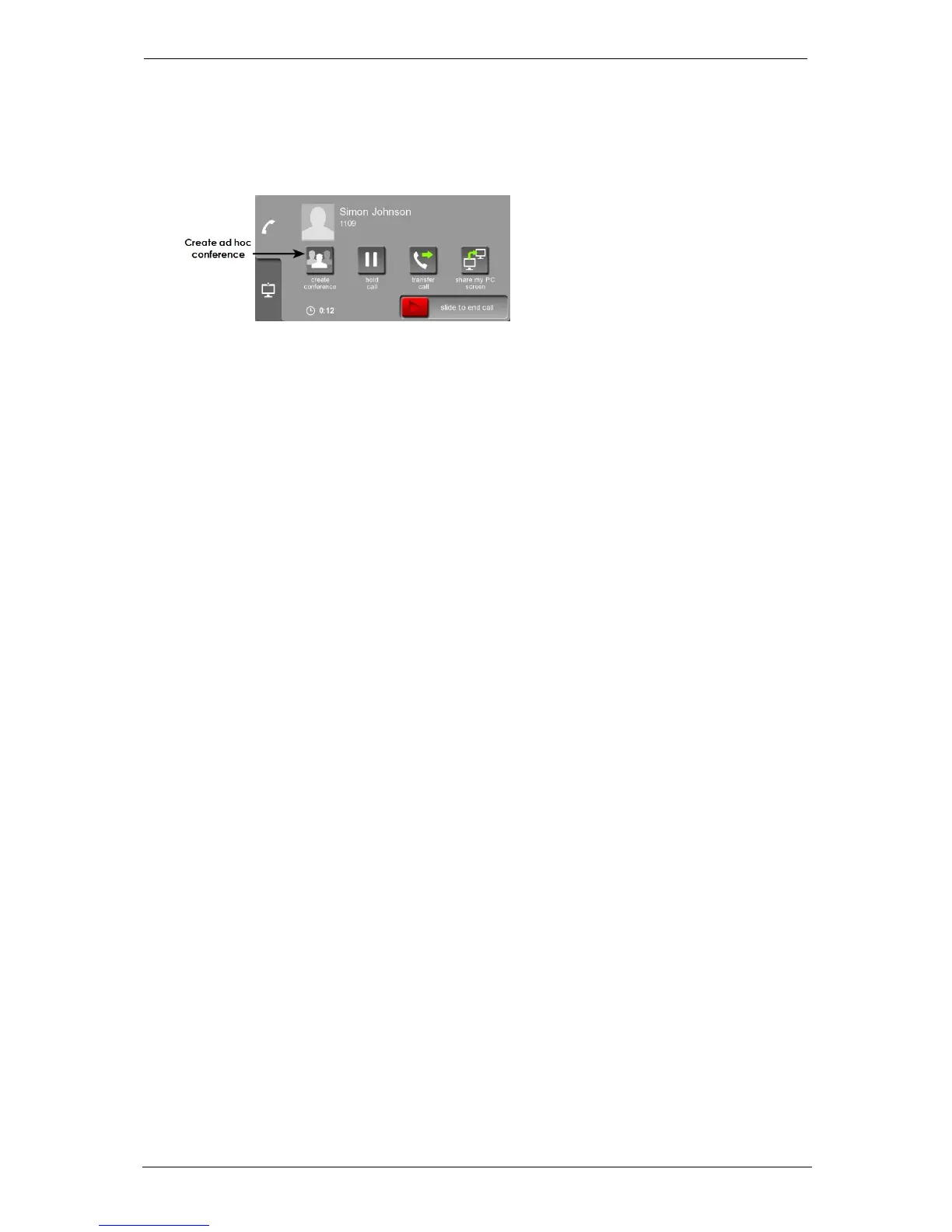
ad hoc meetings: ad hoc meetings start immediately. You create an ad hoc meeting
when you are in a call; simply press create conference on your control panel:
You can then add another person to your call. You can have up to 20 participants in an
ad hoc meeting. Ad hoc meetings are also known as QuickMeet meetings
n
scheduled meetings: a scheduled meeting begins at a particular time. Participants
receive invites and instructions on how to join. Participants can join a scheduled
meeting in the following ways:
l click a link to join from a browser
l download Breeze or the Starleaf app and click to join
l join using a StarLeaf room or desktop system
l join using third-party video conferencing equipment
l join as an audio-only participant from a telephone (PSTN)
n
permanent meetings: This is the same as a scheduled meeting but without a date and
time. A permanent meeting is a virtual meeting room that anyone can dial into at any
time (sometimes known as a meet-me). Permanent meetings have the same features
as scheduled meetings (invites, interoperability, PSTN dial-in, etc.). The dialing details
never change and the meeting is always joinable
Group Telepresence, 27 September 2017 Page 23 of 38



 To Next Page