How to schedule a meeting
l
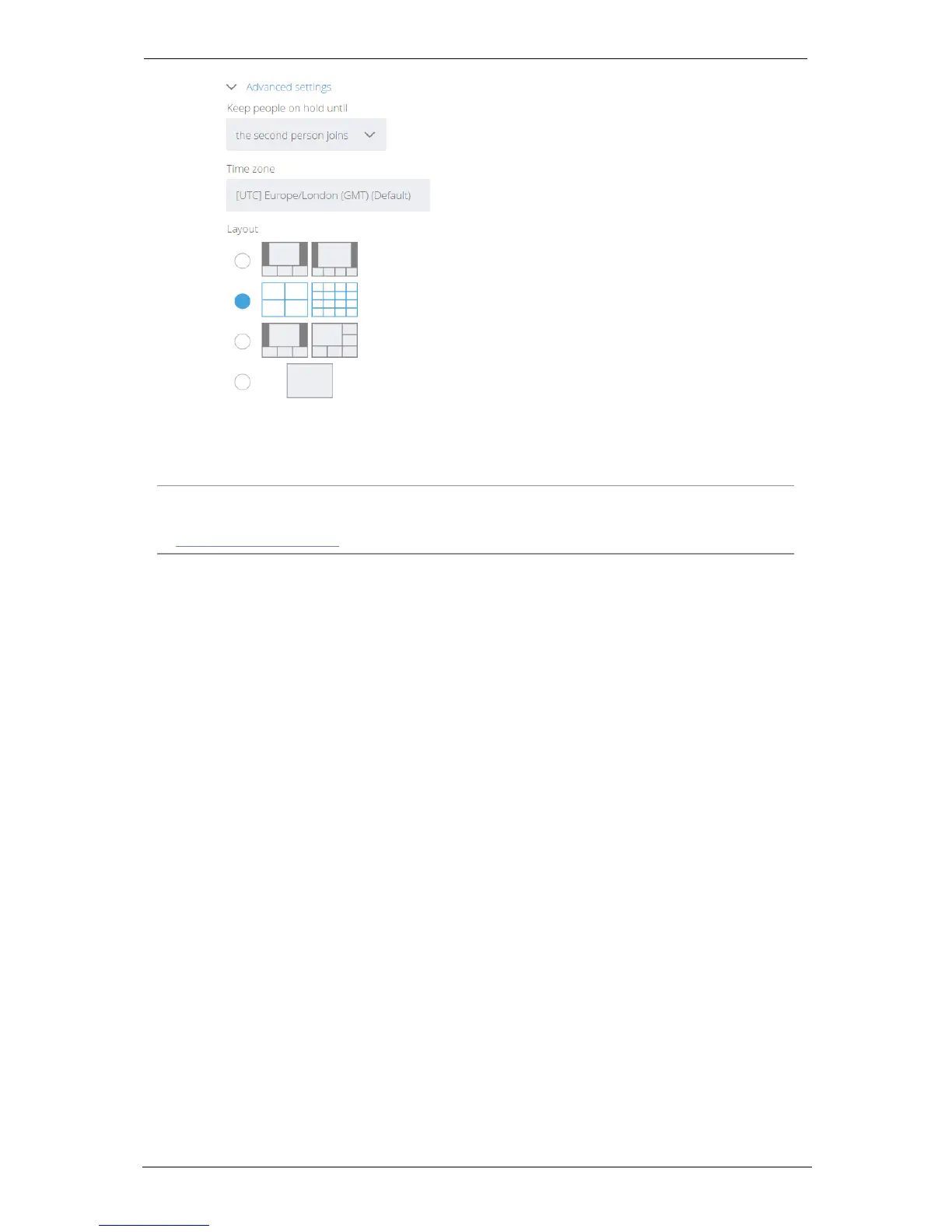
Layout : You can choose a layout for the meeting. Video layouts are described
later in this document
9.
Click OK.
Note: If you are a Microsoft Outlook user, you can also schedule a meeting directly in
Outlook. To do so, you will need the StarLeaf Outlook add-in. For more information, refer
to the Knowledge Center.
Group Telepresence, 27 September 2017 Page 27 of 38



 To Next Page