EasyManua.ls Logo

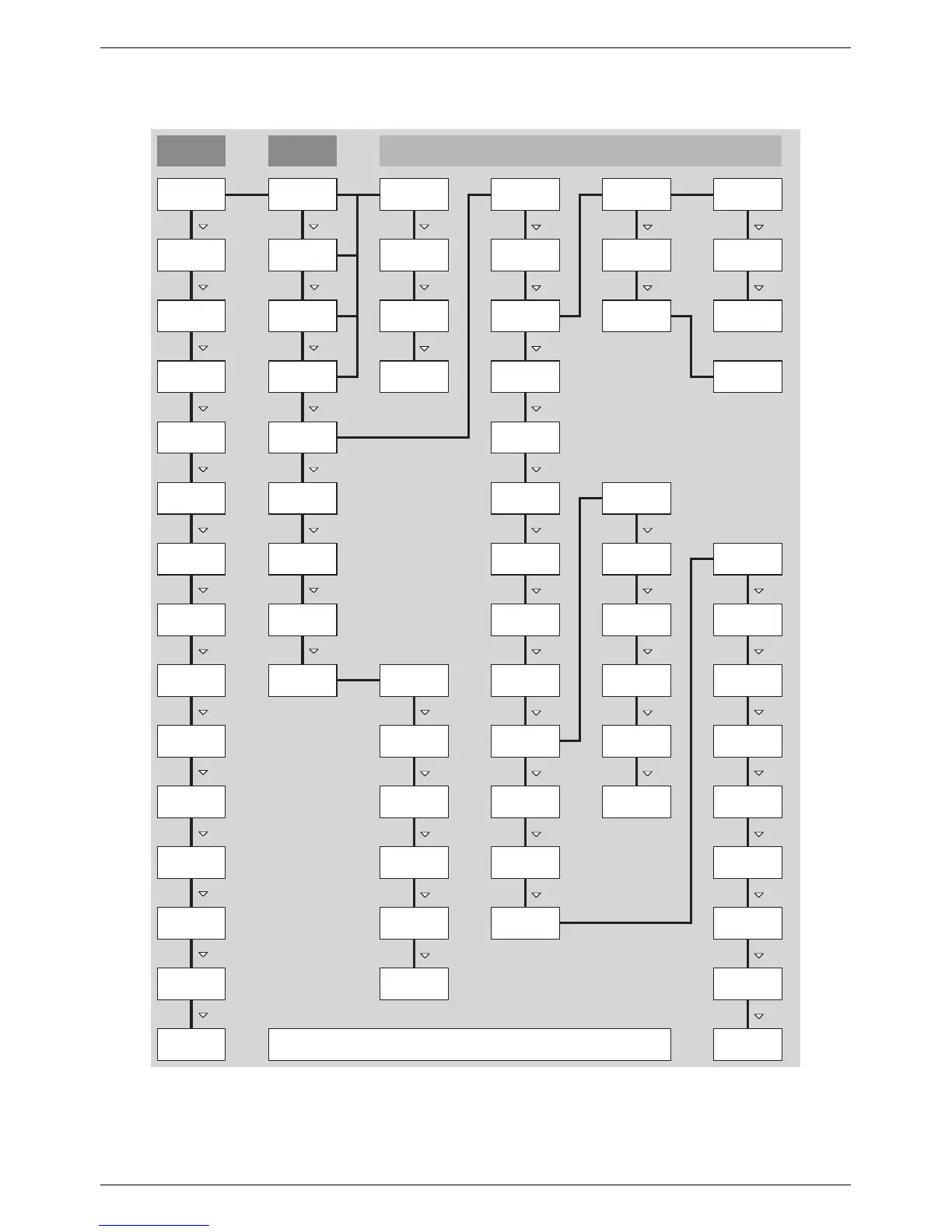
Steca coolcept3 - Operation; Overview of operating functions

Steca coolcept3
80 pages
Print Icon
To Next Page IconTo Next Page
To Previous Page IconTo Previous Page
Loading...
5 Operation
5.1
Overview of operating functions
SET SET SET
SET
SET SET SET
SET
SET
SET
SET
SET
All parameters
Network
Meter type *)
Reactive
power *)
*) This menu item is not always displayed. Whether it exists, depends on the type of device, the
settings on the inverter and the Fimware version.
CO
2
saving *)
Total yield *)
Frequency
limits
Voltage
limits Ø
Power limiter
Fixed voltage
Factory
setting
off *)
SolUse *)
Energy
meter *)
Configuration
*)
Dyn. feedin
control *)
Mode *)
Submenus
Information
DNS
Web portal
Subnet
mask
Gateway
Meas. values
Reset max.
vals.
DHCP
IP addressLanguage
Clear
event log
Status
display
Main menu
Grid voltage
Gener. ch.
curve
Output power
Current day
yield *)
Grid current
*)
Grid
frequency
*)
PV voltage *)
PV current *)
Operating
hours *
)
Internal
temp.
*)
Derating *)
Abs. max.
power *)
Day max.
yield
*)
Max. daily
power *
)
Event log
Total
Contact info
System info
Country
setting
React. pwr.
char. curve *)
Autarky level *)
Settings
Self test *)
Self
consumption *)
Time/date
Remuneration
*)
Energy
management *)
Daily
Monthly
Annual
Yield
Remuneration
*)
Del. country
settting
Contrast
RS485
address *)
Network
Alarm
Self test *)
Backlight
Service
Voltage limits
Only the s
and SET operating buttons are illustrated (for the sake
of clarity).
EN
750.661 | Z03 | 2016-09-12
46

Related product manuals