3.2 Operating buttons
The operating buttons ④ in
Ä
Chapter 3.1.1 „coolcept
3
“ on page 11
and in
Ä
Chapter 3.1.2 „coolcept
3
-x“ on page 12 have the following
functions:
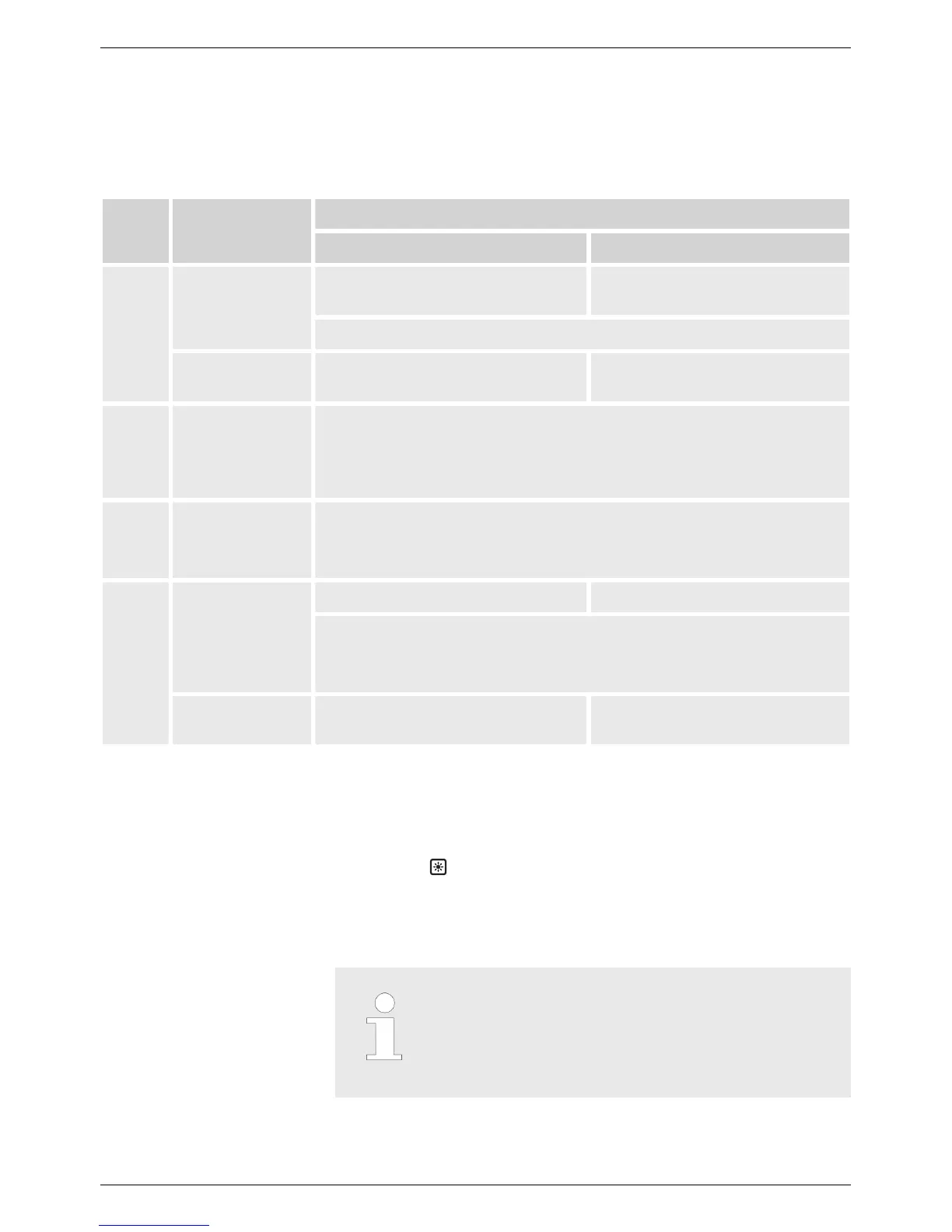
Button Action
Function
General guided operation
ESC
Press briefly Goes to the next higher menu
level
Navigates 1 step back
Discards any changes
Press longer
(≥ 1 second)
Goes to the status display Jumps to the start of the guided
configuration process
r
Press briefly
n Moves the marking bar or the display content upward
n In a numeric setting, moves the marking 1 position to the left
n Increases an adjustment value by 1 increment
s
Press briefly
n Moves the marking bar or the display content downward
n In a numeric setting, moves the marking 1 position to the left
n Increases an adjustment value by 1 increment
SET
Press briefly Goes to the next lower menu level —
n a selected numerical value starts flashing and can be changed
n adopts a change
n changes the state of a control element (check box/radio button)
Press longer
(≥ 1 second)
Answers a query dialog with Y
es Goes 1 step back
3.3 Display
3.3.1
General information
For the presentation on the display (② in
Ä
Chapter 3.1.1 „cool-
cept
3
“ on page 11 and
Ä
Chapter 3.1.2 „coolcept
3
-x“ on page 12)
n Symbol
: While the inverter is processing large volumes of
data, it cannot process any user inputs. The resulting waiting
time is indicated by the animated sun symbol.
n Errors are indicated by a red flashing backlighting. An event
message is also displayed at the same time.
Notice
The display reacts slower at very low tempera-
tures. In particular
, this can apply for coolcept
3
-x
devices if they are used outdoors.
EN
750.661 | Z03 | 2016-09-12
13









 To Next Page