n DNS address: IP address of the DNS server
n web-portal: Settings at the web portal
– Web portal setting: Disabling of data transmission
and selection of a web portal
– Re-transmission: Data in the inverter is transmitted a
second time
– Connection check: Checks the internet connection and
indicates the result
3.3.4
Service menu
The service menu items are described below. Some items are pass-
word protected; see
Ä
Chapter 5.1 „Overview of operating func-
tions“ on page 46 (menu structure).
You can obtain the password from technical support; see
Ä
Chapter
10 „Contact“ on page 71.
NOTICE!
Risk of reduced yields. In the service menu,
inverter and grid parameters can be changed.
The service menu must only be operated by a
specialist, who ensures that the change does not
violate applicable regulations and standards!
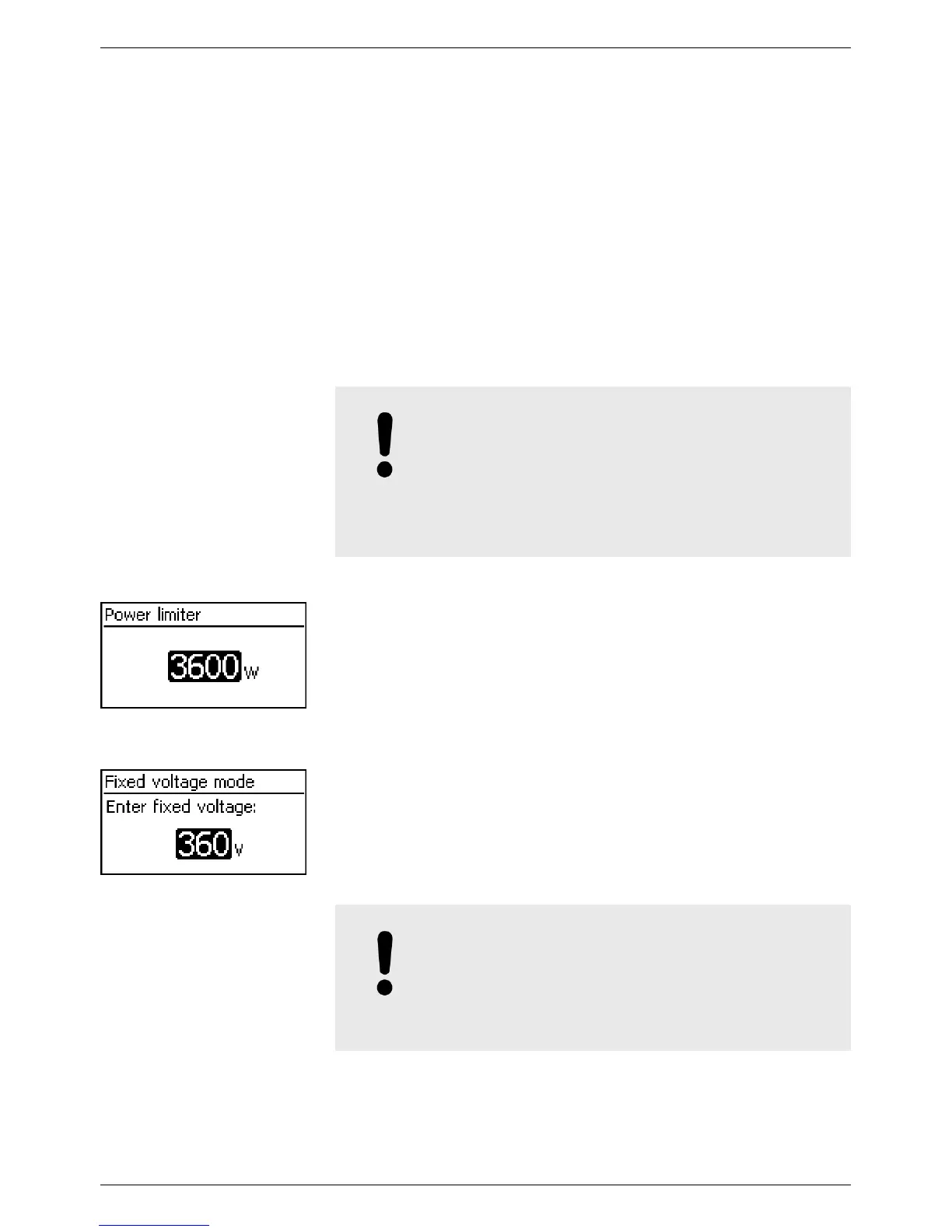
The inverter output power can be manually limited to a minimum of
500 W. When the power is manually limited, the Power reduction
symbol is shown in the status display and the „Derating“ / „Cause:
User default“ measurement is displayed.
The device can regulate the input voltage to a manually adjustable
value. This switches off the automatic setting of the MPP (MPP
tracking). The input voltage can be adjusted over a range between
the maximum and minimum input voltage and the minimum input
voltage in 1V steps.
Exemplary application: Hydroelectric installation
NOTICE!
Before setting a fixed input voltage, make sure
that the generator is suitable for this. Otherwise,
this may result in yield losses or damage to the
system.
Power limiter
Fixed voltage
EN
750.661 | Z03 | 2016-09-12
18









 To Next Page