n Max. daily yield: The maximum daily yield achieved
3)
n Operating hours: The operating hours during which the
device has been connected to the grid (including night-time
hours).
n Total yield: Yield since commissioning
n CO
2
savings: CO
2
savings achieved since commissioning
1)
Measurement is always displayed (cannot be switched off)
2)
Possible causes:
– Internal temperature too high
– User default Power limiter
– Frequency too high
– Controlled by grid operator (feed-in management)
– Delayed increase in power after starting
3)
Can be reset to 0 via Settings ▶ Reset max. vals.
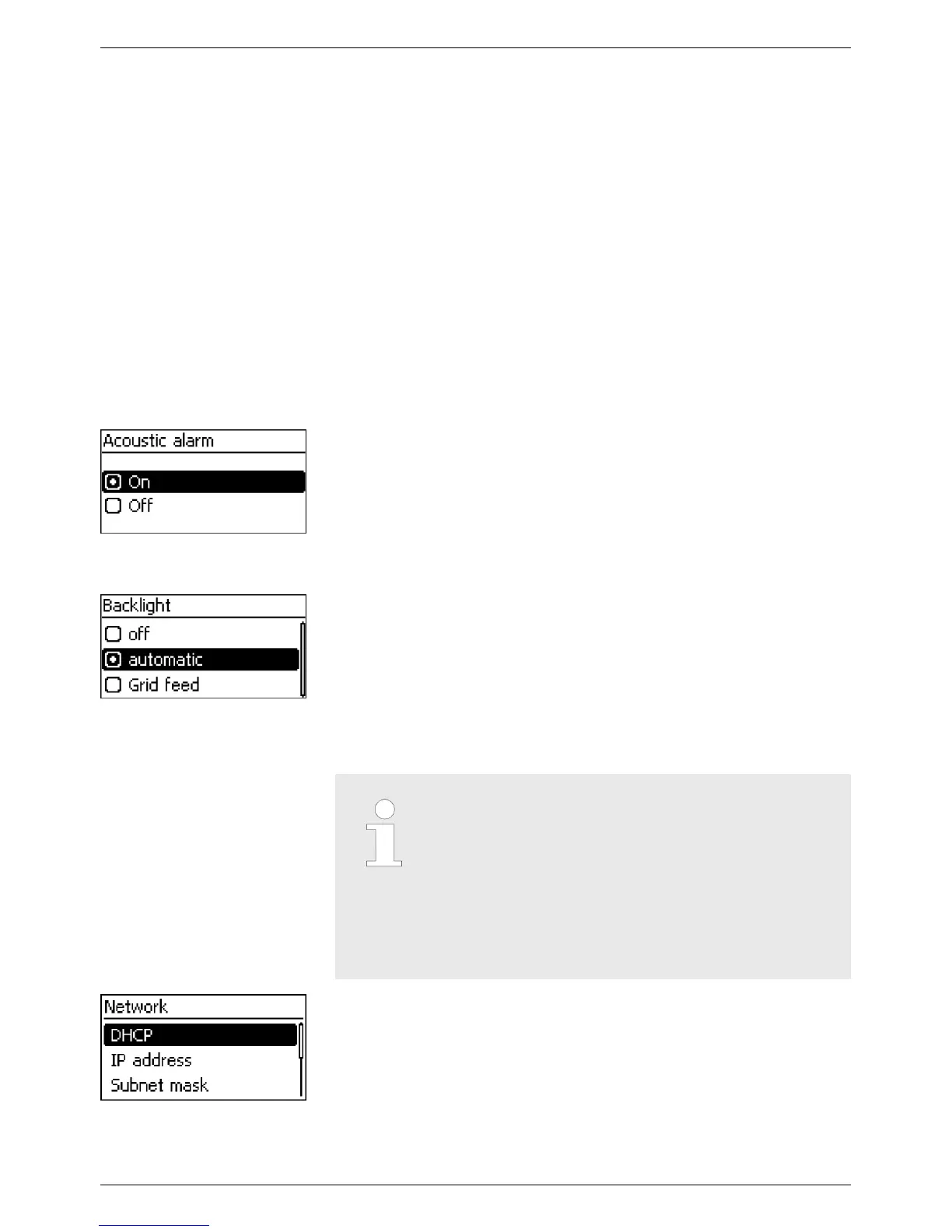
An acoustic alarm sounds (approx. 4.5 kHz) when an event message
is displayed.
n 2 Sounds: W
arning
n 3 Sounds: Error
The acoustic alarm is switched off with the factory default settings.
n off
n automatic: Switches on for 30 seconds when a button is
pushed
n Grid feed: (factory setting)
– Not feeding: Switches on for 30 seconds when a button is
pushed; then switches off
– Feeding: Switches on for 30 seconds when a button is
pushed; then dims
Notice
– A prerequisite for this is that you know the
parameters required for setting up the
TCP/IP network connection. Consult (further)
technical professionals if required.
– DHCP is activated in the device ex-works.
This allows automatic integration of the
device in most networks.
Network settings, required for network communication, e. g. with an
Internet portal:
n DHCP: Switch DHCP on/off
n IP address: IP address of the inverter
n Subnet mask: Subnet mask of the inverter
n Gateway: IP address of the network gateway
Acoustic alarm
Backlight
TCP/IP network
EN
750.661 | Z03 | 2016-09-12
17









 To Next Page