6. Press SET.
ð
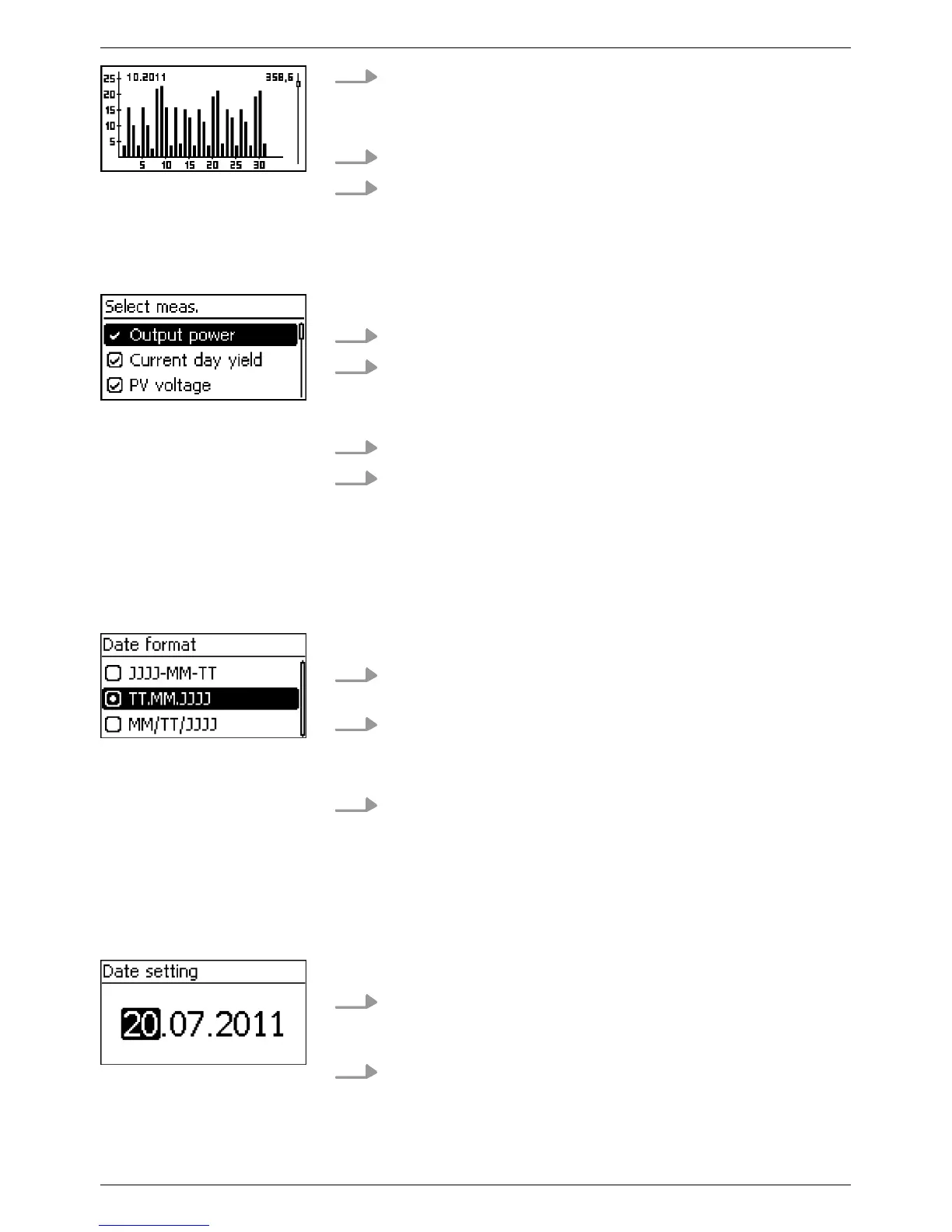
The selected individual yield is shown in a chart (Fig.
left).
7.
Press rs to page through the charts.
8. Press SET to return to the list.
A selection list with check boxes is displayed (Fig. left).
1.
Press rs to select a check box.
2. Press SET.
ð
The state of the check box changes from onto offand
vice-versa (preset check boxes cannot be changed).
3. Repeat steps 1 and 2 for further check boxes as required.
4. Press ESC.
✓ The changes are adopted and the next higher menu level
is displayed.
A selection list with radio buttons is displayed (Fig. left).
1.
Press rs to select a radio button that is currently switched
off
.
2. Press SET.
ð
The selected radio button is switched on and the previ-
ously switched on radio button is switched off
.
3. Press ESC.
✓ The changes are adopted and the next higher menu level
is displayed.
A numeric setting is displayed (example Date in Fig. left).
1. Press SET.
ð
The selected value flashes (Day in Fig. left).
2.
Press rs to change the value.
Editing selection lists
containing check boxes
Editing selection lists
containing radio buttons
Changing numeric set-
tings
EN
750.661 | Z03 | 2016-09-12
48









 To Next Page