117
B-Box
The Mix Page
The AUX Page
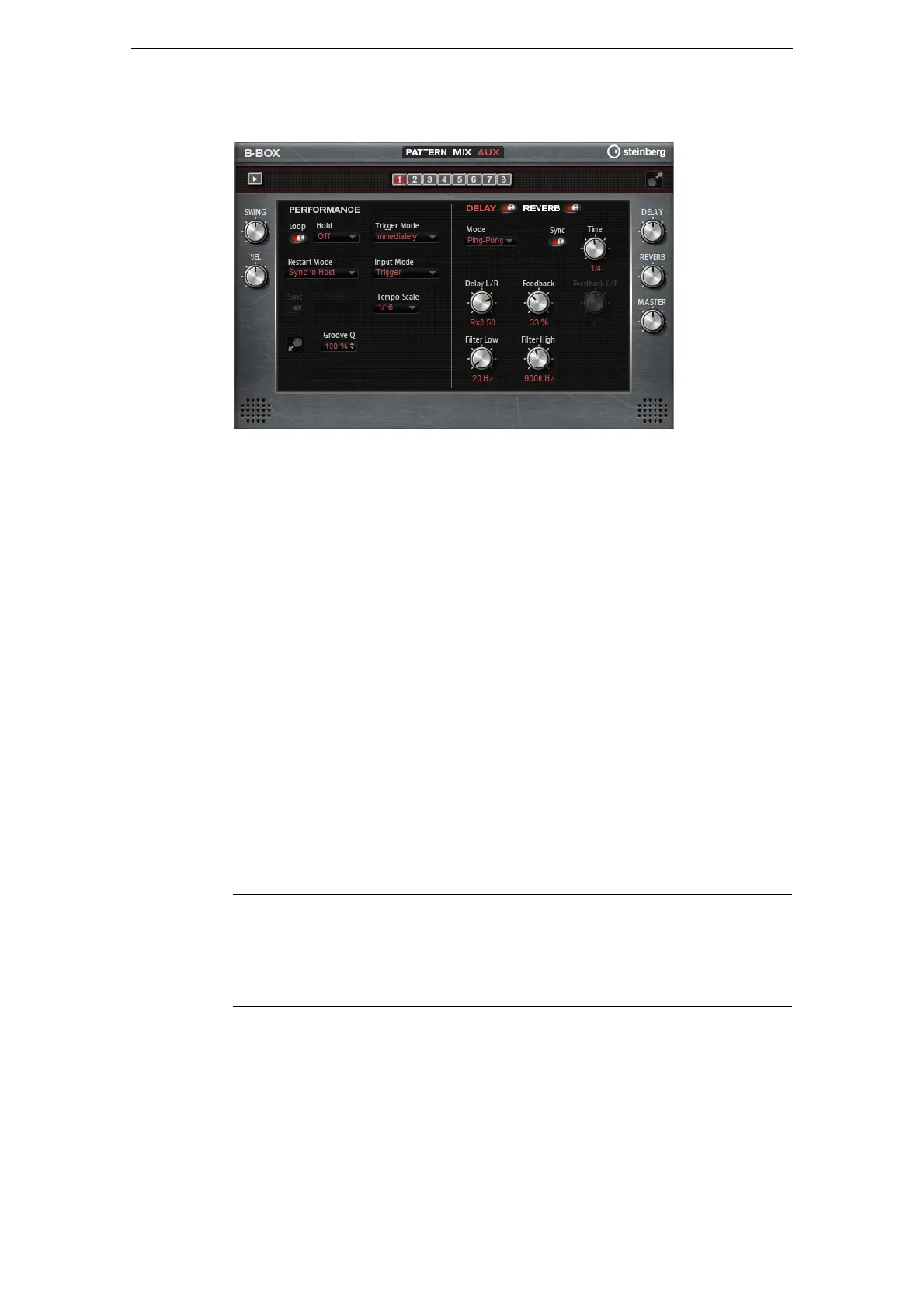
On the Aux page, you can make global settings for the B-Box and the included
effects. It is divided into two sections. The left section gives you access to the global
performance settings, and the right section allows you to edit the integrated delay and
reverb effects.
Performance
Loop
When this option is activated, the pattern plays in a loop.
Hold
Here, you can make the following settings:
Trigger Mode
The Trigger Mode determines at which moment B-Box changes the pattern when you
select another variation.
You can select one of the following options:
Option Description
Off The pattern changes immediately when a key is released. The
pattern stops immediately when all keys are released.
On The pattern plays to the end even when the keys are released.
When the Loop option is activated, the pattern plays continuously in
a cycle.
Gated The pattern starts playback with the first key being played. It plays
silently in the background even when the keys are released, and
resumes playback at the current position when you press any of the
keys again. This way, you can gate the playback of the pattern.
Option Description
Immediately The pattern changes as soon as you switch to another variation.
Next Beat The pattern changes on the first new beat after switching to another
variation.
Next Measure The pattern changes at the first new measure after switching to
another variation.



 To Next Page