166
The Performance Section
Introduction
The performance section is found in the lower part of the HALion Sonic window. It
contains those elements that you need for “playing” HALion Sonic. The performance
controls, the quick controls, and the trigger pads are the main components of the
performance section.
The Performance Controls
In the lower part of the performance section you will find the performance controls
with the wheel controls, the keyboard, and the sphere control.
Wheel Controls
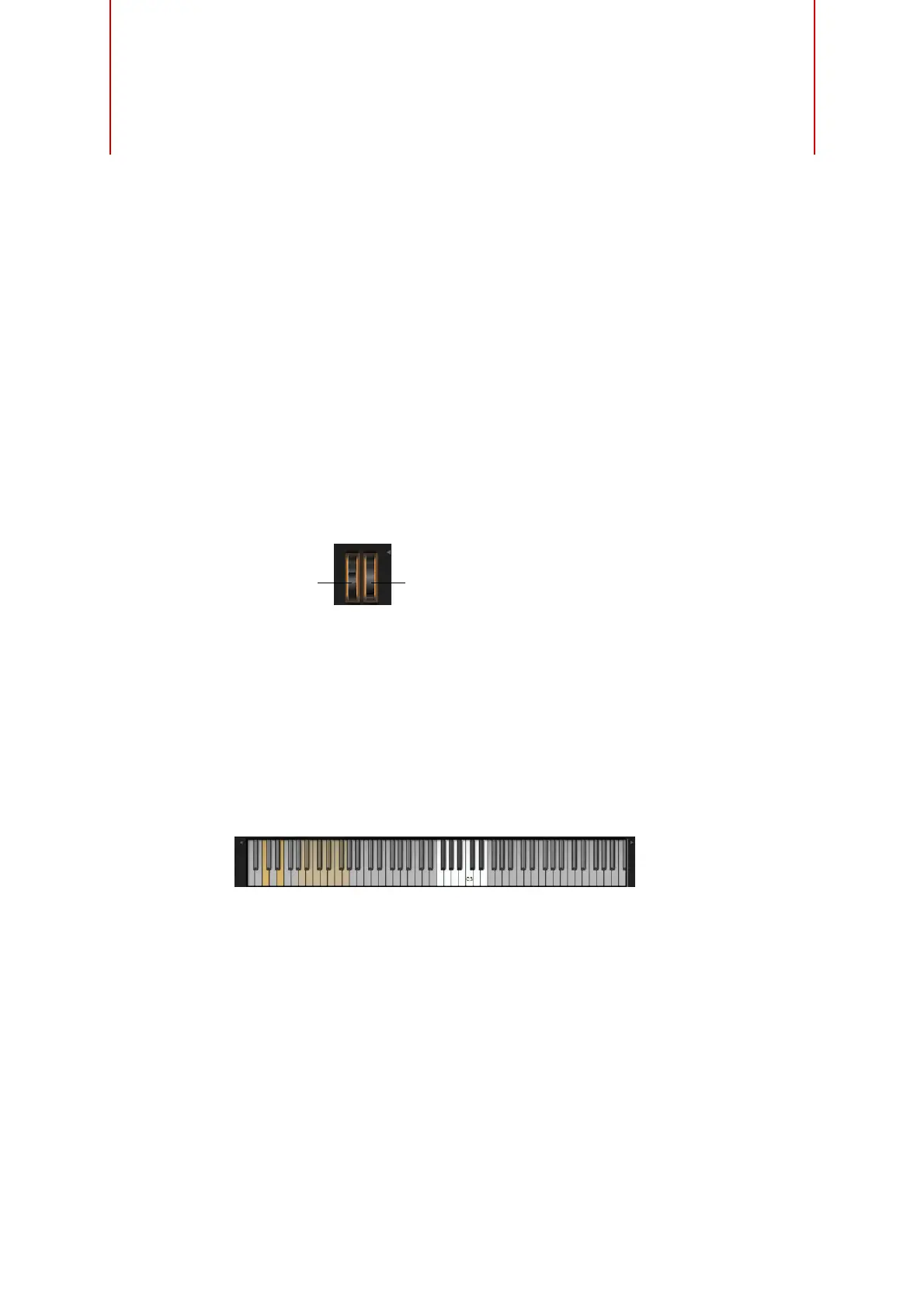
To the left of the preview keyboard of the plug-in, you can find the pitchbend wheel
and the modulation wheel.
The modulation wheel is hardwired to MIDI controller #1 which is normally used as a
source in the modulation matrix, but can be used as a quick control as well. Typically,
you assign the modulation wheel to a parameter of an insert effect, such as the speed
of the Rotary.
Ö The fixed assignment of MIDI controller #1 cannot be changed. Therefore, the
modulation wheel offers no “Learn CC” function.
Keyboard
The virtual 88-note keyboard of HALion Sonic can be used to trigger MIDI notes just
like a real keyboard. By clicking the keys at different vertical positions you can control
the note-on velocity. Furthermore, the keyboard displays keys that are not used to
trigger notes but act as key switches. The Shift Keyboard buttons to the left and right
of the keyboard shift the keyboard range by octaves. This allows you to display, for
instance, key switches that are located on lower keys.
Pitchbend
wheel
Modulation
wheel



 To Next Page