73
Editing
Working with FlexPhraser Variations
Managing User Phrases
• To load a phrase, click the phrase selector and select a phrase from the pop-up
menu.
• To save a phrase, click the disk icon.
• To delete a phrase, select it and click the trashbin icon.
Ö Saved phrases include the Mode, Key Replace, and Wrap parameters, as well as the
steps with their Level, Length, and Legato settings. The selected MIDI controllers or
any settings on the main FlexPhraser page are not saved.
Groove Quantizing User Phrases
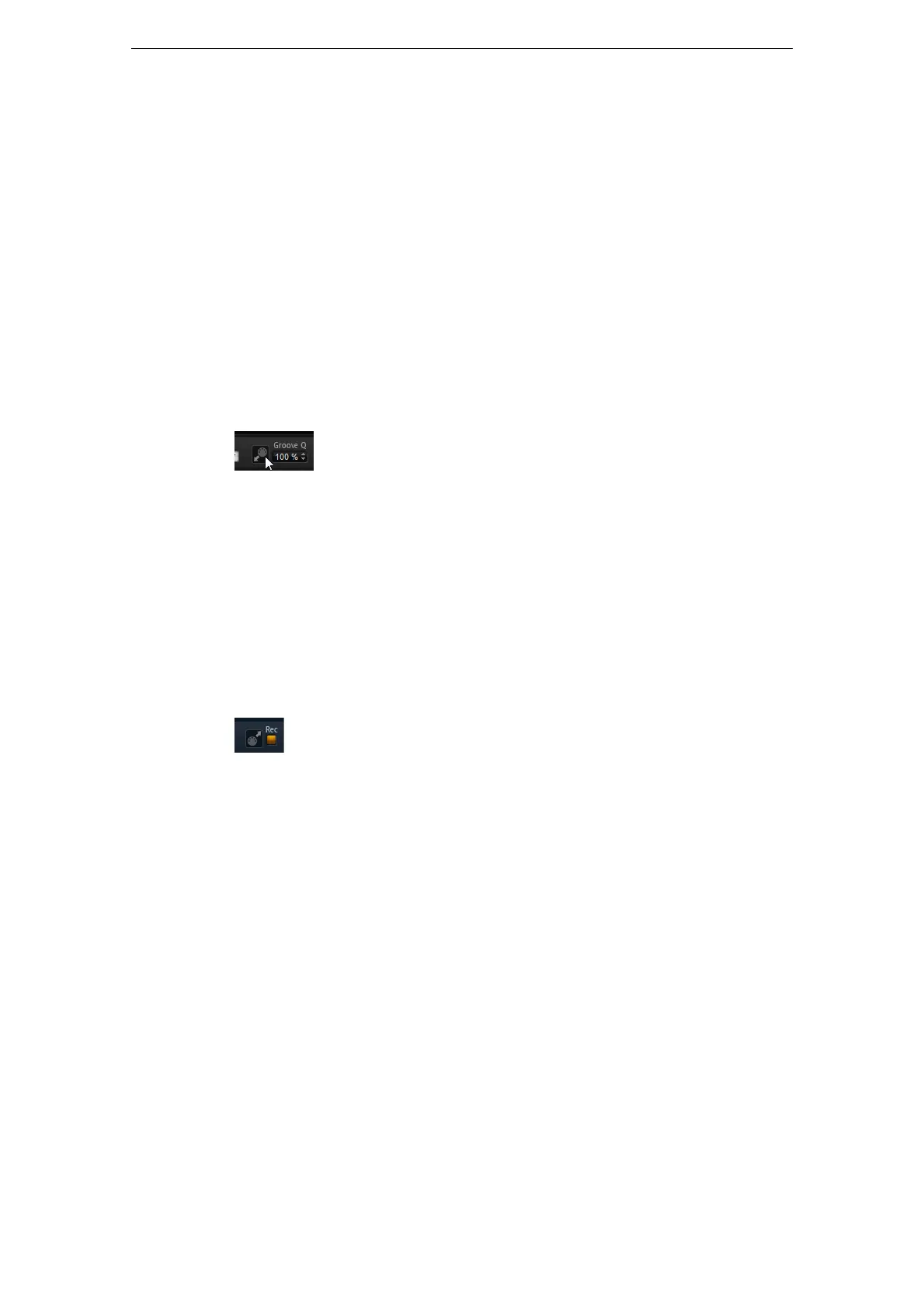
To adapt the timing of a phrase to an external MIDI file, you can drop this MIDI file on
the Groove Quantize drop field. You can quantize the playback of the user phrase to
the timing of a sliced loop by dragging its MIDI file from the MIDI export drag field to
the Groove Quantize drop field.
The “Groove Quantize Depth” parameter to the right of the drop field determines how
accurately the phrase follows the timing of the MIDI file.
Exporting MIDI Phrases
The phrases played by the FlexPhraser depend on the notes that are played and
therefore cannot be exported directly. However, it is possible to generate exportable
phrases by recording the MIDI output of the FlexPhraser.
Proceed as follows:
1. Click the Record button.
The small arrow in the MIDI export field starts blinking to indicate record mode.
2. Play some notes.
3. When you are done, click the Record button again.
Recording stops and in the MIDI export field, the arrow remains lit to indicate that
a MIDI phrase can be exported.
4. Click the MIDI export field and drag the phrase on a MIDI track in your host
sequencer application.
Working with FlexPhraser Variations
Each FlexPhraser features eight variations that allow you to set up different phrases or
variations of phrases or loops. You can switch between them with the variation
buttons at the top right of the FlexPhraser. You can also remote-control the Variation
buttons using HALion Sonic‘s trigger pads. This also gives you the possibility to
switch between variations by playing the trigger keys assigned to the trigger pads.
Ö To avoid that the variation switches in the middle of a beat or measure, use the trigger
modes “Next Beat” or “Next Measure”.



 To Next Page