25
Editing
Introduction
All editing of programs and layers is done via the Edit page of the Edit display. The
Edit display is a multipurpose display that shows various editor views depending on
the selected page and slot. Seven different editors can be opened with the “Show
page” buttons above the Edit display. These pages are the Load (see
“Managing Files
via the MediaBay” on page 19), Edit (see below), MIDI (see “The MIDI Page” on page
128), Mix (see “The Mix Page” on page 129), Effects (see “Global Effects” on page
131), Multi (see “Setting Up a Multi Chain” on page 23) and the Options page (see
“The Options Page” on page 182).
Editing Programs
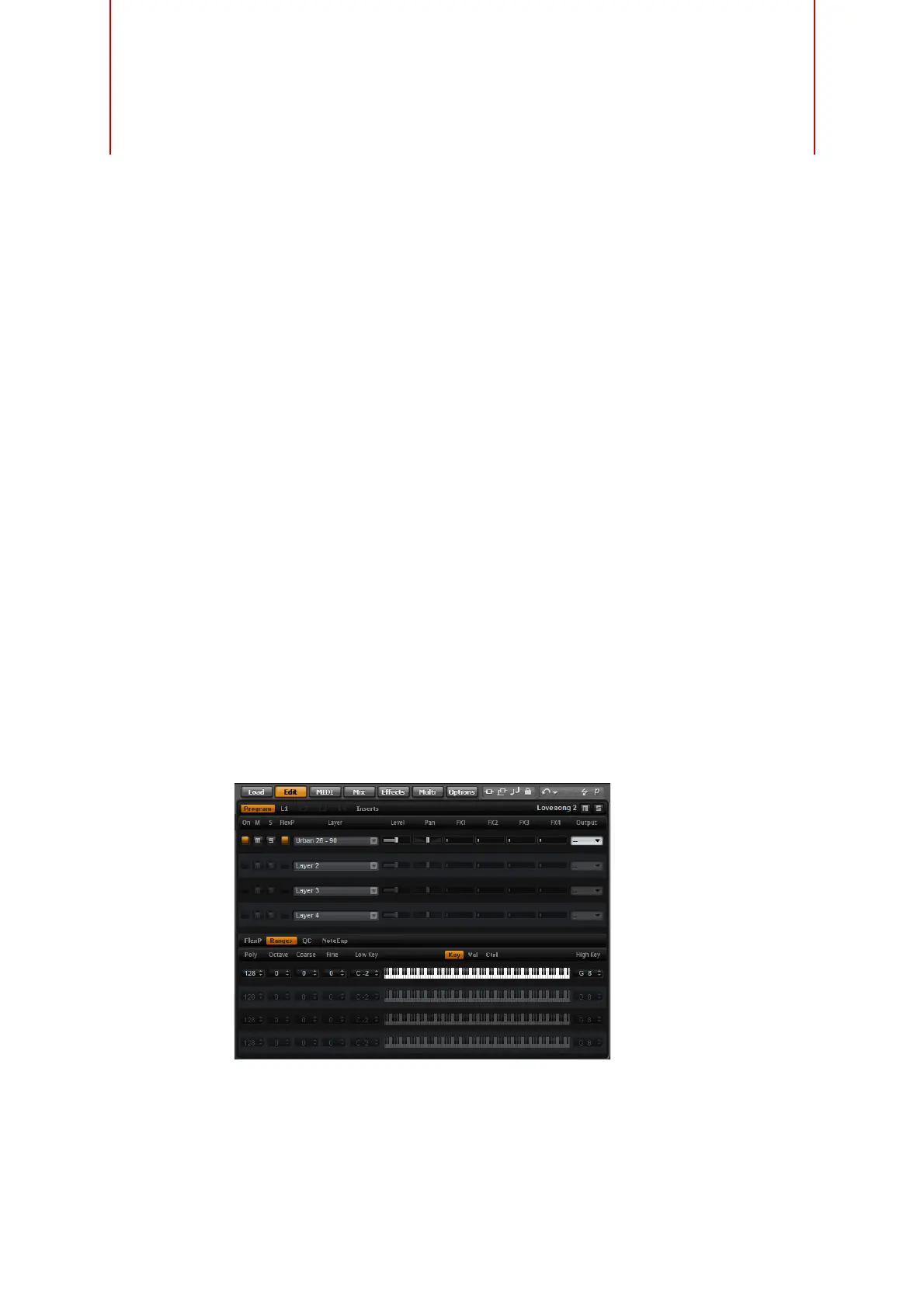
The Edit page is where you edit your program, load different layers for a program, and
edit the layers. A program contains up to four layers which can all be mapped to
different velocity and key ranges. Each of the layers can use a dedicated FlexPhraser
and can be routed freely to one of the 16 plug-in outputs. HALion Sonic also provides
four insert effects per layer and allows you to use up to four sends to feed the four
auxiliary busses.
To edit a program, proceed as follows:
1. Select the program you want to edit in the Multi Program Rack.
2. Click Edit to open the Edit page.
3. Click the Program button at the top of the Edit page.
The Program subpage is shown on the Edit page.
The Program page is divided into two sections. The section at the top is used to load
and save layers, and to set up the mix parameters such as level, pan and FX sends.
The bottom section is used to display layer ranges, program FlexPhraser editors, quick
control assignments or Note Expression parameters.



 To Next Page