142
Global Effects
Effects Reference
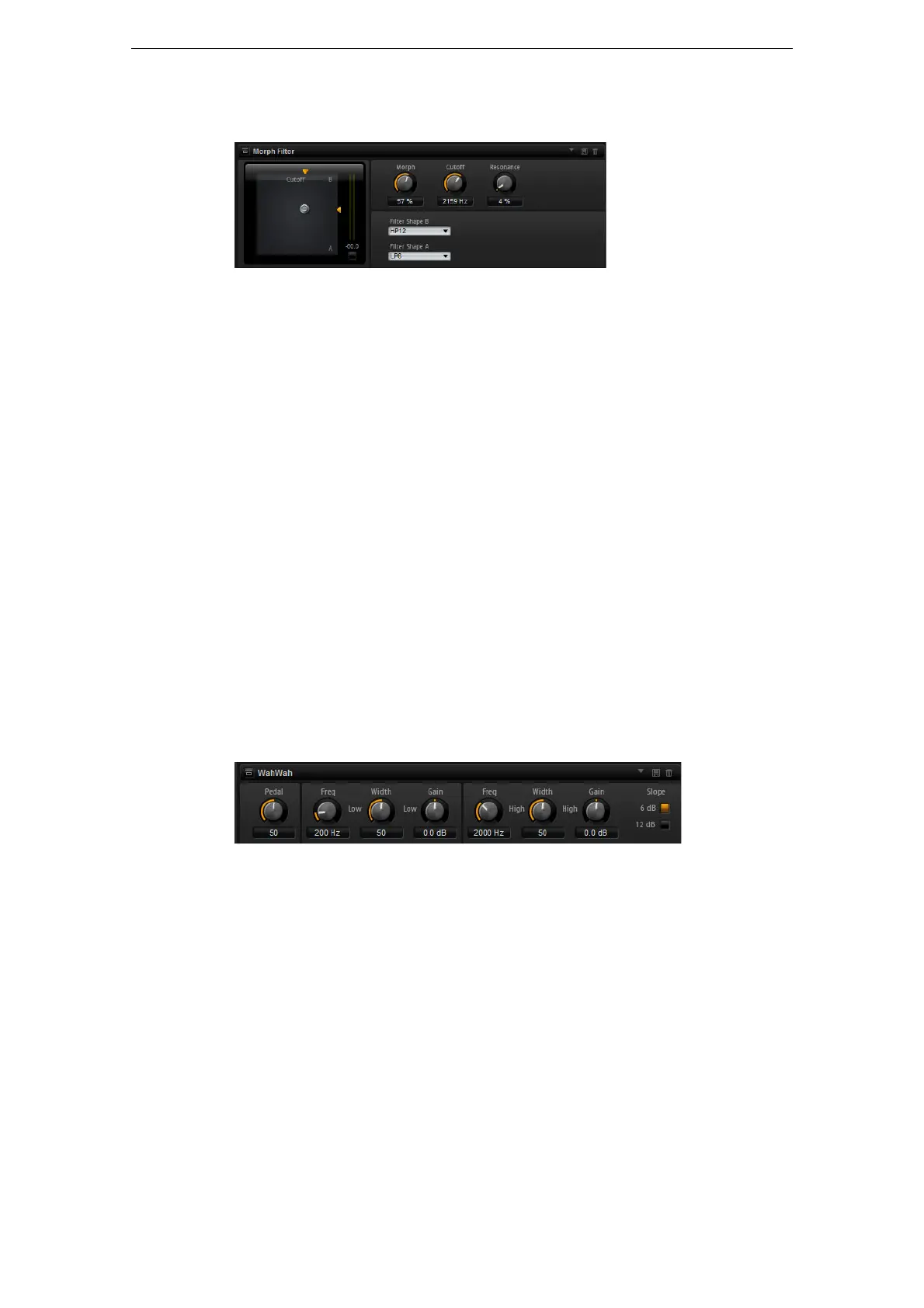
MorphFilter
MorphFilter lets you mix low-pass and high-pass filter effects, allowing for creative
morphings between two filters. You can specify the filter shapes independently for
filter shape A and B via the corresponding pop-up menus.
Filter Shape B
Here, you can choose between several high-pass and band-rejection filter shapes.
Filter Shape A
Here, you can select a low-pass or a band-pass filter shape.
Morph
Lets you mix the output between the two selected filters.
Cutoff
Adjusts the cutoff frequency of the filters.
Ö You can also set the Cutoff and Morph parameters simultaneously by clicking in the
display and dragging.
Resonance
Emphasizes the frequencies around the cutoff frequency. For an electronic sound,
increase the resonance. At higher resonance settings, the filter self-oscillates, which
results in a ringing tone.
WahWah
WahWah is a variable slope band-pass filter modeling the well-known analog pedal
effect. You can independently specify the frequency, width and the gain for the Lo and
Hi Pedal positions. The crossover point between the Lo and Hi Pedal positions lies at
50.
Pedal
Controls the filter frequency sweep.
Freq Lo/Hi
These parameters determine the frequency of the filter for the Lo and Hi Pedal
positions.
Width Lo/Hi
These parameters determine the width (resonance) of the filter for the Lo and Hi Pedal
positions.



 To Next Page