179
Global Functions and Settings
Introduction
This chapter describes global settings and functions of the program.
The Plug-in Functions Section
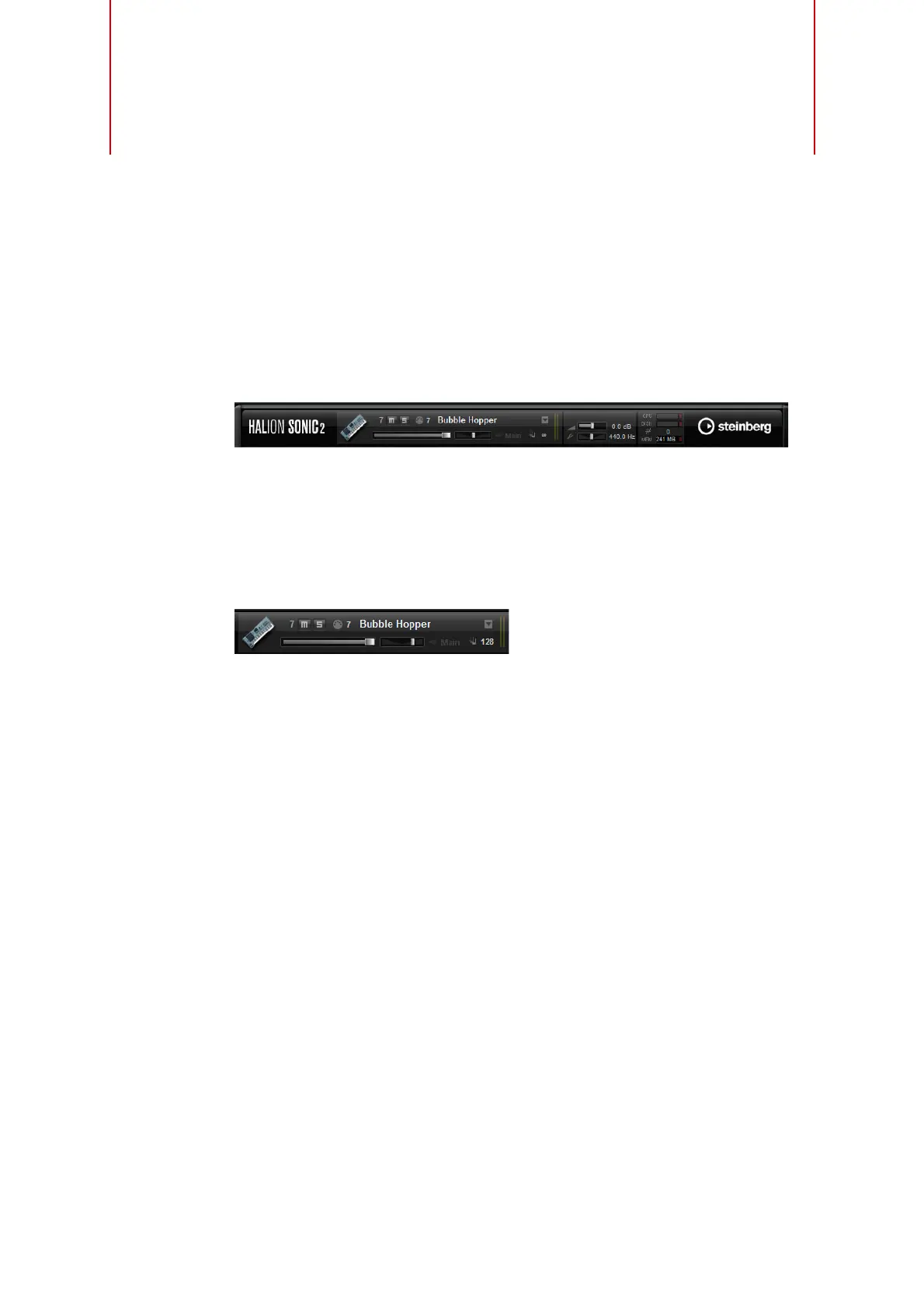
At the top of the HALion Sonic window you find the plug-in functions section. The
plug-in functions section gives you access to global functions, affecting both the
currently loaded programs, and the general working of the plug-in. The section is
divided into three smaller sections: program slot section, master section and
performance displays.
The Program Slot Section
This section includes a program slot, and shows the main parameters of the program
loaded in the slot. This slot is a copy of the slot that is currently selected in the Multi
Program Rack. You can adjust settings such as level, pan, output bus, MIDI channel
and polyphony. Furthermore, you can use the program slot to load programs and to
mute/solo them.
Slot Selector
The slot number not only serves as a label but also allows you to select the slot you
would like to have displayed.
Proceed as follows:
1. Click the slot number to open a context menu.
2. Select the slot.
To make slot selection easier, programs already loaded are displayed in the context
menu with their name.
Slot Functions
The slot provided in the Plug-in functions section can be used to load programs and
layers, just like the slots of the Multi Program Rack (see
“Loading Programs” on page
15).
MIDI Activity Indicator
The MIDI icon indicates incoming MIDI data by blinking.
Solo
Enable the Solo button of the slot in order to hear only this program.



 To Next Page