44
Editing
Editing Layers
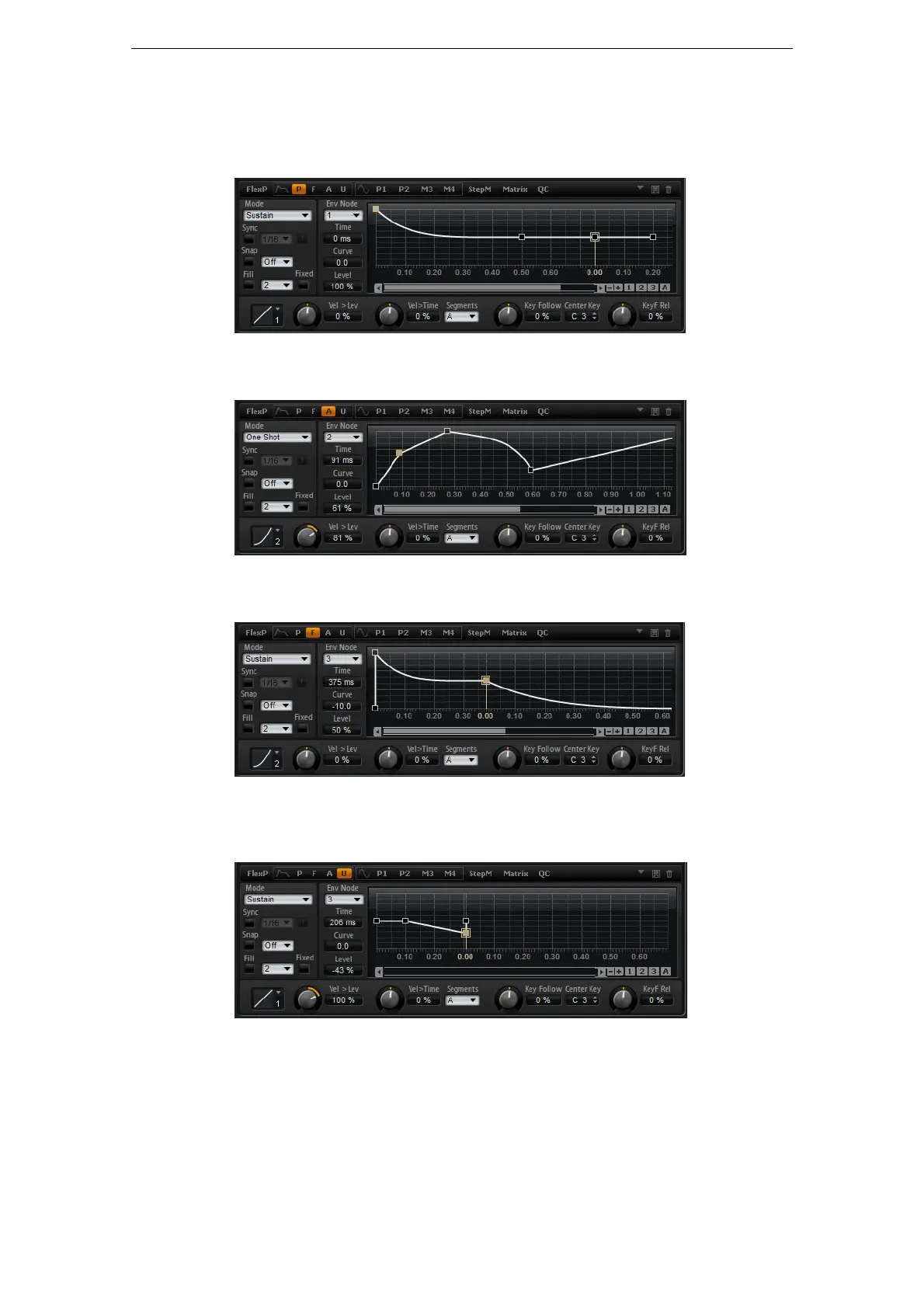
• P: Click “P” to display the parameters of the pitch envelope. The pitch envelope
modulates the pitch over time. The pitch envelope is bipolar, which means it allows
for negative and positive values to bend the pitch up and down.
• A: Click “A” to display the parameters of the amplifier envelope. The amplifier
envelope shapes the volume over time.
• F: Click “F” to display the parameters of the filter envelope. The filter envelope
controls the cutoff frequency to shape the harmonic content over time.
• U: Click “U” to display the parameters of this free assignable user envelope. It is
bipolar, which means it allows for negative and positive values, for instance, to
modulate the pan from left to right.
Presets
Presets for different envelopes can be loaded and saved at the top right of the
corresponding subpage.
• To load a preset, click in the “Select Preset” field and select the preset from the
pop-up menu.



 To Next Page