8
Installation and setup
Installation
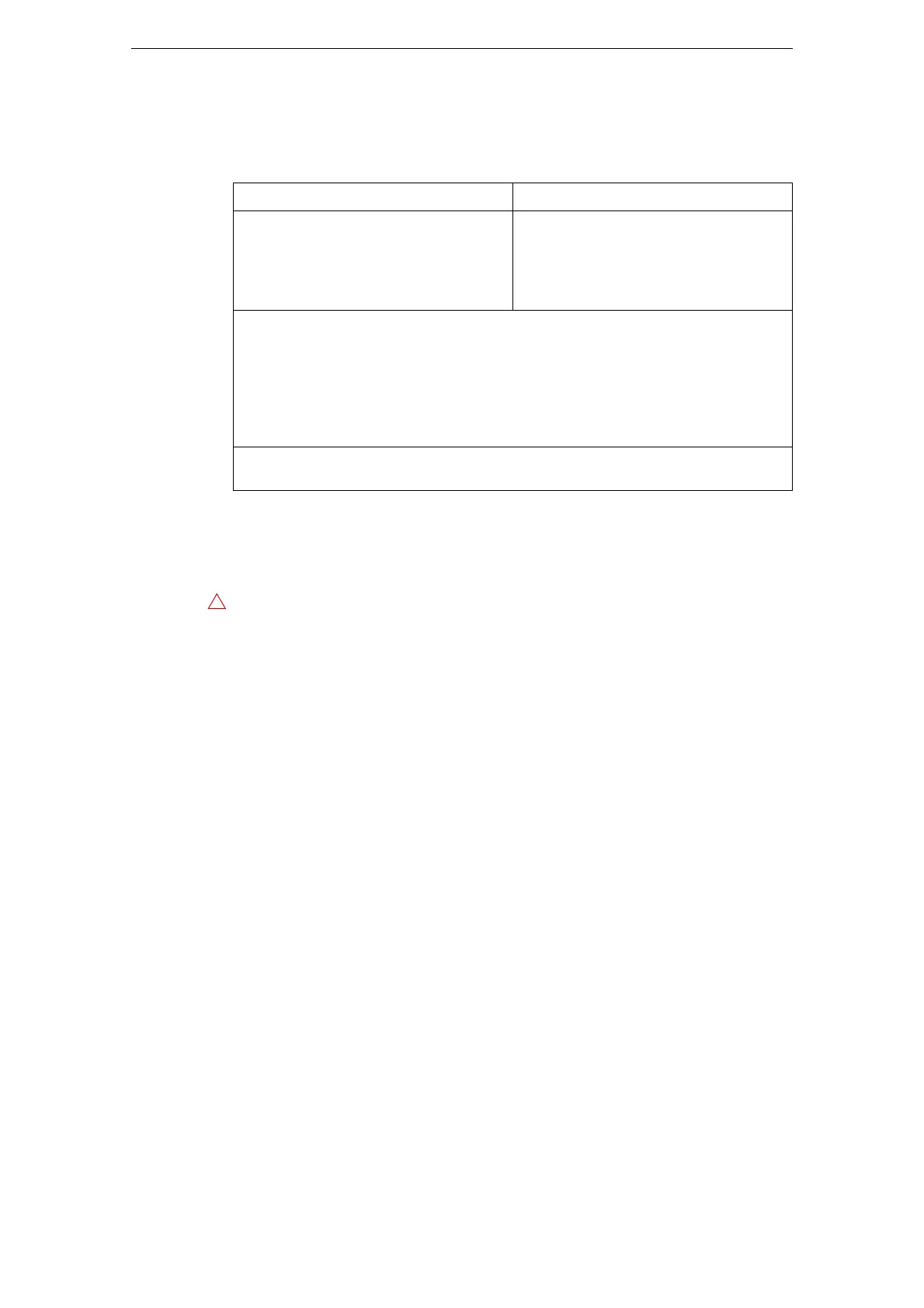
System Requirements
Your computer must meet the following minimum requirements for the Windows and
Mac versions of HALion Sonic:
Installing HALion Sonic
HALion Sonic provides a large amount of content and is distributed on a set of two
DVDs. Please have all DVDs ready for the installation.
Proceed as follows:
1. Insert the first DVD into your DVD drive.
An interactive Start Center appears. If it is does not open automatically or if you
have a Macintosh computer, you can manually open it by double-clicking the file
“HALion_Sonic_Start_Center.exe” (Windows) or “HALion Sonic Start Center.app”
(
Mac).
2. Follow the instructions on screen to start the installation of HALion Sonic and
browse through the additional options and information presented.
If you do not want to install HALion Sonic via the interactive Start Center, follow the
instructions below:
Windows
1. Double-click the file called “Setup.exe”.
2. Follow the instructions on screen.
Macintosh
1. Double-click the file called “HALion Sonic.mpkg”.
2. Follow the instructions on screen.
Mac OS X Windows
Mac OS X Version 10.7/10.8*
Intel dual-core processor
CoreAudio-compatible audio hardware
VST 3 or AU-compatible host application
for using HALion Sonic as a plug-in
Windows 7/Windows 8*
Intel or AMD dual-core processor
Windows-compatible audio hardware**
VST 3 or VST 2-compatible host applica-
tion for using HALion Sonic as a plug-in
4 GB RAM
17 GB of free hard-disk space
Display resolution of 1280 x 800 pixels recommended
DVD ROM dual-layer drive required for installation
USB port for USB-eLicenser (license management)
Internet connection required for installation, activation, account setup, and
personal/product registration.
*Native 32-bit and 64-bit program version.
**ASIO compatible audio hardware recommended for low-latency performance.
The HALion Sonic installer allows you to save the content files on a different hard
drive than the program files.



 To Next Page