EasyManua.ls Logo

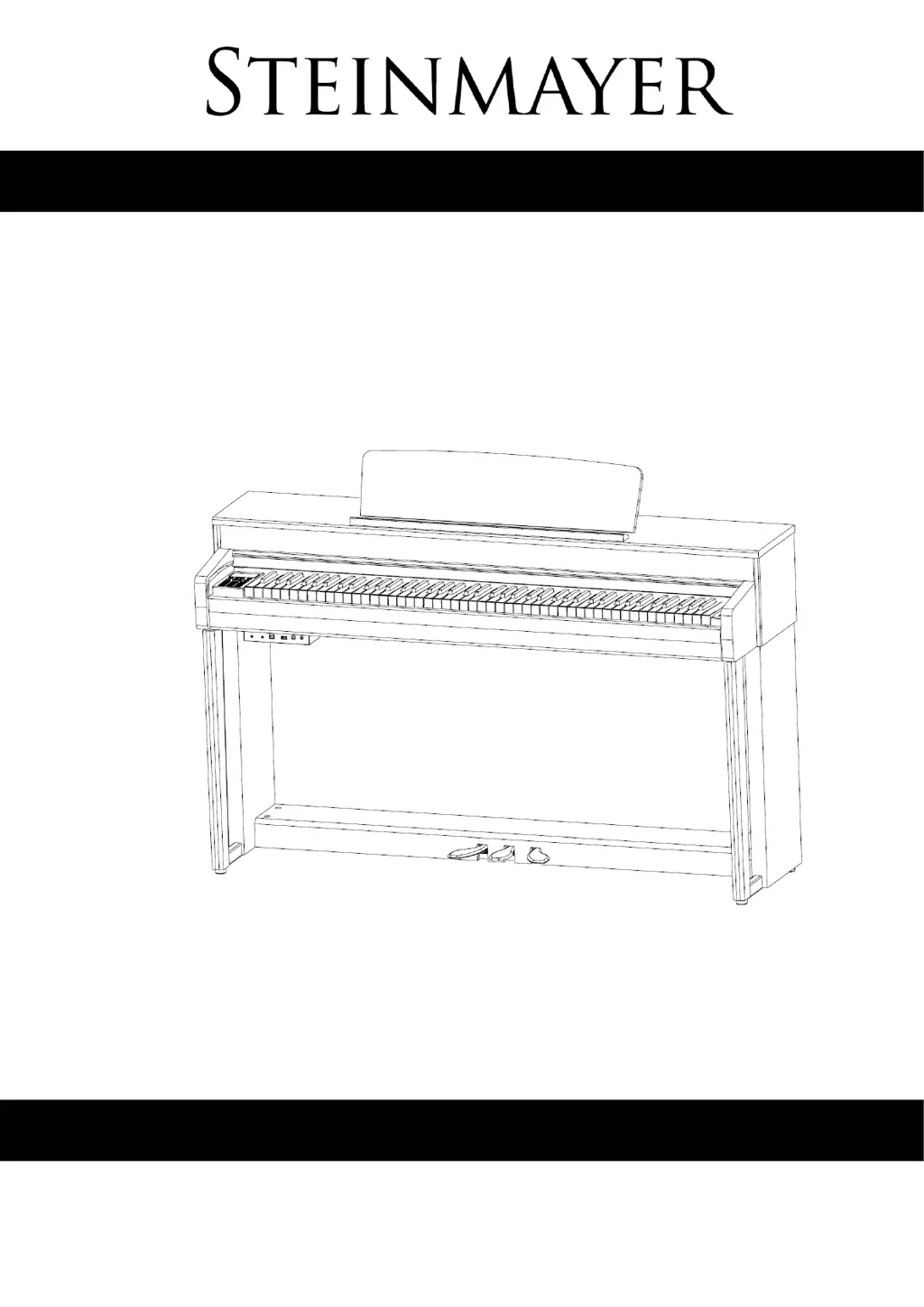
Steinmayer DP 361 - User Manual

Steinmayer DP 361
44 pages
Print Icon
To Next Page IconTo Next Page
Loading...
DP 361
Owner‘s Manual
Version: 11/2019

Questions and Answers

  • M
    Mitchell KnoxAug 4, 2025
    How to fix a Steinmayer DP 361 that does not turn on?
    • S
      Samantha HarrisAug 4, 2025
      If your Steinmayer Musical Instrument isn't turning on, here are a few things to check: * Ensure the power cord is properly plugged in. * Make sure the instrument is turned on. * Try using a different electrical outlet to rule out power issues with the current outlet.
  • A
    Amy GrahamAug 12, 2025
    What to do if my Steinmayer Musical Instrument piano does not emit sound?
    • P
      Patty HillAug 12, 2025
      If your Steinmayer Musical Instrument isn't producing sound, try these steps: * Increase the volume setting, as it may be set to the lowest level. * Check the headphone jack and remove any headphones or adapters that may be plugged in. * Ensure the instrument is properly plugged into an electrical outlet.
  • H
    Henry FranklinAug 18, 2025
    Why is my Steinmayer Musical Instrument emitting noises?
    • S
      Sarah BauerAug 19, 2025
      If your Steinmayer Musical Instrument is making unwanted noises, consider the following: * Move the piano away from other electrical appliances, especially those with motors like freezers or washing machines. * Remove any objects on or near the instrument that might be resonating. * If the noise only occurs when using headphones, try cleaning the headphone plug or replacing the headphones.
  • A
    Aaron KiddAug 27, 2025
    What to do if Steinmayer DP 361 does not pass sound through AUX-OUT?
    • M
      Melissa SullivanAug 27, 2025
      If your Steinmayer Musical Instrument isn't passing sound through the AUX-OUT connector: * Ensure the volume is not set to the minimum; increase it. * Check the connection cable for damage and replace it if necessary.

Summary

Basic Operation

Power Switch and Volume Control

How to turn the piano on/off and adjust the master volume.

Connections

Audio and USB Ports

Describes Aux In/Out, USB to Host, and USB to Device ports.

Pedals

Pedal Operation Guide

Explains the function and use of the sustain, sostenuto, and soft pedals.

Operation Modes

Choosing a Tone (Voice)

Steps to select different instrument sounds or voices.

Dual, Split, and Layer Functions

Layering Tones

Combining two different voices simultaneously on each key.

Splitting the Keyboard

Dividing the keyboard into two sections with different voices.

Piano Assist Features

Drum Player Accompaniment

Using the drum player for rhythmic accompaniment.

Piano Player Chord Patterns

Utilizing the piano player for left-hand chord accompaniment.

Recording Function

Recording and Playback Basics

Instructions for recording, multi-track recording, and playback.

Registration Memory

Saving and Recalling Settings

Storing and retrieving preferred instrument settings.

MIDI, Bluetooth, and Charts

Troubleshooting and Specifications

Troubleshooting Common Errors

Solutions for common problems encountered with the instrument.

Steinmayer DP 361 Specifications

General IconGeneral
TypeDigital Piano
Keys88
Key ActionHammer Action
Polyphony128 notes
EffectsReverb, Chorus
Weight45 kg
Voices16 voices
ConnectivityMIDI, USB, Headphone
Dimensions138 cm x 48 cm x 85 cm