10
Dual
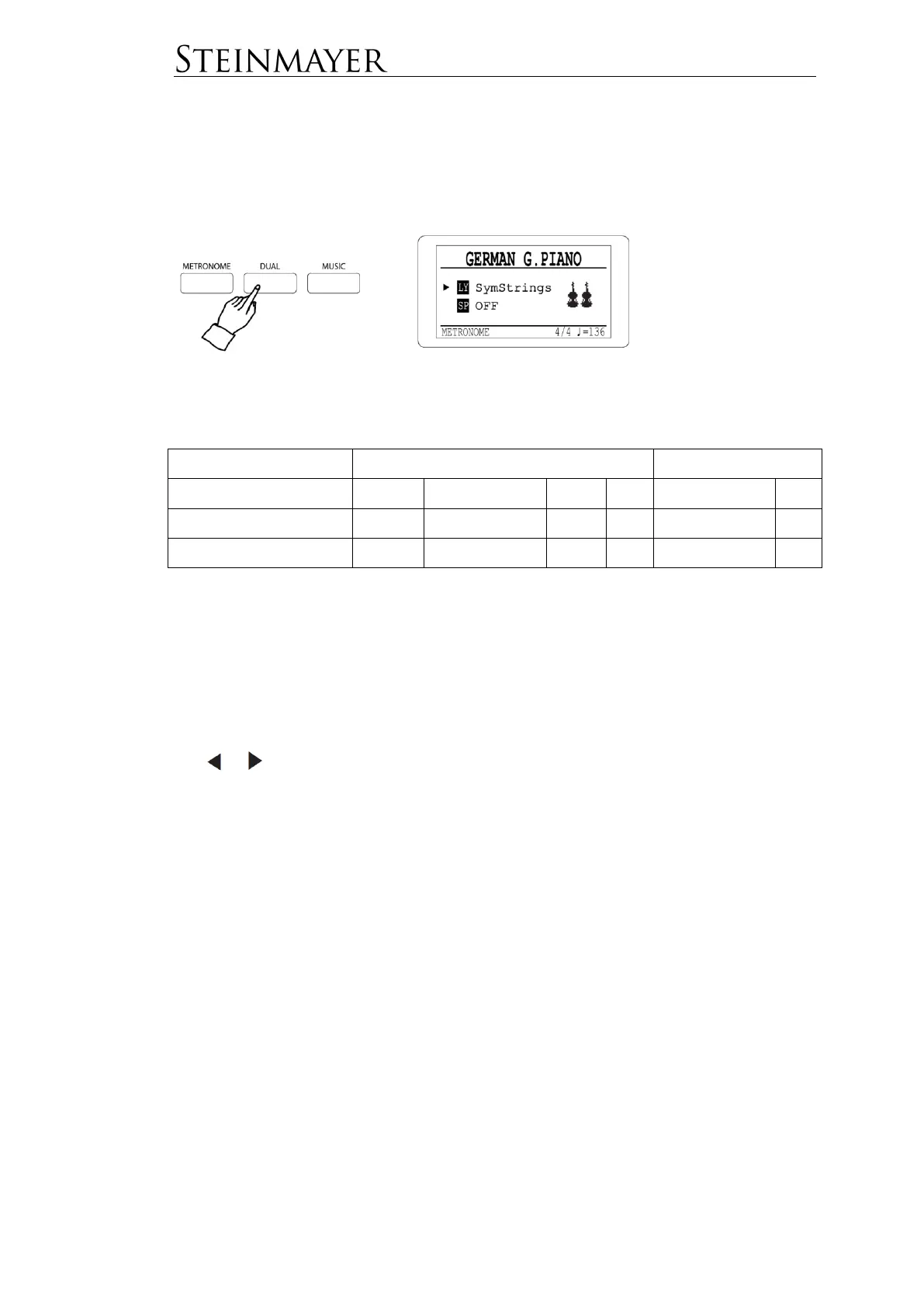
Press the DUAL button to enter the Dual Mode. In this mode, you can combine
multiple timbres in different ways. Pressing the DUAL button repeatedly will enter
the different operating modes.
In Dual Mode you can choose from the following options:
Layer
Here two tones per key are played simultaneously.
First select the desired main voice (Main Voice).
Now press the DUAL button. The cursor in the display points to LY and the DUAL
button lights in white color. Now select the desired second tone (Layer Voice) using
the or keys.
By moving the cursor up and down, you can switch between the selection of the
main and layer voice
The volume levels of both voices can be adjusted individually. See function menu.
Press the DUAL button three times to deactivate the mode.


 To Next Page