22
Calling up a Registration
To recall the settings stored in a Registration Memory location, press and hold the
Reg.LOAD button and one of the six Registration buttons (R1-R6).
Changing the Registration Memory Bank
To switch to another Registration Memory bank, use the menu dialog REGIST
BANK in the SYSTEM category of the function menu. There are 5 Memory banks
(A-E) available. See function menu.
BrainCare
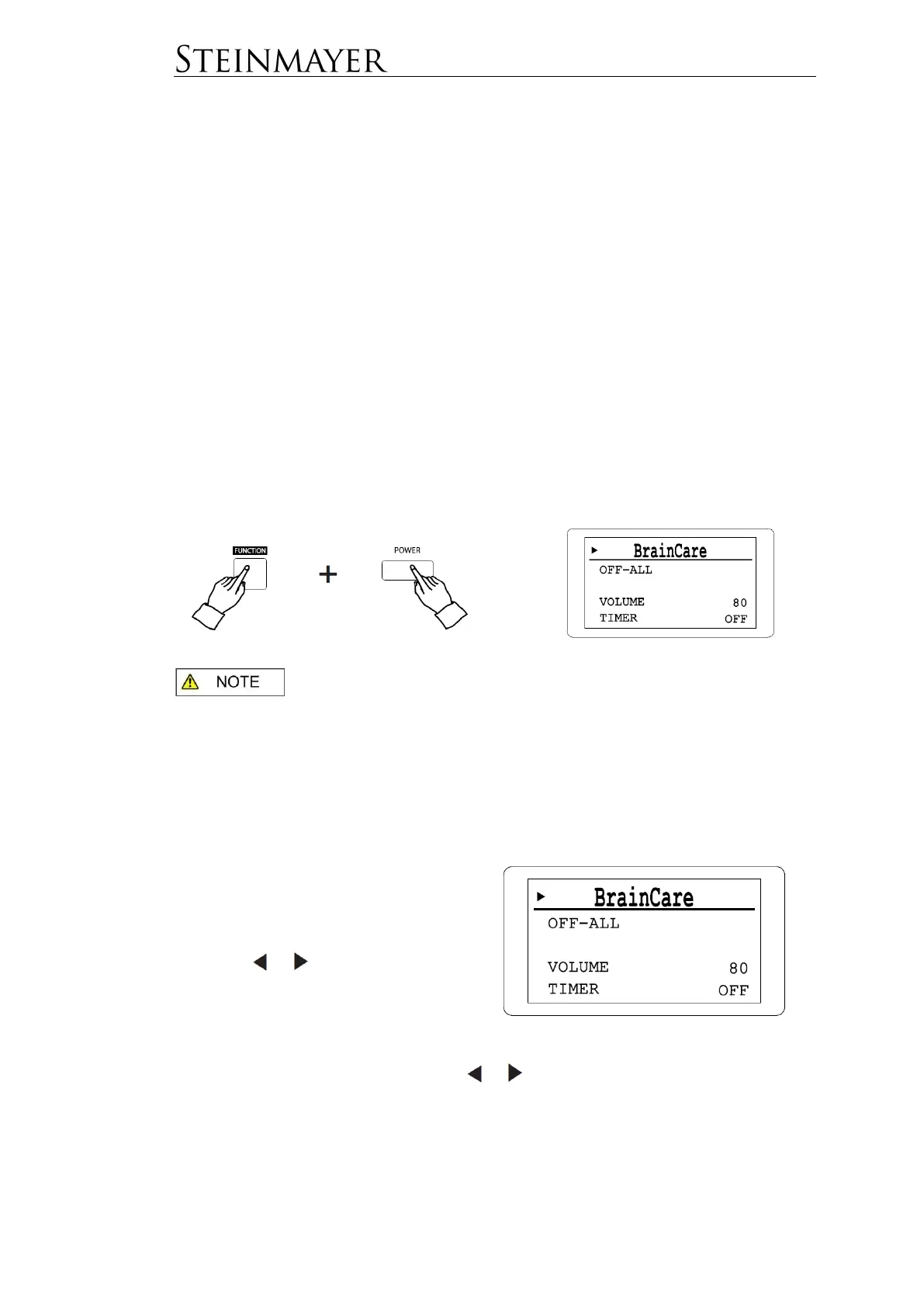
The instrument has a separate BrainCare mode. To get into this operating state,
turn off the instrument. Now press and hold the FUNKTION key and switch on the
instrument. Hold down the FUNKTION key until the instrument is started in secured
BrainCare mode.
There are no piano functions available in BrainCare mode.
In this operating mode, you can choose from different categories of background
noise atmosphere with timer function.
These categories can be combined with each other. For example, as a sleeping aid
you can underlay a relaxing piano piece with the sound of the sea and automatically
stop playing the sound after 30 minutes.
With the cursor position next to
BrainCare you can switch between the
modes BrainCare (10 Presets), Binaural
Beats, White Noise and Healing Music
using the or keys.


 To Next Page