EasyManua.ls Logo

Steinmayer DP 361 - MIDI and Bluetooth Connectivity

Steinmayer DP 361
44 pages
Print Icon
To Next Page IconTo Next Page
To Previous Page IconTo Previous Page
Loading...
31
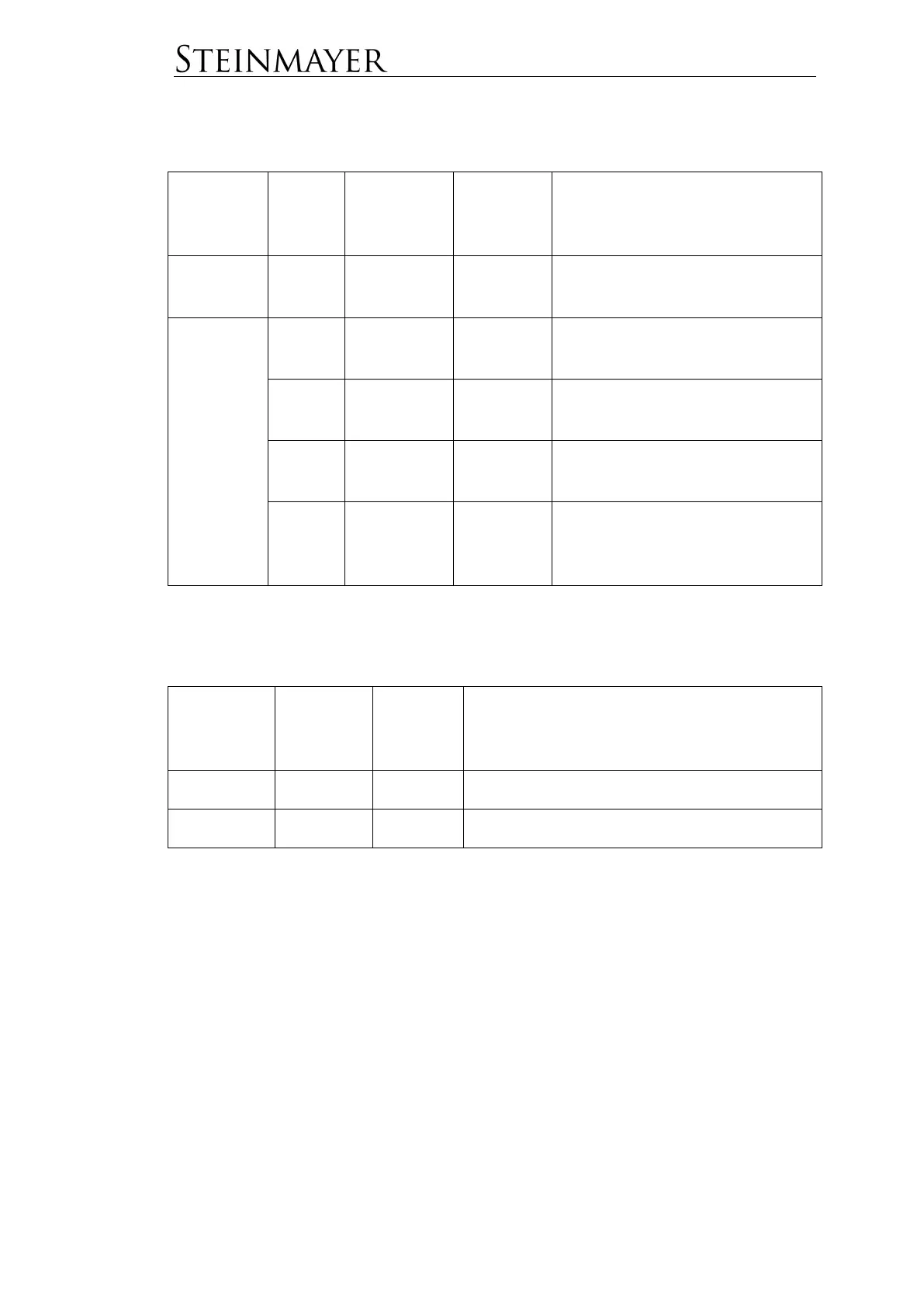
MIDI
Menu
dialog
Sub-
menu-
point
Standard
Range
Description
LOCAL
CONTROL
ON
ON/OFF
Local-OFF Setting for using the
piano as a MIDI controller.
MAIN
CH01
CH01-
CH16
Selects the send channel for the
MAIN voice.
LAYER
CH02
CH01-
CH16
Selects the send channel for the
LAYER voice.
MIDI OUT
SPLIT
CH03
CH01-
CH16
Selects the send channel for the
SPLIT voice.
NOTE
OFF
VEL
ON
ON/OFF
Setting for the use of NOTE OFF
Velocity.
Bluetooth
Menu
dialog
Sub-
menu-
point
Standard
Range
PAIRING
ON
ON/OFF
Switch the pairing mode active or inactive.
VOLUME
50
0-100
Volume setting for Bluetooth audio.
Bluetooth
This instrument supports Bluetooth audio and Bluetooth MIDI connections.
Bluetooth Audio
The default is PAIRING ON. Thus, immediate pairing is possible. Activate Bluetooth
on the smart device (smartphone, tablet or similar) which you want to connect to the
piano. Select the piano from the list of available Bluetooth devices displayed on your
smart device. Once pairing is complete, you can hear the music you play on your
smart device through the speakers of the piano.