Stellar
®
Heavy-Duty Telescopic Crane Owner’s Manual | Page 3
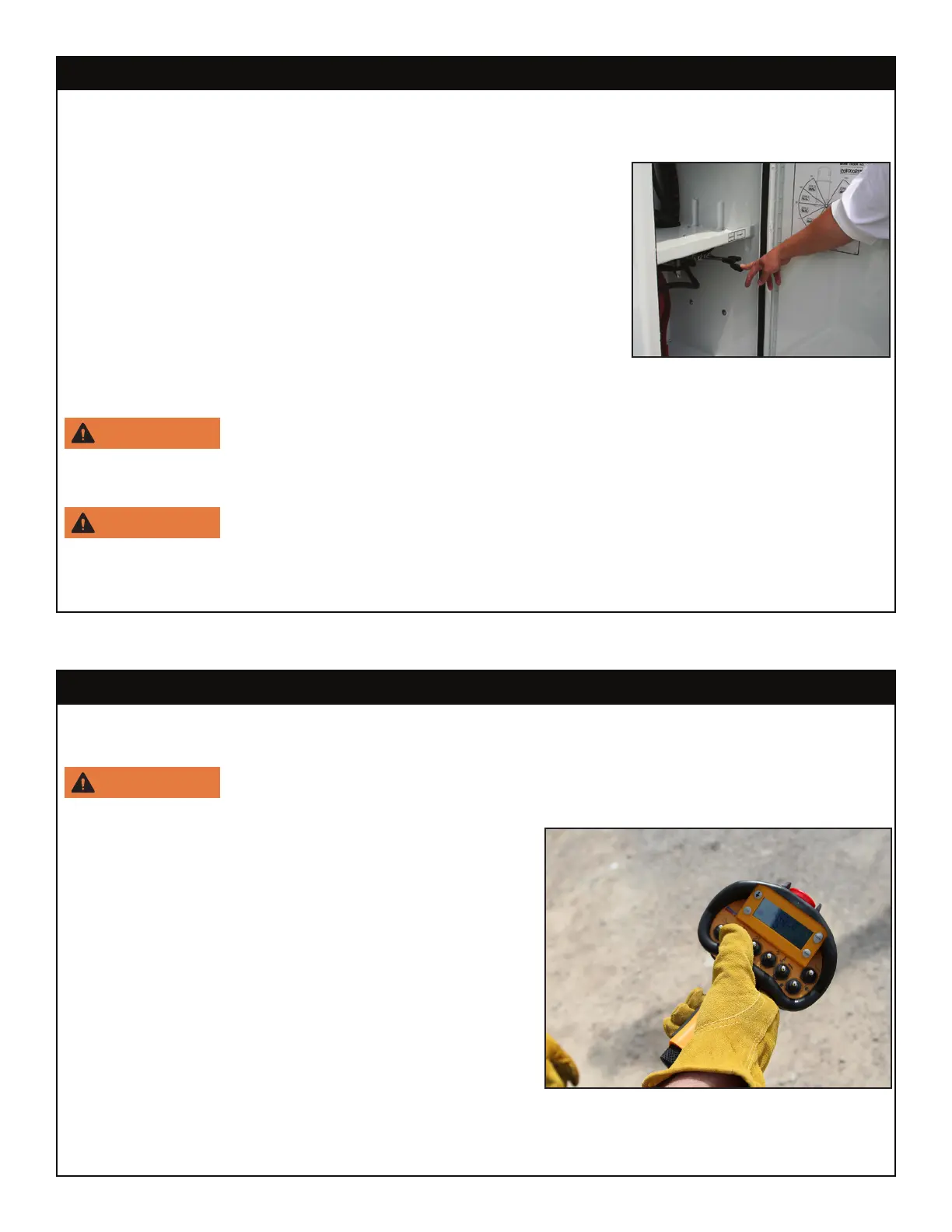
Extend the stabilizers using the control levers or switches marked ‘stabilizer’ or ‘outrigger’.
These may be located in the compartment under the crane or on the rear bumper.
1. Locate the street side stabilizer control handle (labeled
“SS”). Push the lever down to lower the stabilizer leg on the
street side of the truck. While looking under the rear of the
truck, you will see the street side stabilizer leg lowering to the
ground. When the stabilizer makes solid contact with the
ground, release the control lever.
2. Locate the extension stabilizer lever. Push the extension
lever down to fully extend the curb side stabilizer.
3. Locate the curb side stabilizer control handle (labeled
“CS”). Push the CS lever down to lower the stabilizer to the ground. Release the lever
when the stabilizer has made solid contact with the ground.
Keep clear of stabilizer legs during operation. Moving stabilizers can
cause serious crushing injuries. Make certain that all personnel are clear of the stabilizer
and the ground contact point before operating.
Do not raise the rear tires of the truck off the ground with the stabilizers.
Confirm that the stabilizers are positioned on stable, flat ground and that the truck is as
level as possible both front to rear and side to side. Use stabilizer pads to ensure the proper
distribution of weight.
Operators should have a firm understanding of ANSI B30.5 - Section 5-3.2 Operating Practices and
AEM Safety Manual (Form C-70-2) prior to operating of the crane.
Prevent booms from contacting hard or sharp objects which could damage the
boom and lessen structural integrity of the boom.
Using the Radio Remote:
To operate the crane using the radio remote control:
1. To turn on the transmitter, push any toggle. When the
screen shows the load percentage, the transmitter is
live and ready for use.
2. Activate and hold the desired toggle switch while
gently pulling the variable speed trigger until the
crane begins to move. The speed of the crane will
vary in direct correlation to how much or how little
the trigger is engaged (See Radio Remote Control
page for details).
3. Once operation is complete, release the toggle and
the trigger.
The radio remote allows for simultaneous functions. With practice, it is possible to use more than one
toggle at the same time (Extension Out/Winch Down for example). See the Radio Remote Control
Functions and Features pages later in this chapter for more information.
Step 4: Operate the crane.
Step 3: Position the stabilizers.




 To Next Page