Stellar® EC Series Crane Owner’s Manual
Radio Remote Sleep Mode
The radio remote control enters sleep mode after about 15 seconds of inactivity. Activate
a toggle switch to re-link the transmitter to the receiver. After re-linking, activate the
desired toggle to continue operation.
E-Stop Button
The Radio remote control is equipped with an emergency stop button. If a situation arises
that requires the immediate stoppage of crane functionality, press down on the red
Emergency Stop button located in the center of the remote control.
The E-stop button is not intended to be an on/off switch. This is also the
first item to check if the crane is not responding to toggle and trigger activation. Make
sure the red E-Stop button is in the up or disengaged position.
Radio Remote Battery Replacement
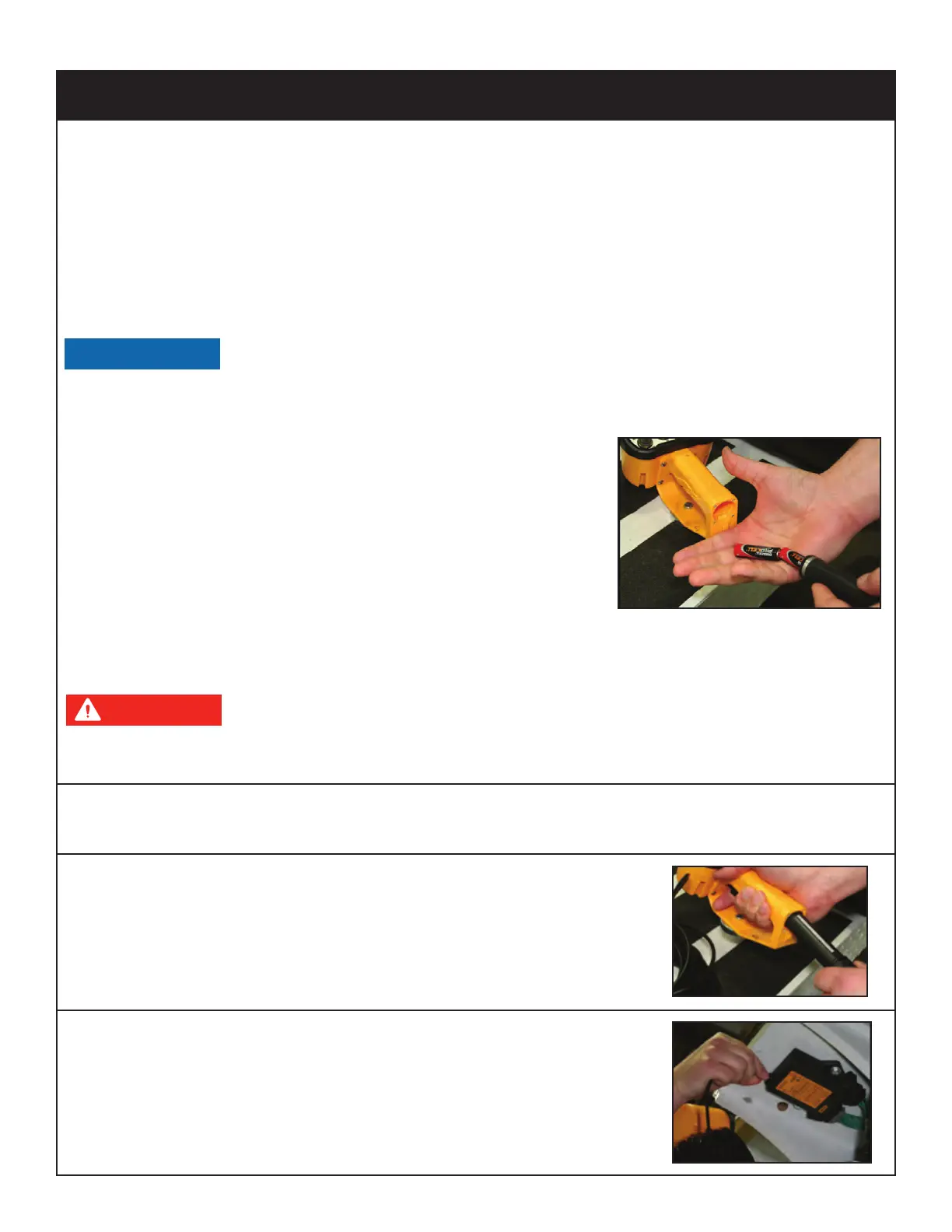
Occasionally the batteries in the handheld transmitter will
need to be changed. The AA Alkaline batteries are
located in the handle portion of the radio transmitter.
Release the button and slide the battery holder out.
Replace the batteries and return the holder back into
the handheld transmitter until the button latches.
Radio Remote Backup Cord
If the handheld transmitter has a system problem that makes the radio function un-usable,
use of the back-up cord may be necessary.
Death or serious injury will result from touching tethered remote if the
crane, load, or vehicle becomes electrically charged. Always maintain safe clearance
from high voltage power sources.
1. Locate the backup control cord. Most likely it is in the crane compartment, or in the
cab behind the seat.
2. Remove the battery holder from the remote handle and
place the similar looking end of the back-up cord in the
bottom of the transmitter handle.
3. Attach the other end of the back-up cord to the connector
currently used by the antenna on the control receiver. The
control receiver is located on the back of the crane mast.
Radio Remote Control Features




 To Next Page