Stellar® EC Series Crane Owner’s Manual
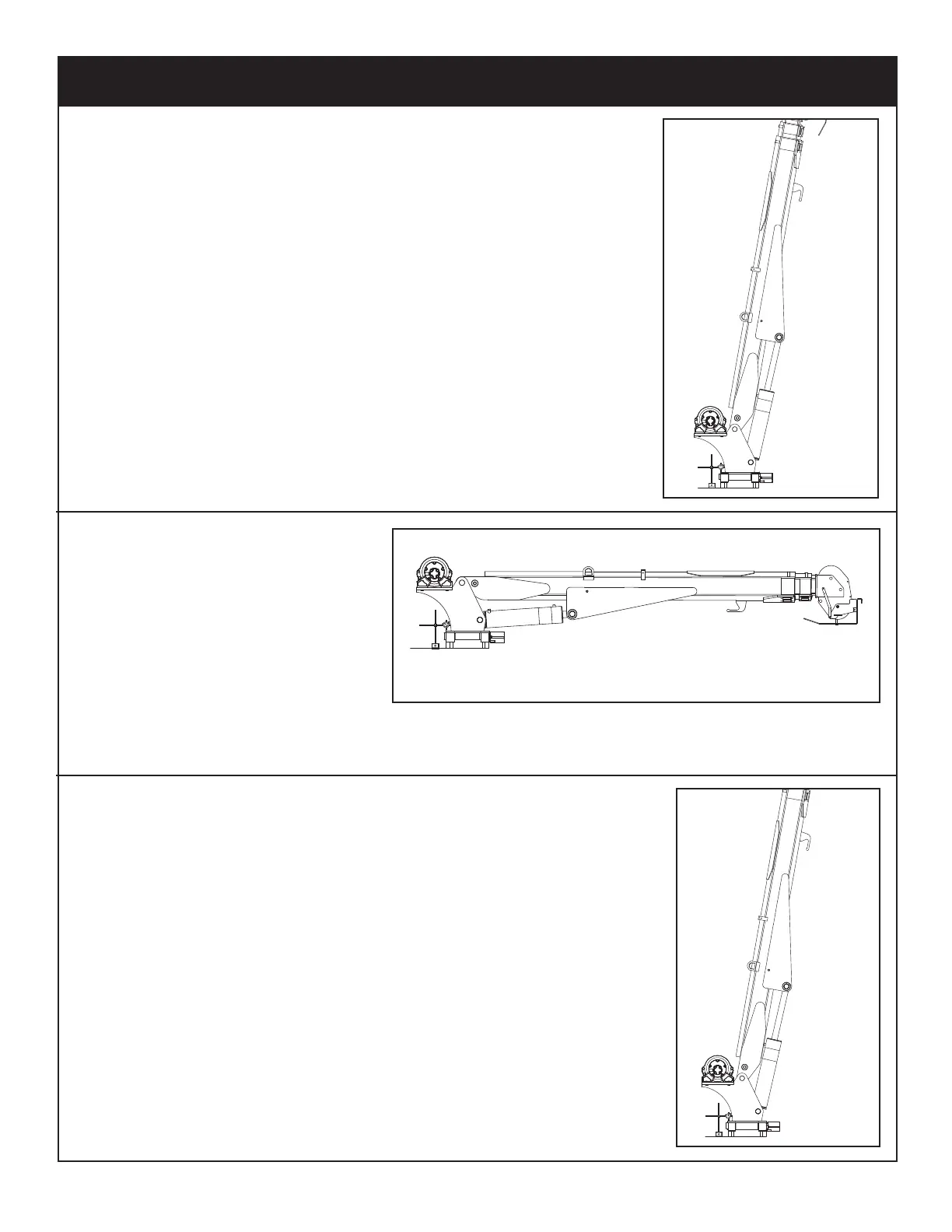
Step 1: Place crane in vertical position.
Step 2: Place a dial indicator on the pinion cover plate at the
back side of the mast.
Step 3: Set the dial indicator to 0.
Step 4: Lower the crane to the
horizontal position.
Step 5: Check and record the dial
indicator change. It should
not exceed the following tilt
measurements:
• Stellar Models EC3200-EC6000 = 0.060” (1.524 mm)
Step 6: Return the crane to vertical position. The dial indicator
should return to calibration.
Rotation Gear Bearing Tilt Test




 To Next Page