9
simply shifting antenna frequency higher using manual mode. Using Global Correction
in options menu can be used to correct for performance shift.
Operate Mode
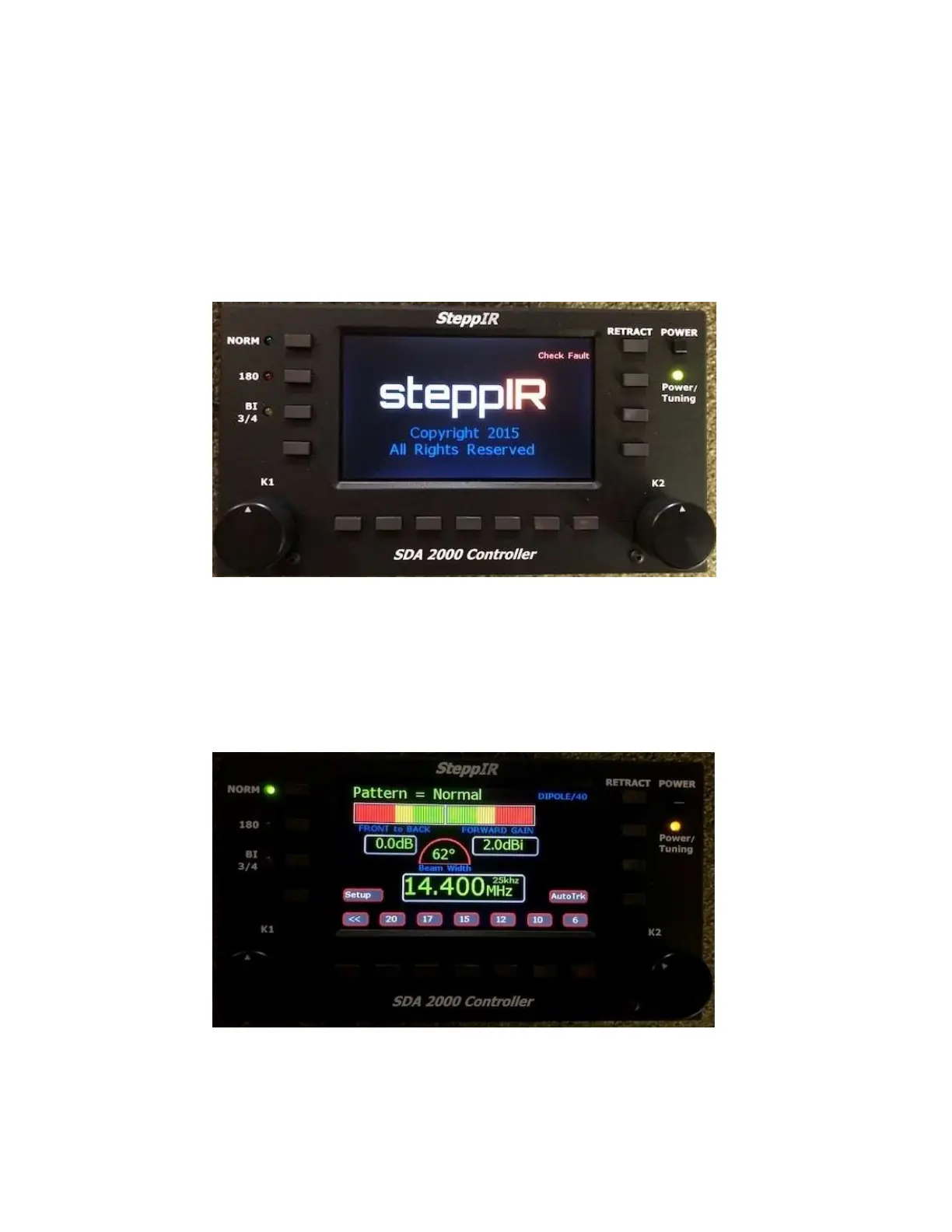
Power-On Screen
When controller is first powered on, the SteppIR logo, controller model and copyright
information are displayed for about 6 seconds, and then controller enters operate state.
Initial Power-On Screen
The check fault enunciator will display if no control cable is connected or if controller
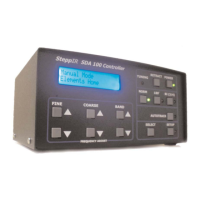
detects an error. The controller then displays status screen for Operate mode.
Menu Screen


 To Next Page