6
SETUP AND MOVING
DEADPOOL PRO MANUAL 500-55K1-01
© MARVEL
MARVEL.COM
1.2 ADJUSTMENTS MENU
STANDARD ADJUSTMENTS
Perform the below steps to review the adjustments.
Enter the Service Menu, then enter the Standard Adjustments
Menu.
Press SELECT. Press BACK to exit or escape at any time.
Press [>]. Go to the ADJ icon. Press SELECT.
Go to the S.P.I. icon. Press SELECT.
STANDARD ADJUSTMENT #1 appears with the adjustment
name ashing. While the adjustment name is ashing press [<]
[>] to move between adjustments.
To change the adjustment setting press SELECT. While the
adjustment setting is ashing, press [<] [>] repeatedly until
the desired setting appears. Press the SELECT button to
“install” the change. The adjustment comment (bottom line) will
indicate if the factory default setting is selected or will display
INSTALLED if the change is not a factory default setting.
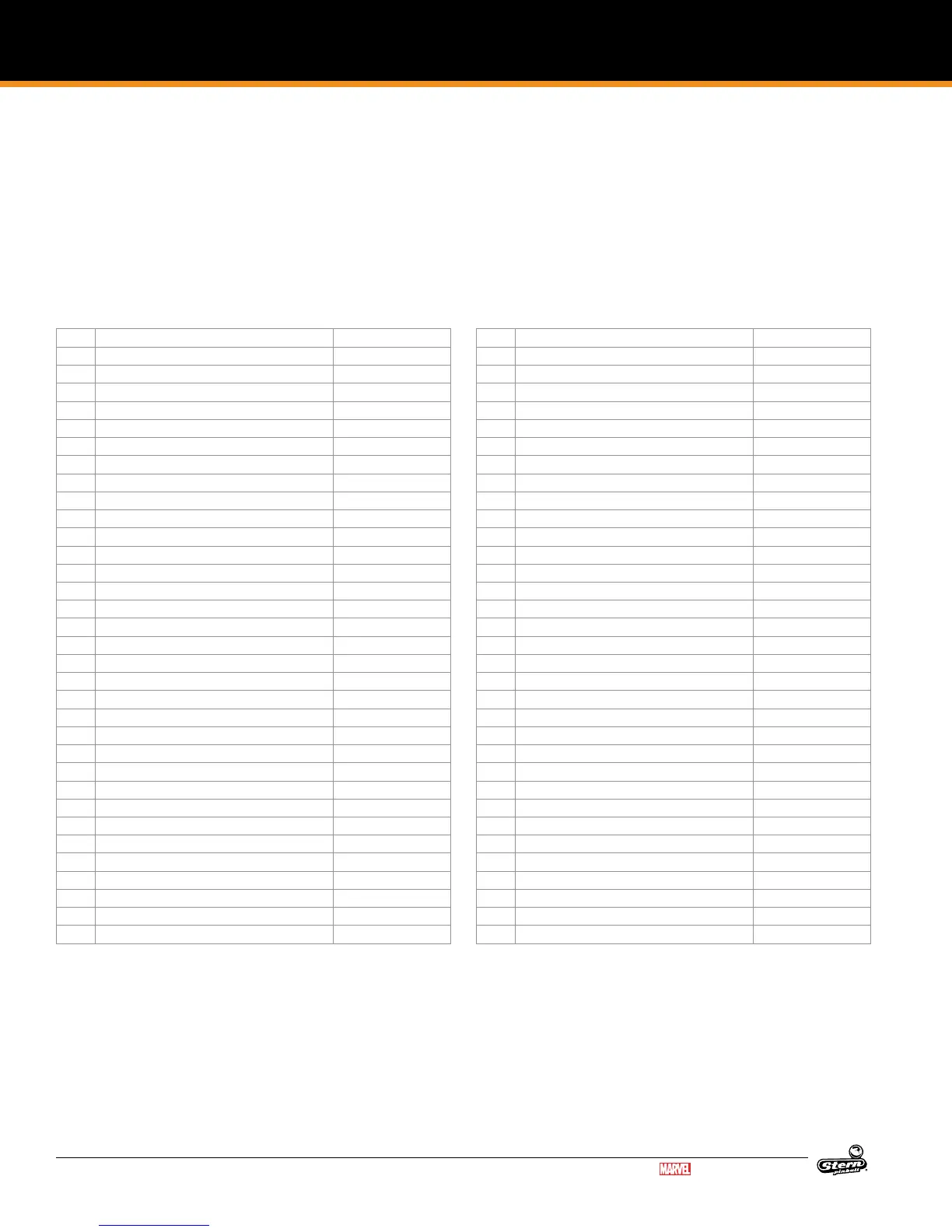
ID Adjustment Name Default Setting
1 REPLAY TYPE AUTO
2 REPLAY PERCENTAGE 10%
3 REPLAY AWARD CREDIT
4 REPLAY LEVELS 1
5 AUTO REPLAY START 20,000,000
6 DYNAMIC REPLAY START 60,000,000
7 REPLAY LEVEL #1 15,000,000
8 REPLAY LEVEL #2 30,000,000
9 REPLAY LEVEL #3 45,000,000
10 REPLAY LEVEL #4 60,000,000
11 REPLAY BOOST YES
12 SPECIAL LIMIT 1
13 SPECIAL PERCENTAGE 10%
14 SPECIAL AWARD CREDIT
15 FREE GAME LIMIT 5
16 EXTRA BALL LIMIT 5
17 EXTRA BALL PERCENTAGE 25%
18 GAME PRICING USA 11
19 MATCH PERCENTAGE 9%
20 MATCH AWARD CREDIT
21 BALLS PER GAME 3
22 TILT WARNINGS 2
23 CREDIT LIMIT 30
24 ALLOW HIGH SCORES YES
25 HIGH SCORE AWARD CREDIT
26 GRAND CHAMPION AWARDS 1
27 HIGH SCORE #1 AWARDS 1
28 HIGH SCORE #2 AWARDS 0
29 HIGH SCORE #3 AWARDS 0
30 HIGH SCORE #4 AWARDS 0
31 GRAND CHAMPION SCORE 75,000,000
32 HIGH SCORE #1 55,000,000
33 HIGH SCORE #2 40,000,000
ID Adjustment Name Default Setting
34 HIGH SCORE #3 30,000,000
35 HIGH SCORE #4 25,000,000
36 HSTD INITIALS 3 INITIALS
37 HSTD RESET COUNT 2000
38 FREE PLAY NO
39 LANGUAGE ENGLISH
40 PLAYER LANGUAGE SELECT YES
41 CUSTOM MESSAGE ON
42 FLASH LAMP POWER NORMAL
43 COIL PUSLE POWER NORMAL
44 KNOCKER VOLUME NORMAL
45 GAME RESTART YES
46 BILL VALIDATOR NO
47 MUSIC VOLUME 1
48 BALL SAVE TIME 0:05
49 TIMED PLUNGER OFF
50 FLIPPER BALL LAUNCH OFF
51 COINDOOR BALL SAVER NO
52 COMPETITION MODE NO
53 CONSOLATION BALL YES
54 FAST BOOT YES
55 Q24 OPTION COIN METER
56 TICKET DISPENSER NO
57 PLAYER COMPETITION YES
58 TEAM SCORES NO
59 LOCATION ID 0
60 GAME ID 0
61 TIME FORMAT 12-HOUR
62 COIN INPUT DELAY 30
63 LOST BALL RECOVERY YES
64 COIN DOOR DISABLE TILT NO
65 BACKBOX BRIGHTNESS 100%
66 COIN DOOR OPEN B.BOX BRIGHTNESS 10%
FEATURE ADJUSTMENTS
Each table has feature adjustments specic to the
characteristics of that game. To access feature adjustments
enter the Service Menu and then enter the Adjustments Menu.
Press SELECT to access the Service Menu. Press BACK to exit
or escape at any time.
Press [>]. Go to the ADJ icon. Press SELECT.
Go to the game icon. Press SELECT.
FEATURE ADJUSTMENT #1 appears with the adjustment name
ashing. With the adjustment name ashing press [<] [>] to
move between adjustments. Feature adjustments are changed
similarly to standard adjustments using the SELECT button
to choose options and the [<] [>] buttons to cycle through
available settings.



 To Next Page